BRY@N 23 godziny temu23 godz. Dobrze że wieczorem trochę normalnych rzeczy człowiek poogląda Pupcio 20 godzin temu20 godz. Co to za ai slop? Pewnie jakieś koreańskie gówienko na 7 BRY@N 19 godzin temu19 godz. Ciężko powiedzieć jeszcze nie skończyłem, jestem w fazie świstaka i jest całkiem przyjemnie Josh 17 godzin temu17 godz. Pupcio kiedy widzi gejowe gify z Mario:Też Pupcio, kiedy ktoś wrzuca gif z seksowną Azjatką: Pupcio 17 godzin temu17 godz. generyczna baba dla generycznych tatuśków z forum psxxextreme.info haha ekspedycja 33 goty i te sprawy, totally sieczunia BRY@N 15 godzin temu15 godz. Może jakby była wersja stroju z wąsem to by podeszło kto wie
BRY@N 19 godzin temu19 godz. Ciężko powiedzieć jeszcze nie skończyłem, jestem w fazie świstaka i jest całkiem przyjemnie
Josh 17 godzin temu17 godz. Pupcio kiedy widzi gejowe gify z Mario:Też Pupcio, kiedy ktoś wrzuca gif z seksowną Azjatką:
Pupcio 17 godzin temu17 godz. generyczna baba dla generycznych tatuśków z forum psxxextreme.info haha ekspedycja 33 goty i te sprawy, totally sieczunia









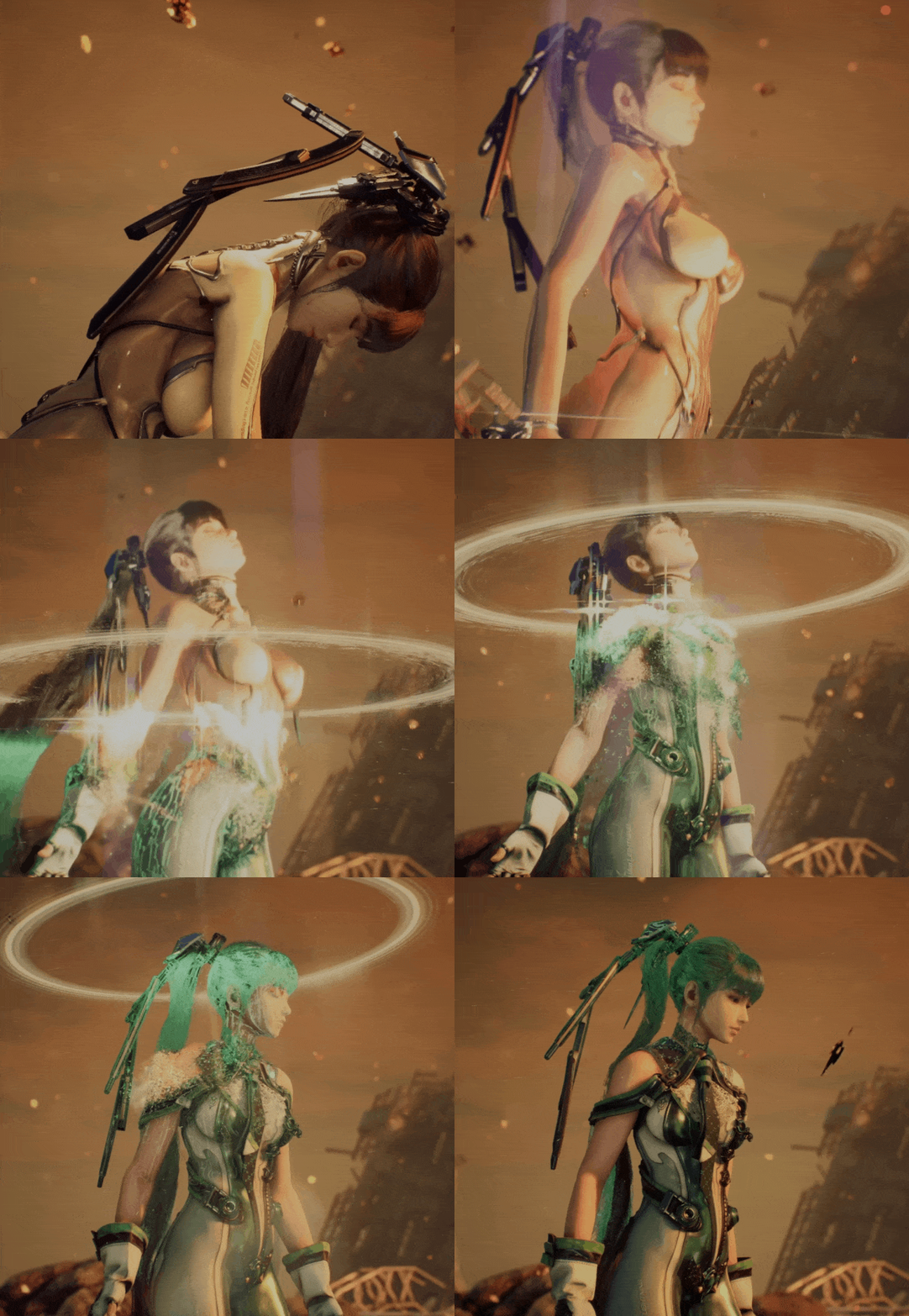



Pupcio
Co to za ai slop? Pewnie jakieś koreańskie gówienko na 7
BRY@N
Ciężko powiedzieć jeszcze nie skończyłem, jestem w fazie świstaka i jest całkiem przyjemnie
Josh
Pupcio kiedy widzi gejowe gify z Mario:
Też Pupcio, kiedy ktoś wrzuca gif z seksowną Azjatką:
Pupcio
generyczna baba dla generycznych tatuśków z forum psxxextreme.info haha ekspedycja 33 goty i te sprawy, totally sieczunia
BRY@N
Może jakby była wersja stroju z wąsem to by podeszło kto wie