







Colin
Admini
-
Dołączył
Treść opublikowana przez Colin
-
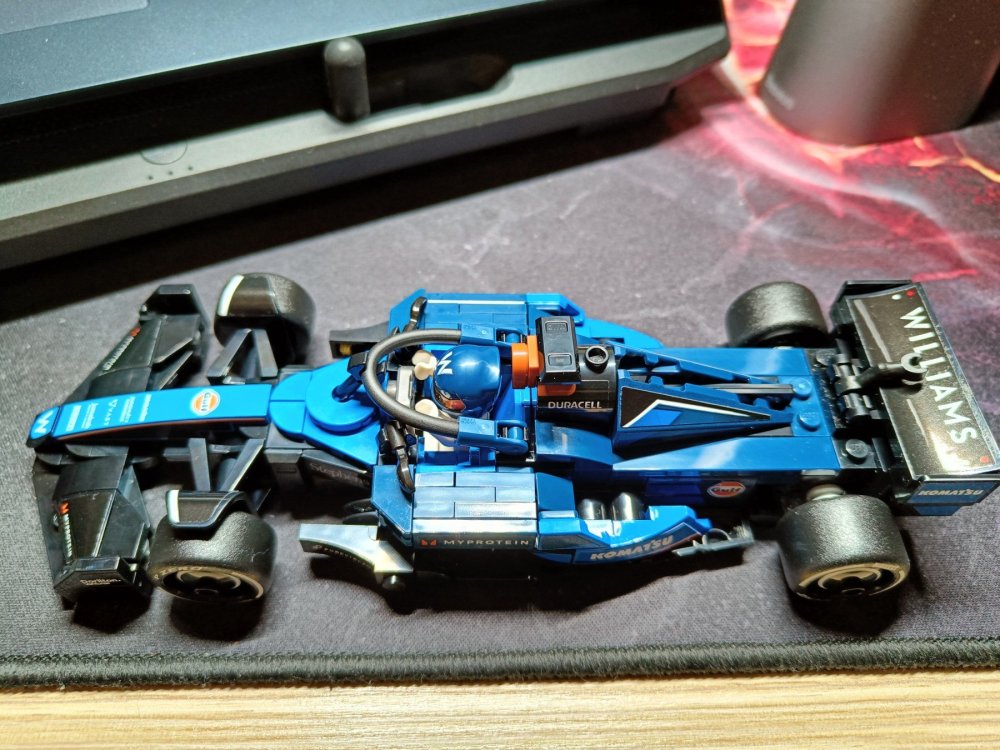
niestety. również niestety przykład Wieśka na N+ pokazuje, że nawet jak główny aktor który ewidentnie wie lepiej i mówi twórcom co jest głupie, jest zwyczajnie olewany i karuzela spierdolenia kręci się dalej. Heniek miał uniwersum w małym palcu, czuł to, widział to, znał się na tym. i co? wolał odejść bo głową tego gównomuru by nie przebił.gdyby właścicielka ręki robiła to co do niej należy i grała Ellie to by nie było tematu. zamiast tego mamy memicznego kartofla z autyzmem który generuje krindż a nie emocje więc wyszło jak wyszłoFlavio zawsze był chujkiem. dość skutecznym ale chujkiem. pewnie ciśnie swoich z lepszym hajsem. szkoda Jacka. owszem, początek miał bolesny co nie jest niczym nowym u świeżynek ale ostatnie wyścigi to fajnie go własny zespół trollował. ja wiem że F1 to toksyczne środowisko pracy ale niesmak jednak jest. Franko też miał być objawieniem i miał swoje 5 minut a później co runda to williams w bandzie. jeśli dobrze pamiętam to w Brazylii dwa razy mu bolid składali.użarta w prawą, wsadziła lewą także tego.bardziej mnie rozbawiła sekwencja zdarzeń: Spoiler Dina, nie strzelaj, jestem odporna a ja w ciąży, wsadź mi rękę w majtkiw każdej kategorii na koniec jest "boss", czyli finały wyścig. maraton, goliat itd. one fajnie prowadzą po całej mapie więc będzie trochę jeżdżenia. poza tym fakt, sporo ich jest więc takie 3-4 minutowe sprinty były dla mnie w sam raz.jezu jak kwikłem jak Hamilton odpyskował niech on ich tam za mordy weźmie to może coś będzie z tego zespołuwe are checking i kolejna piękna grande strategia. makaroniarze chyba nigdy się nie nauczą podejmowania decyzji w czasie rzeczywistym. ogarnęli by temat od razu to Lewis miałby szansę dorwać Kimiego a tak do kolejny przykład zmarnowanego potencjału. przez te zamianki niech jeszcze Sainz ich dojedzie, będzie sprawiedliwie.on akurat mało mnie grzeje w tym sezonie :P to było dla całego Williamsa, niech ich tam cisną.wczoraj sobie złożyłem na kwalifikacjach. jazda z kurwa
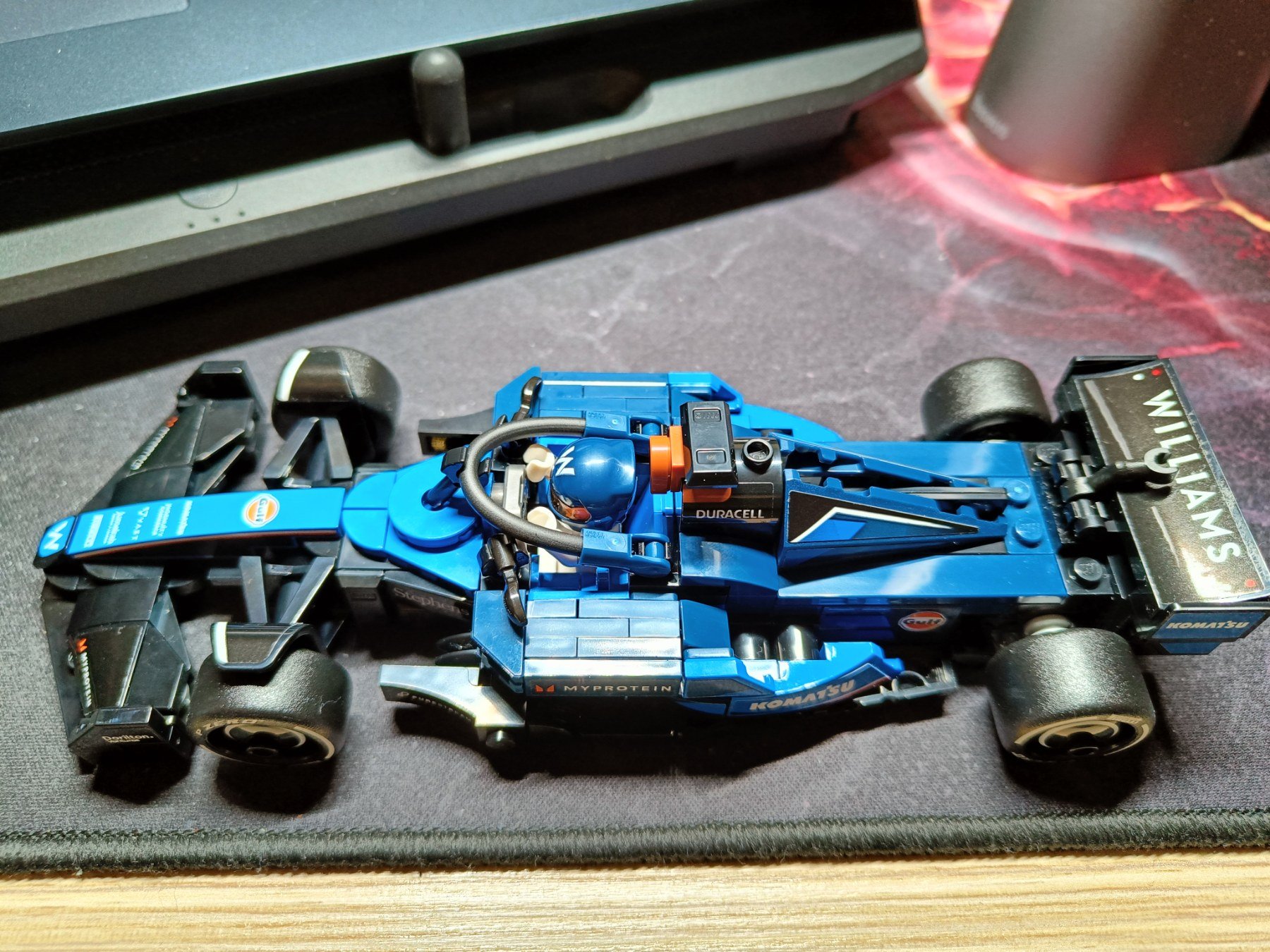
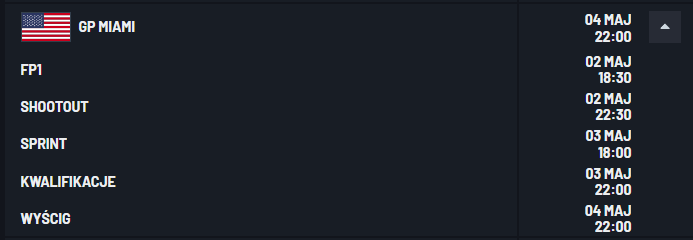
 pięknie ocon docisnął oponiarza. na żyletki było, daję lajka.co te mclareny co te mercedesy co te williamsytak, była spoko. po prostu. film z gatunku odmóżdżaczy dla zabicia czasu. od początku było wiadome że to nie będzie wybitne dzieło tylko shoot them up akcyjniak popcorniak. jak ktoś oczekiwał czegoś lepszego to chyba platformy pomyliłMacie / znacie jakiś godny polecenia wentylator kolumnowy? Coś co w miarę cicho i bezproblemowo dmucha w średnim pokoju. Budżet tak max 4-5 stówek więc Dyson odpadaNormalnie puszka na kołach :D Miami w ten weekend
 zaimek they i zarośnięte pachy dużo mówią o człowieku. jedna pokręcona w ekipie wystarczy. póki co Merced dowozi aktorsko i wzbudza sympatię. gdyby zatrudnili oryginał to mam wątpliwości czy byłoby tak samo.czekaj co? przecież triggery to gaz i hamulec co niby mieli wykombinowaćodcinek spokojniejszy ale w teaserze ep4 po napisach widać że Spoiler znowu będzie mięsko co na plus to autystyczny kartofel w końcu pokazał trochę emocji. grą aktorską bym tego nie nazwał ale jakoś tak mniej irytująca teraz była a to już dużo.uprzejmie przypominam że jutro wygasa cebulowa oferta, miesiąc za dyszkę przez max 3 miesiące





Account
Navigation
Szukaj
Configure browser push notifications
Chrome (Android)
- Tap the lock icon next to the address bar.
- Tap Permissions → Notifications.
- Adjust your preference.
Chrome (Desktop)
- Click the padlock icon in the address bar.
- Select Site settings.
- Find Notifications and adjust your preference.
Safari (iOS 16.4+)
- Ensure the site is installed via Add to Home Screen.
- Open Settings App → Notifications.
- Find your app name and adjust your preference.
Safari (macOS)
- Go to Safari → Preferences.
- Click the Websites tab.
- Select Notifications in the sidebar.
- Find this website and adjust your preference.
Edge (Android)
- Tap the lock icon next to the address bar.
- Tap Permissions.
- Find Notifications and adjust your preference.
Edge (Desktop)
- Click the padlock icon in the address bar.
- Click Permissions for this site.
- Find Notifications and adjust your preference.
Firefox (Android)
- Go to Settings → Site permissions.
- Tap Notifications.
- Find this site in the list and adjust your preference.
Firefox (Desktop)
- Open Firefox Settings.
- Search for Notifications.
- Find this site in the list and adjust your preference.