
Skocz do zawartości
View in the app

A better way to browse. Learn more.

Forum PSX Extreme

A full-screen app on your home screen with push notifications, badges and more.

To install this app on iOS and iPadOS
  1. Tap the Share icon in Safari
  2. Scroll the menu and tap Add to Home Screen.
  3. Tap Add in the top-right corner.
To install this app on Android
  1. Tap the 3-dot menu (⋮) in the top-right corner of the browser.
  2. Tap Add to Home screen or Install app.
  3. Confirm by tapping Install.

Bzduras

Patroni
  • Dołączył

Bzduras

To miłe ze strony Hideo, że postanowił dołączyć do Protestu Rolników.

Bzduras

Cytat

Gra z twojej listy życzeń została wydana w fazie wczesnego dostępu na Steam!


Hades II

:banderas:

Bzduras

A se pogram na steam decku, a co

Bzduras

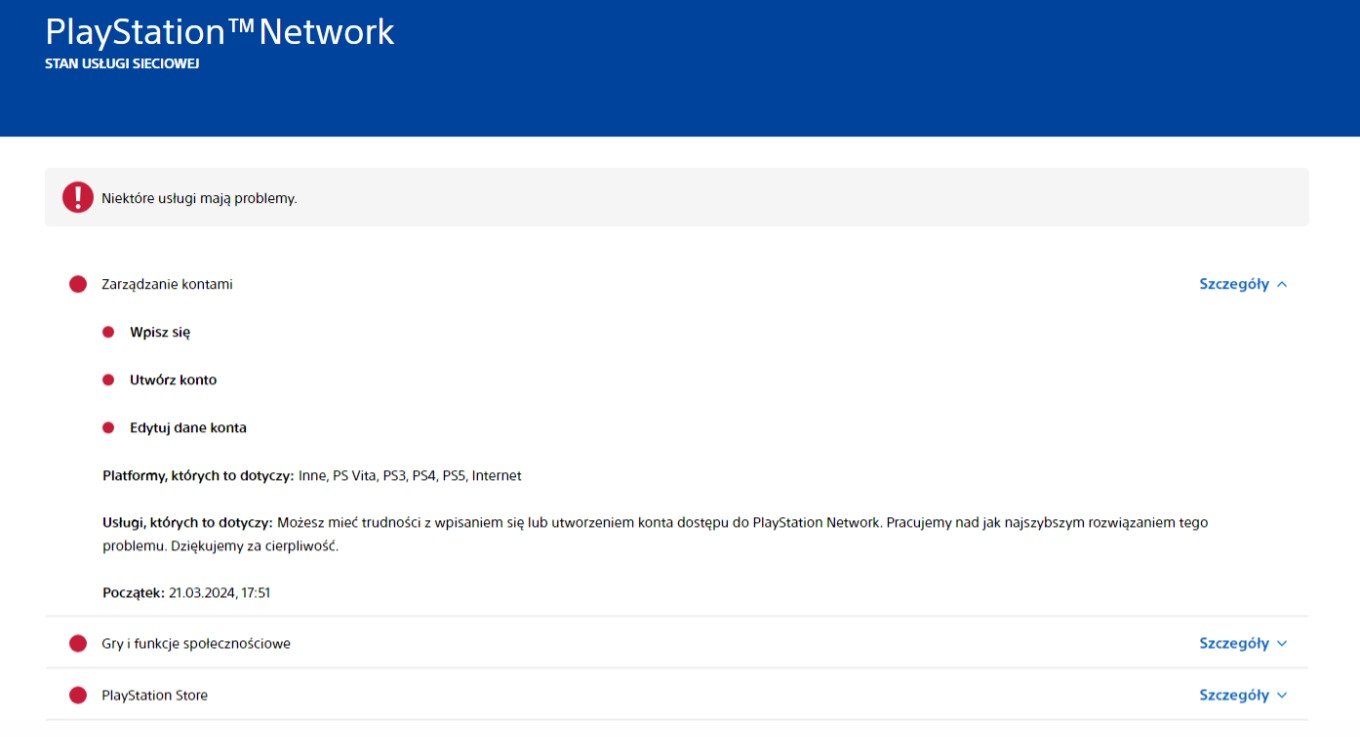
image.thumb.png.b038b89bf11ada3fd9333b002098dc45.png


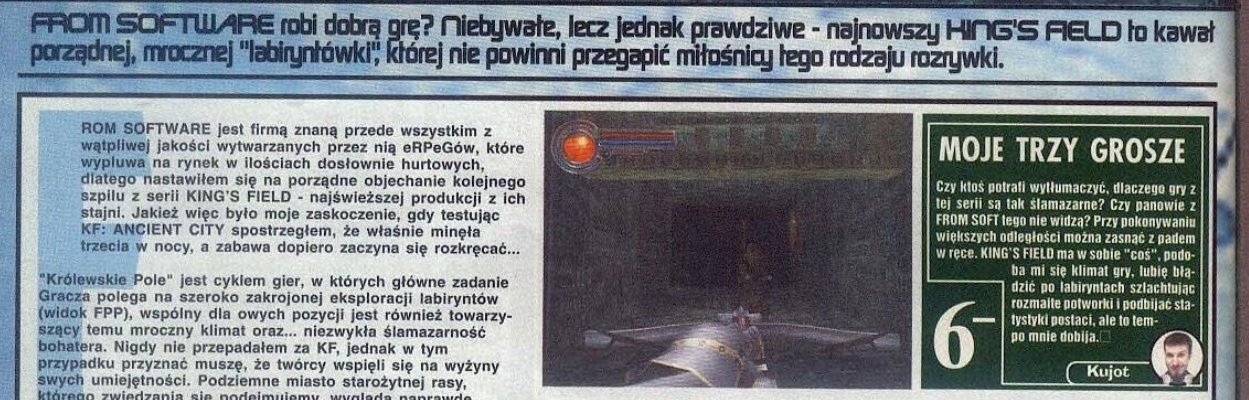
kiedyś to było

Bzduras

Od @koso z Twittera - Roger zagrał z nami lepiej niż Kojima :obama:

image.thumb.jpeg.888c15090e8b0af3ee0701e59a8979ec.jpeg

Bzduras

Nowa pani lead developer w stuidu EA tłumaczy, dlaczego nie zatrudnia białasów do roboty :)
 

Bzduras

Wtyczka Channel Blocker do Firefoxa :fsg: Nareszcie nie muszę oglądać mordy kiszczaka w wynikach wyszukiwania na YT, to powinien być standardowy ficzer na tej platofrmie

Account

Navigation

Szukaj

Szukaj

Configure browser push notifications

Chrome (Android)
  1. Tap the lock icon next to the address bar.
  2. Tap Permissions → Notifications.
  3. Adjust your preference.
Chrome (Desktop)
  1. Click the padlock icon in the address bar.
  2. Select Site settings.
  3. Find Notifications and adjust your preference.