Skocz do zawartości
View in the app

A better way to browse. Learn more.

Forum PSX Extreme

A full-screen app on your home screen with push notifications, badges and more.

To install this app on iOS and iPadOS
  1. Tap the Share icon in Safari
  2. Scroll the menu and tap Add to Home Screen.
  3. Tap Add in the top-right corner.
To install this app on Android
  1. Tap the 3-dot menu (⋮) in the top-right corner of the browser.
  2. Tap Add to Home screen or Install app.
  3. Confirm by tapping Install.

maciucha

Senior Member
  • Dołączył

  • Ostatnia wizyta

maciucha

FB_IMG_1710589121594.thumb.jpg.1084d3aa8fddf2f3302285f7f94aea5b.jpg

Figaro? Zawsze szanowałem.

maciucha

Chłopaki z działu telewizorów przy swoich oledach
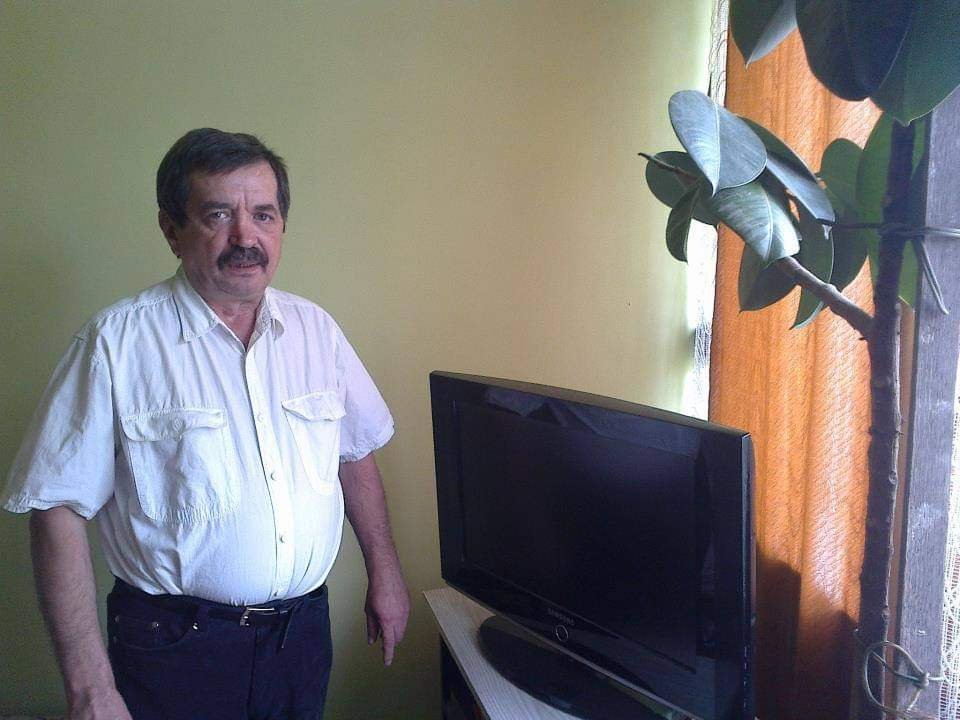
 

FB_IMG_1710412457611.jpg

maciucha

Chłopaki co tam polecacie na wakacje w 2 połowie maja? Rok temu byłem na Krecie 2 tyg. i było fantastycznie (combo zwiedzanie/plażowanie) i szukam czegoś podobnego.

maciucha

Obejrzałbym klasyki z II WŚ, możecie przypomnieć jakieś tytuły?

maciucha

Zjazd do bazy, weekendzik, a w domu już czeka stanowisko do ets2 :banderas:
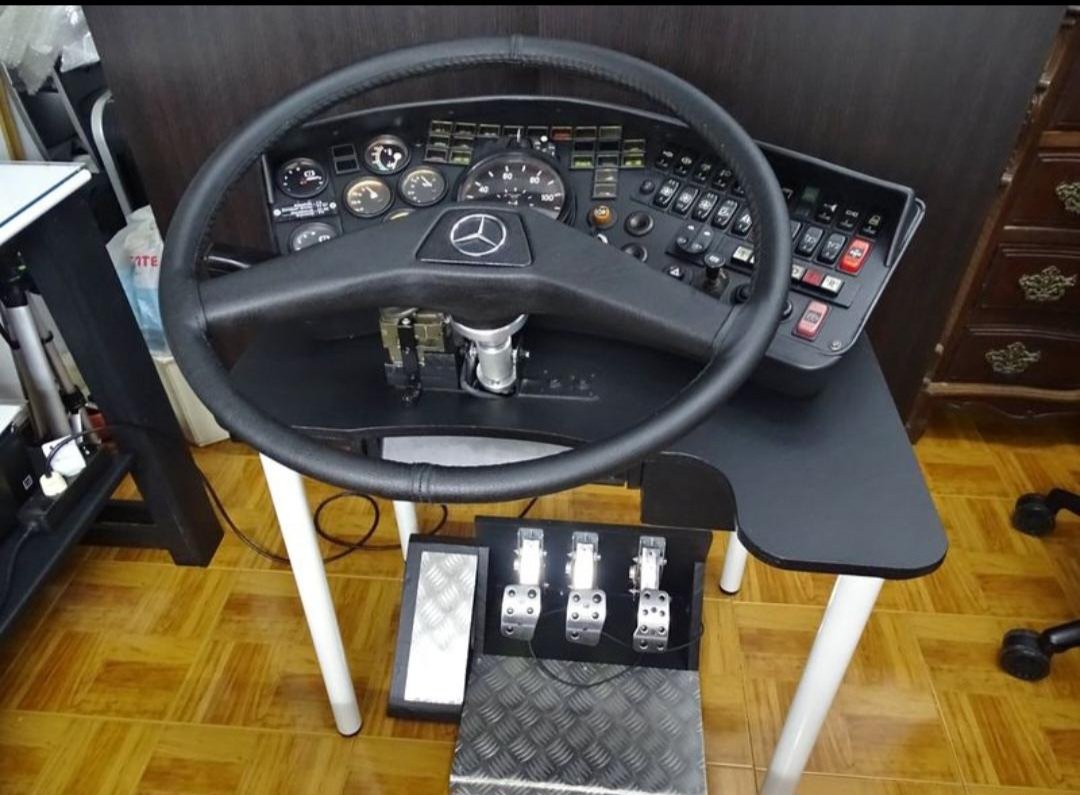
 

RDT_20231215_2310174738322605954545988.thumb.jpg.06af06c1ec6c68d599f3280657feb96a.jpg

maciucha

Skyrim pod kołderką na steam decku :fsg:

Account

Navigation

Szukaj

Szukaj

Configure browser push notifications

Chrome (Android)
  1. Tap the lock icon next to the address bar.
  2. Tap Permissions → Notifications.
  3. Adjust your preference.
Chrome (Desktop)
  1. Click the padlock icon in the address bar.
  2. Select Site settings.
  3. Find Notifications and adjust your preference.