Skocz do zawartości
View in the app

A better way to browse. Learn more.

Forum PSX Extreme

A full-screen app on your home screen with push notifications, badges and more.

To install this app on iOS and iPadOS
  1. Tap the Share icon in Safari
  2. Scroll the menu and tap Add to Home Screen.
  3. Tap Add in the top-right corner.
To install this app on Android
  1. Tap the 3-dot menu (⋮) in the top-right corner of the browser.
  2. Tap Add to Home screen or Install app.
  3. Confirm by tapping Install.

maciucha

Senior Member
  • Dołączył

  • Ostatnia wizyta

maciucha

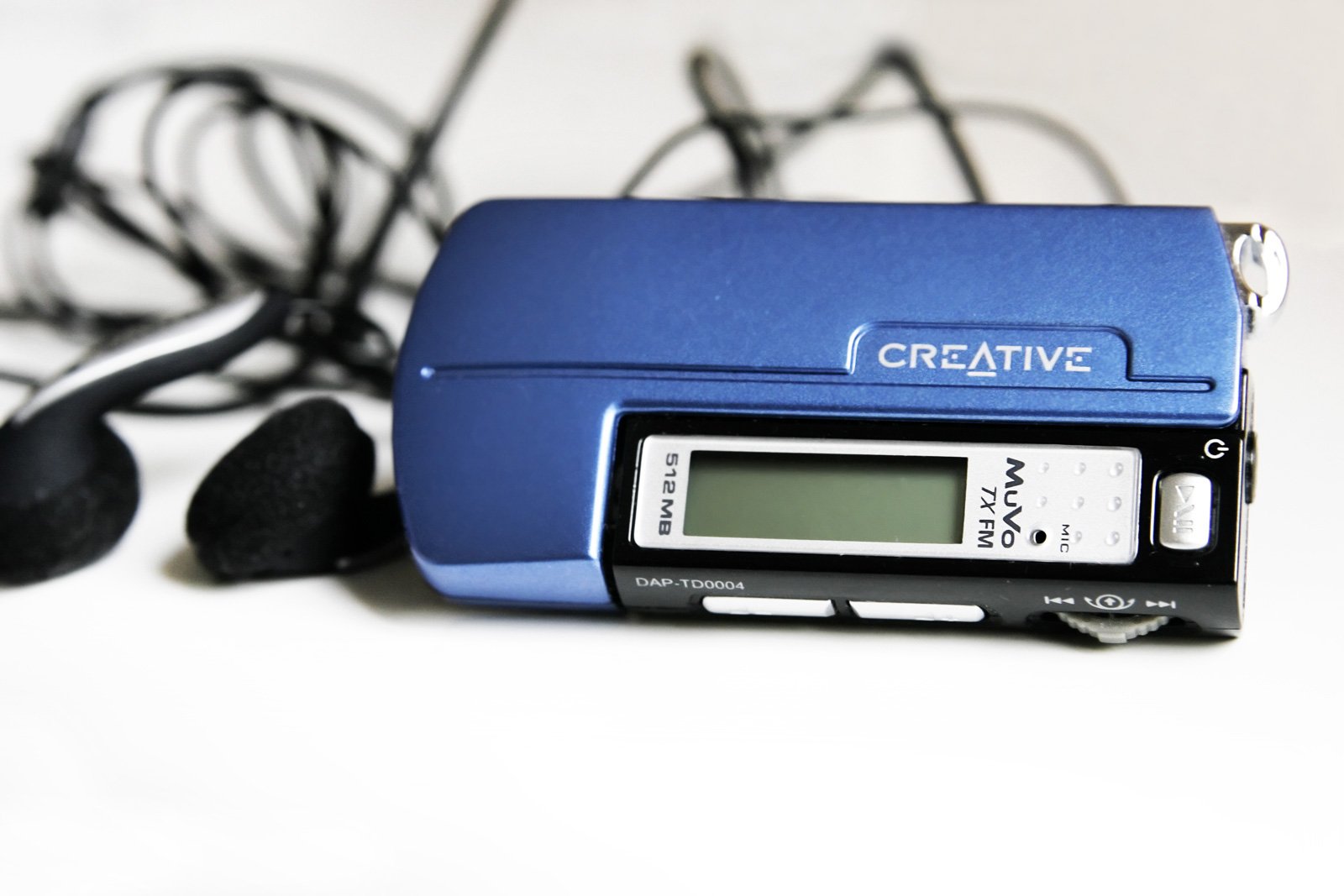
Ale to był sprzęt :banderas:Creative_muvo_TX_FM_512mb.thumb.jpg.7aa64bdbf087f8a1cde42870ad175963.jpg

maciucha

życie ze zmywarką to jest inny level :fsg: 

maciucha

Bycie zagrajmerem w 2023r bez steam decka? To musi być masakra :)

maciucha

Wy z tym graniem w horizona to tak na serio? 

maciucha

Jeff Buckley - Grace na głośnikach, whisky, rozpamiętywanie błędów. A co tam u was?

maciucha

10 dni w maju - Zadar, Walencja, Alicante czy Kreta?

maciucha

Hot Shots Golf 3 pod kołderką :banderas:

maciucha

NFSU2 pod kołderką :banderas:

maciucha

Dajcie już ta wiosne, plz

maciucha

Najlepszy Assassins Creed? Oczywiście że Hogwarts Legacy.

Account

Navigation

Szukaj

Szukaj

Configure browser push notifications

Chrome (Android)
  1. Tap the lock icon next to the address bar.
  2. Tap Permissions → Notifications.
  3. Adjust your preference.
Chrome (Desktop)
  1. Click the padlock icon in the address bar.
  2. Select Site settings.
  3. Find Notifications and adjust your preference.