Skocz do zawartości
View in the app

A better way to browse. Learn more.

Forum PSX Extreme

A full-screen app on your home screen with push notifications, badges and more.

To install this app on iOS and iPadOS
  1. Tap the Share icon in Safari
  2. Scroll the menu and tap Add to Home Screen.
  3. Tap Add in the top-right corner.
To install this app on Android
  1. Tap the 3-dot menu (⋮) in the top-right corner of the browser.
  2. Tap Add to Home screen or Install app.
  3. Confirm by tapping Install.

maciucha

Senior Member
  • Dołączył

  • Ostatnia wizyta

maciucha

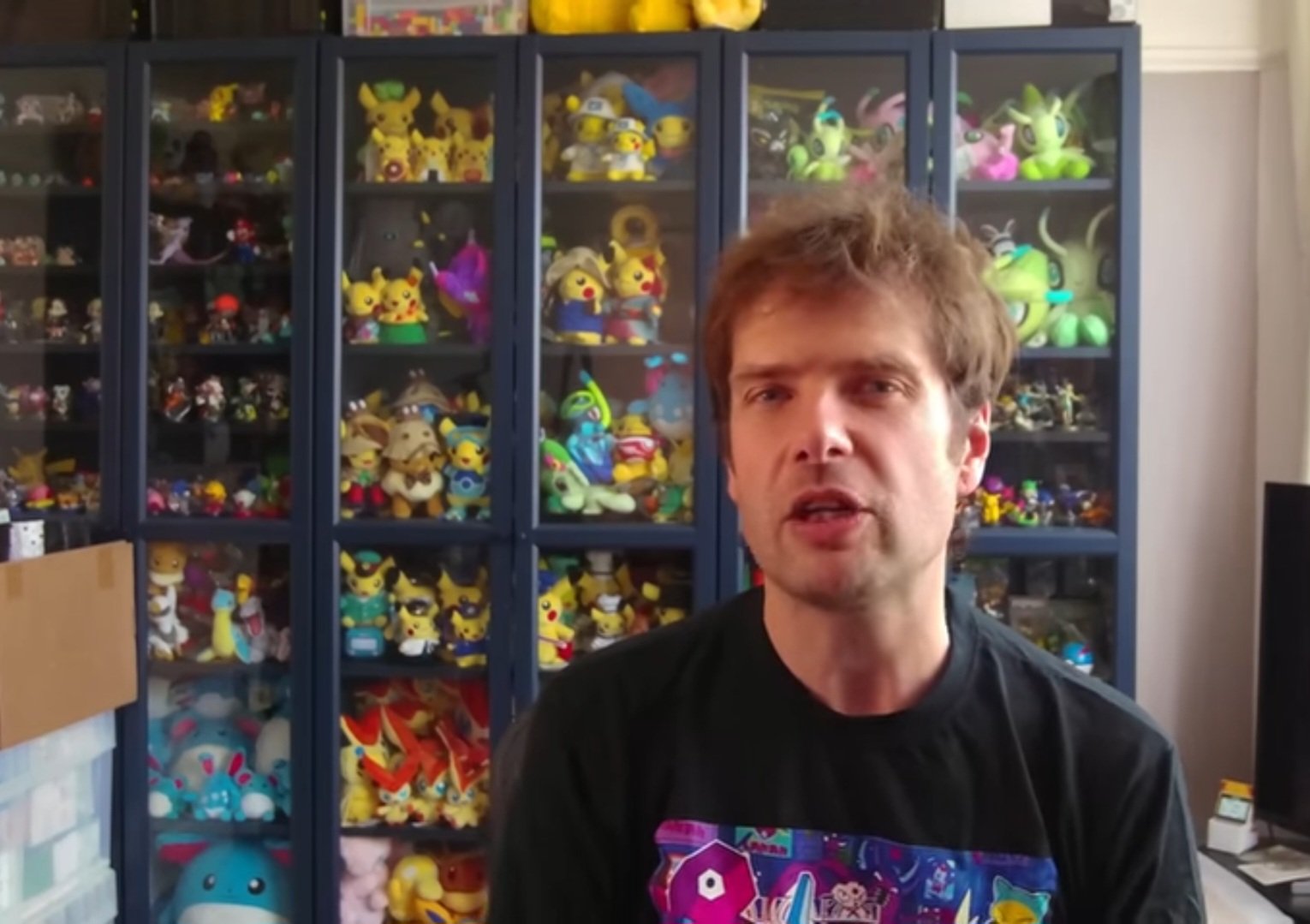
Screenshot_20250604_181450_YouTube.jpg

To są ci słynni koneserzy gamingu?

maciucha

Chłopaki są jakieś spoko słuchawki pod ps5 do 400zl? (prezent) pulse 3d wszystkie wyprzedane

maciucha

Switch 2 na premierę? A po co to komu skoro tuż za rogiem premiera thps 3+4? banderas

maciucha

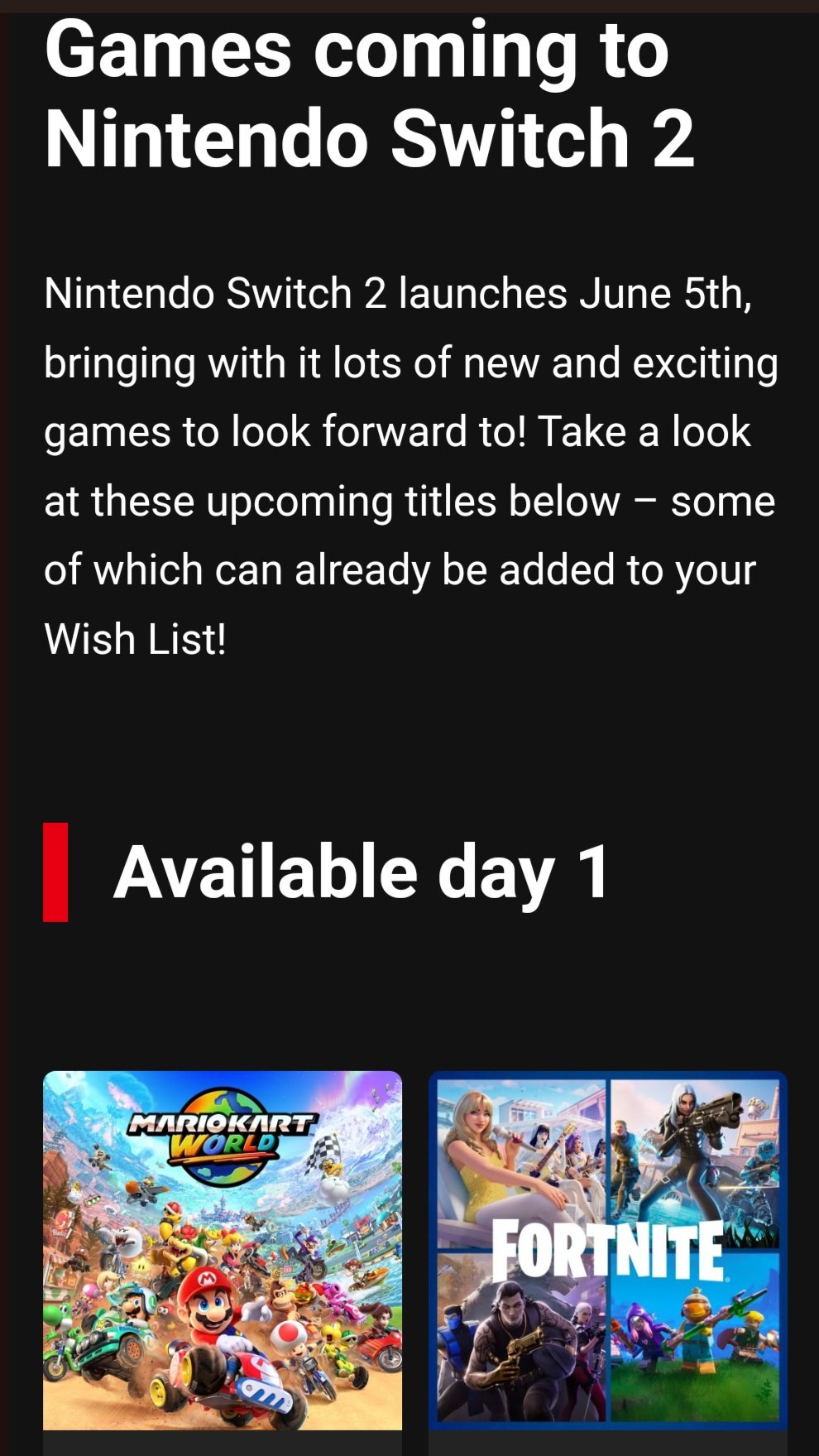
Mega zachęcający mail od Pana Nintendo dynia no rownie dobrze moglbym pisać z psem

Screenshot_20250430_230928_Gmail.jpg

maciucha

A ja nie zamówiłem gigabeta

maciucha

Mario Kart? To ta gra, która nadal nie ma podejścia do wydanego w 2019 Crash Team Racing?

Account

Navigation

Szukaj

Szukaj

Configure browser push notifications

Chrome (Android)
  1. Tap the lock icon next to the address bar.
  2. Tap Permissions → Notifications.
  3. Adjust your preference.
Chrome (Desktop)
  1. Click the padlock icon in the address bar.
  2. Select Site settings.
  3. Find Notifications and adjust your preference.