








Figuś
Senior Member
-
Dołączył
Treść opublikowana przez Figuś
-
To sobie zainstalujcie jakieś VPN i będziecie mogli oglądać na sport.tvp.pl
-
tak @Kaczi http://strims.world/PolskaSanMarino.php
-
Flimbo Quest
-
Ja tam miałem wszystko tornada, rakiet odlatującą i wybuchającą aż sobie nagrałem bo przypomniało mi się jak PS3 się wieszała wyłapałeś granatem w BF3 XD
-
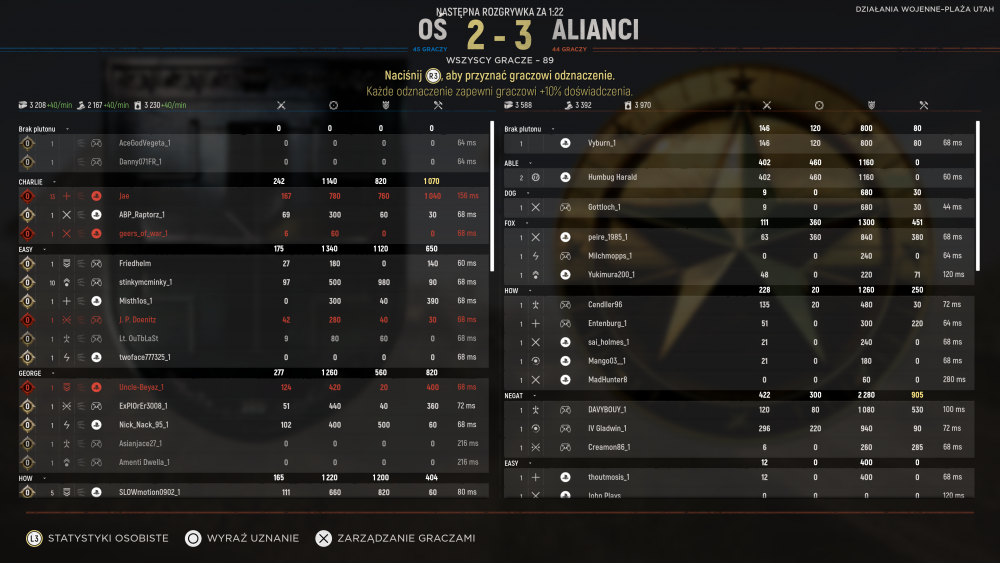
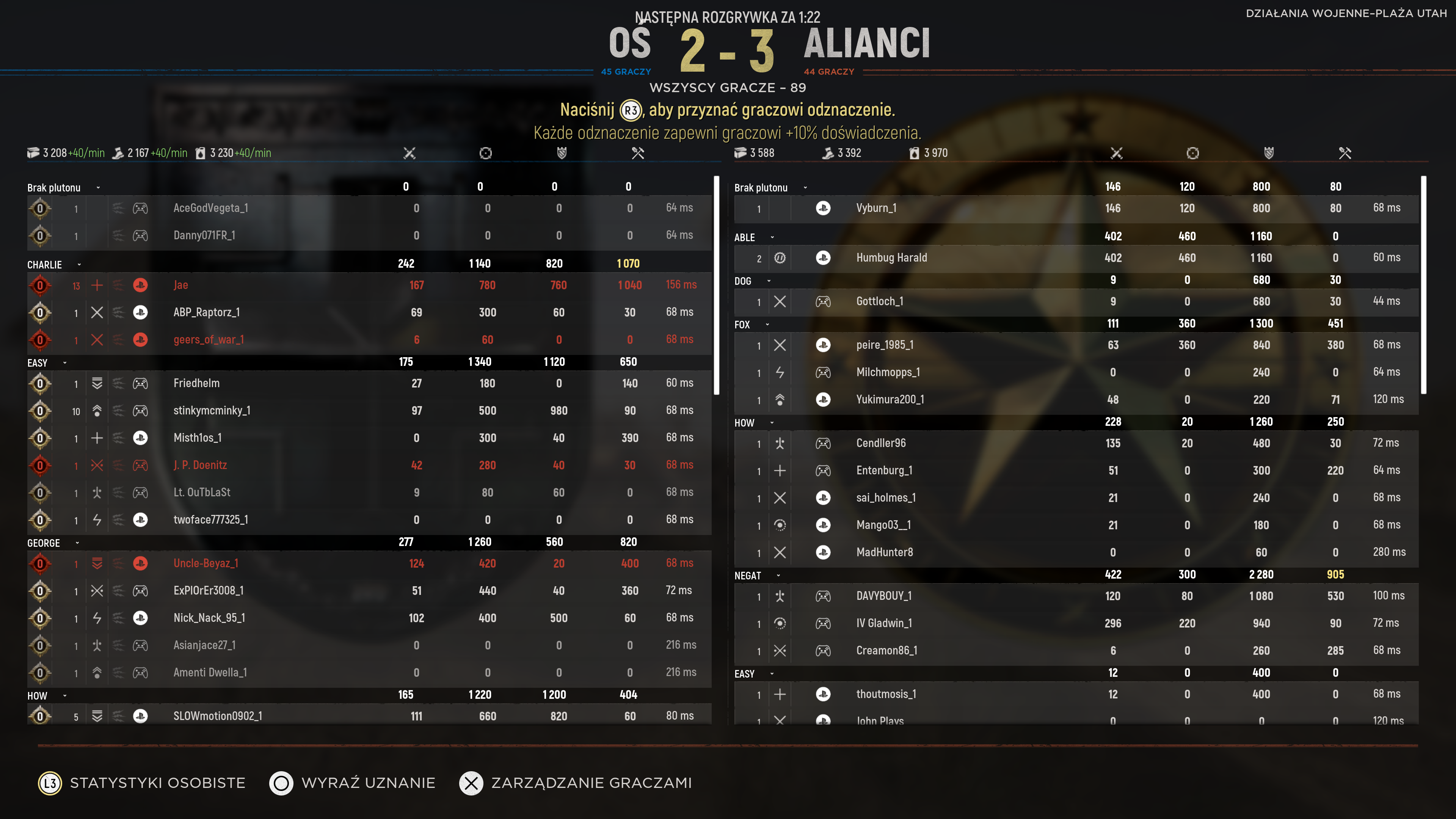
Mam podobnie ale Vice City by mnie interesowało tylko.niestety to kanoniczna pełnometrarzówka Jak ktoś lubi w chuj cringu to tu live stream z NY Comic con https://www.newyorkcomiccon.com/en-us/explore/nycc-2021-livestream.html Już przeklatkowali teaser i wyszło że Broli obecnyJa tam jestem na tak, ale jeszcze nie zapadła decyzja czy cyfra na dwóch czy pudełeczko. Ogólnie mapa taka sobie i fajnie jakby dali jeszcze jakąś na wypróbowanie, choć wcale bym się nie zdziwił gdyby ta mapa była lepsza mniejsza na pastgenowej wersji na 64 graczy. Tak w ogóle to gra tutaj ktoś na starych konsolach w tą betę?Tak blisko byłem dzisiaj dzbana za 10 zabójstw bez śmierci to mnie podkusiło żeby łeb wychylić Bekę mam jak idą gęsiego przy murku i tylko hełmy widać jak spadają jeden po drugim XDNie no dzisiaj już trochę pograłem i jak juz dostałem sie na serwer to nie wyjebało mnie ani razu. Trochę ludzi na xboxa grę kupiło Dzisiaj też pierwszy raz na zimowej mapce i chyba póki co najbardziej mi sie podoba
 Battlefield Portal, which is included with Battlefield 2042, will allow you to play and create custom Battlefield modes using the maps and guns from Battlefield 2042, plus a selection of stuff from three older Battlefield games: Battlefield 1942, Battlefield: Bad Company 2, and Battlefield 3. Mapki z BF3 w nowej oprawie, Kanały, Kaspijska Granica w nowej oprawie Mam nadzieję że dodadzą jeszcze Grand Bazar w przyszłości Battlefield Portal map list This list is complete. There are the maps that will be available in Battlefield Portal at launch: Battle of the Bulge (Battlefield 1942) El Alamein (Battlefield 1942) Arica Harbor (Bad Company 2) Valparaiso (Bad Company 2) Caspian Border (Battlefield 3) Noshahr Canals (Battlefield 3) All seven Battlefield 2042 mapsChciałem pograć, ale co chwilę wyskakuję komunikat "błąd sieci"Chyba zaradzili już bo serwery pełne i dopiero gra teraz nabiera rumieńców, póki co jestem na tak ale dali by jeszcze jakąś inną mapkę albo tryb zagrać




Account
Navigation
Szukaj
Configure browser push notifications
Chrome (Android)
- Tap the lock icon next to the address bar.
- Tap Permissions → Notifications.
- Adjust your preference.
Chrome (Desktop)
- Click the padlock icon in the address bar.
- Select Site settings.
- Find Notifications and adjust your preference.
Safari (iOS 16.4+)
- Ensure the site is installed via Add to Home Screen.
- Open Settings App → Notifications.
- Find your app name and adjust your preference.
Safari (macOS)
- Go to Safari → Preferences.
- Click the Websites tab.
- Select Notifications in the sidebar.
- Find this website and adjust your preference.
Edge (Android)
- Tap the lock icon next to the address bar.
- Tap Permissions.
- Find Notifications and adjust your preference.
Edge (Desktop)
- Click the padlock icon in the address bar.
- Click Permissions for this site.
- Find Notifications and adjust your preference.
Firefox (Android)
- Go to Settings → Site permissions.
- Tap Notifications.
- Find this site in the list and adjust your preference.
Firefox (Desktop)
- Open Firefox Settings.
- Search for Notifications.
- Find this site in the list and adjust your preference.