





Figaro
Senior Member
-
Dołączył
-
Ostatnia wizyta

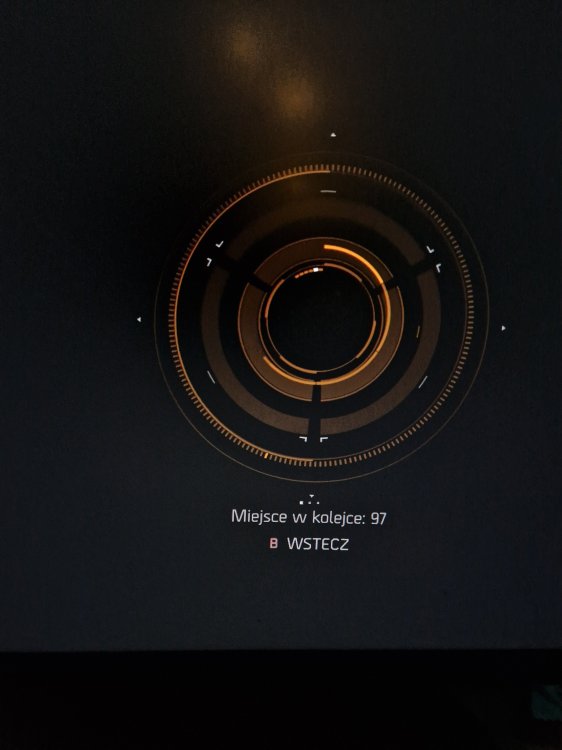
Odpaliłem sobie Division na PC. I taki mam screen. Co do kurwy.

A better way to browse. Learn more.
A full-screen app on your home screen with push notifications, badges and more.


Odpaliłem sobie Division na PC. I taki mam screen. Co do kurwy.
Josh
Odpowiedziano
justubisoftthings
Słupek
Odpowiedziano
protony wgraj albo zaaktulizuj
MarekCol
Odpowiedziano
Nie szanowałeś marki PC dostatecznie, Gaben cię nie lubi, Microsoft cię nie szanuje, Sony cię nie szanuje, nawet Nintendo cię nie szanuje, masz chujowego kompa, jesteś lewakiem, jesteś brzydki, twoja karta graficzna nie obsługuje szaderów, twoja karta graficzna też jest brzydka, nie masz zainstalowanych odpowiednich bibliotek C++ tudzież DX12, suty ci sterczą na fotce w PST, słaby internet, zasilacz od komputera nie daje rady... To może być wszystko.