Skocz do zawartości
View in the app

A better way to browse. Learn more.

Forum PSX Extreme

A full-screen app on your home screen with push notifications, badges and more.

To install this app on iOS and iPadOS
  1. Tap the Share icon in Safari
  2. Scroll the menu and tap Add to Home Screen.
  3. Tap Add in the top-right corner.
To install this app on Android
  1. Tap the 3-dot menu (⋮) in the top-right corner of the browser.
  2. Tap Add to Home screen or Install app.
  3. Confirm by tapping Install.

Czoperrr

Senior Member
  • Dołączył

  • Ostatnia wizyta

Czoperrr

Dziś wieczorkiem na Amazon Prime Gaming do odbioru będzie Wolfenstein New Colossus (PC/Xbox).

Czoperrr

Za kilka lat Console Wars zostanie zastąpione Abonament Wars, taka prawda.

Czoperrr

Dobrze, że konsole już się skończyły.

Czoperrr

Mmmm podnieta Januszy gamingu nowym GTA? Nic nowego. Odwieczny zestaw Janusza to FIFA + GTA.
Czoperrr

Najlepsze granie? Darmówki z Epic i Amazon Prime Gaming boomer

Czoperrr

Team Asobo, co to jest za studio. Najpierw A Plague Tale, a później Astro Bot boomer

Czoperrr

o co chodzi z tymi "bożymi" gierkami? Musicie wymyślić coś nowego, to już się oczytało.
Czoperrr

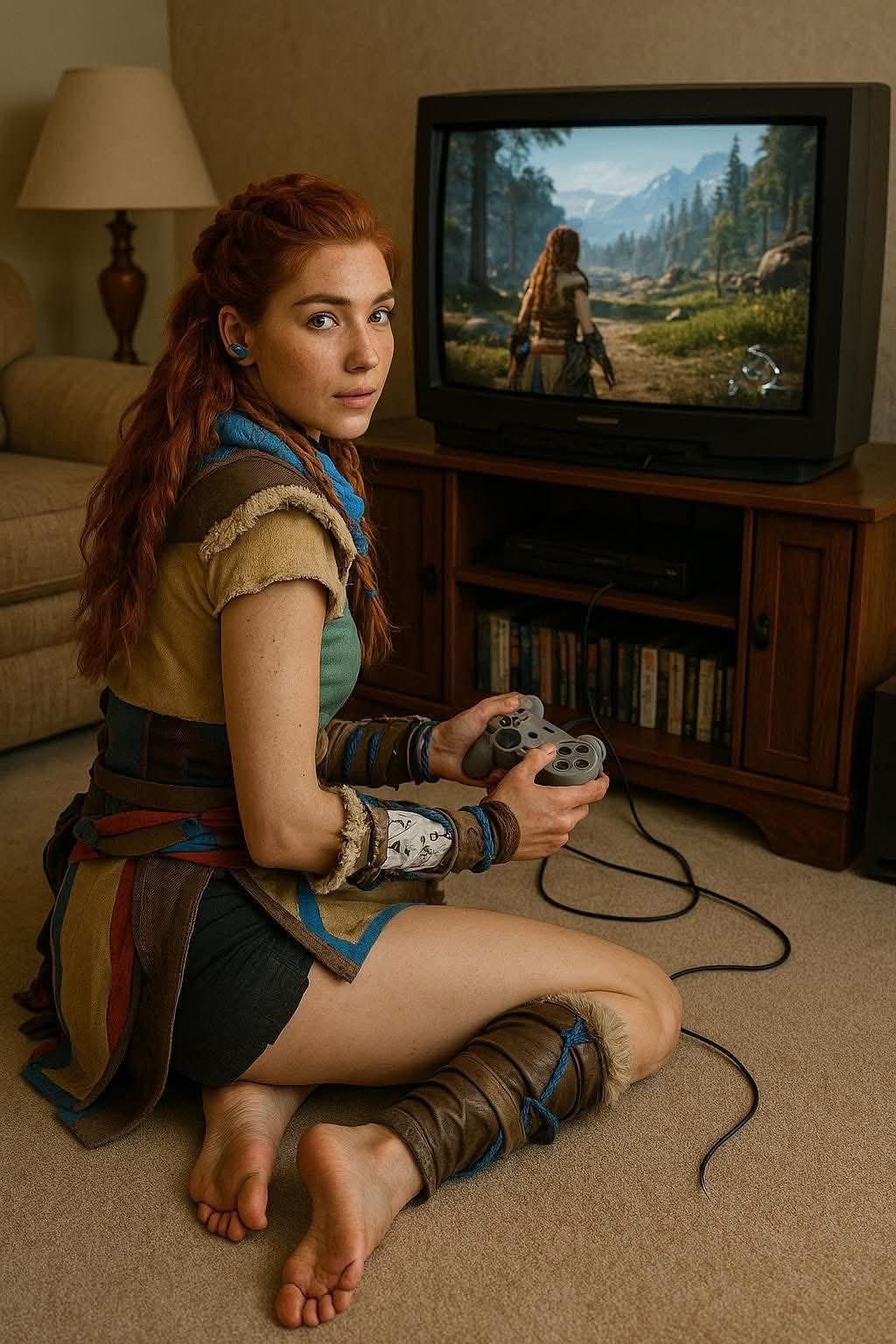
Kiedy taki remaster

FB_IMG_1745174196367.jpg

Account

Navigation

Szukaj

Szukaj

Configure browser push notifications

Chrome (Android)
  1. Tap the lock icon next to the address bar.
  2. Tap Permissions → Notifications.
  3. Adjust your preference.
Chrome (Desktop)
  1. Click the padlock icon in the address bar.
  2. Select Site settings.
  3. Find Notifications and adjust your preference.