Skocz do zawartości
View in the app

A better way to browse. Learn more.

Forum PSX Extreme

A full-screen app on your home screen with push notifications, badges and more.

To install this app on iOS and iPadOS
  1. Tap the Share icon in Safari
  2. Scroll the menu and tap Add to Home Screen.
  3. Tap Add in the top-right corner.
To install this app on Android
  1. Tap the 3-dot menu (⋮) in the top-right corner of the browser.
  2. Tap Add to Home screen or Install app.
  3. Confirm by tapping Install.

Czoperrr

Senior Member
  • Dołączył

  • Ostatnia wizyta

Czoperrr

Poniosło ich z musicalem w Alan Wake II fsg

Czoperrr

Czaicie, że są graczyki co kupują używane gry? pawel

Czoperrr

Steam Deck wub

Czoperrr

W tym roku skończyłem 33 gry. Chyba nieźle jak na młodego rodzica grającego tylko w nocy?

Czoperrr

Świetny ten UE5, co raz lepszy. W nowej wersji 5.6.1 usunęli automatyczne ustawienia kolizji i od dwóch godzin się zastanawiam czemu mi postać przenika przez ściany i podłogę xDD
Czoperrr

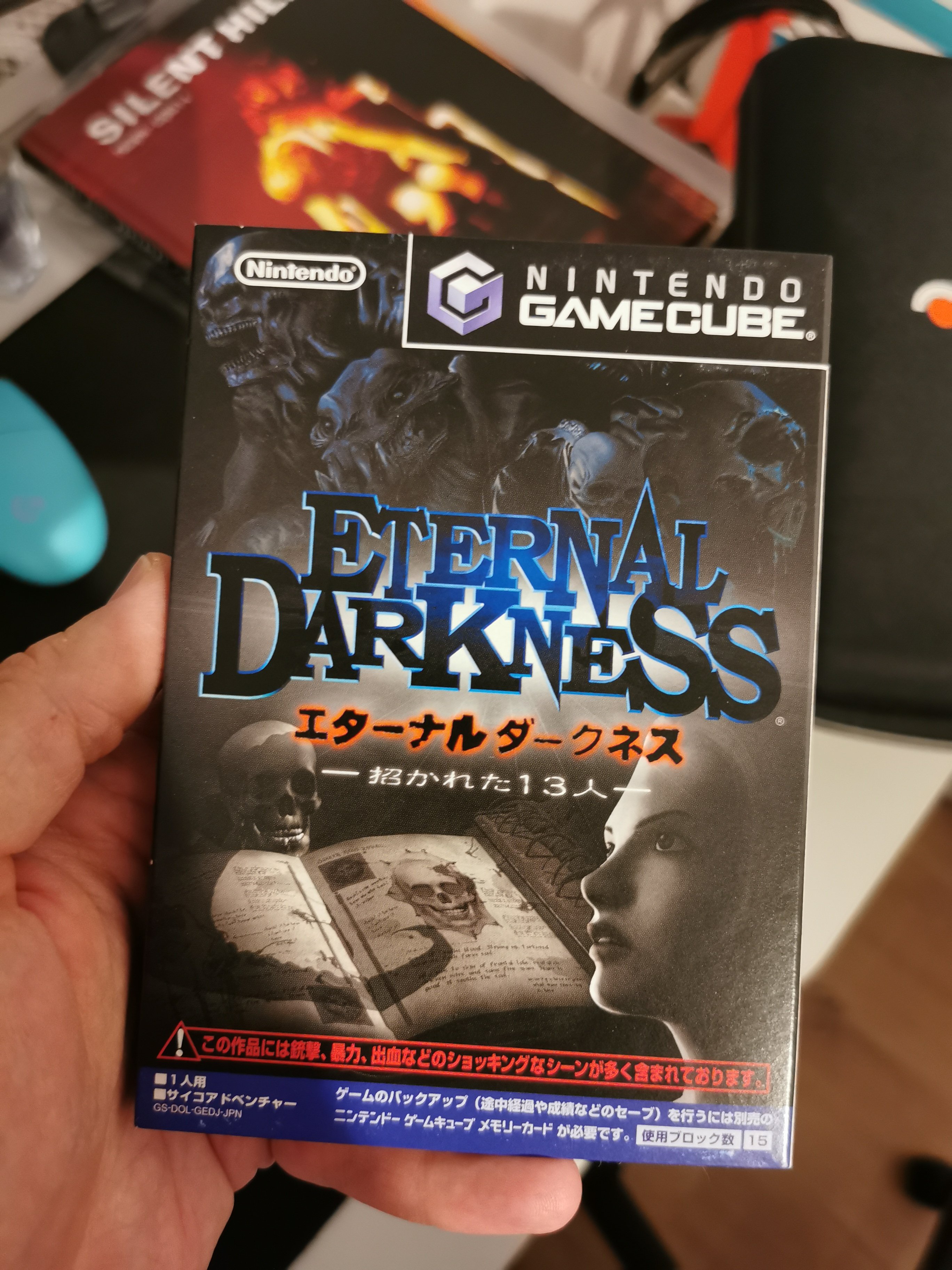
Pamiętacie tego sztosa?IMG_20251008_203625.jpg

Czoperrr

Kiedyś to było, co?

Account

Navigation

Szukaj

Szukaj

Configure browser push notifications

Chrome (Android)
  1. Tap the lock icon next to the address bar.
  2. Tap Permissions → Notifications.
  3. Adjust your preference.
Chrome (Desktop)
  1. Click the padlock icon in the address bar.
  2. Select Site settings.
  3. Find Notifications and adjust your preference.