Skocz do zawartości
View in the app

A better way to browse. Learn more.

Forum PSX Extreme

A full-screen app on your home screen with push notifications, badges and more.

To install this app on iOS and iPadOS
  1. Tap the Share icon in Safari
  2. Scroll the menu and tap Add to Home Screen.
  3. Tap Add in the top-right corner.
To install this app on Android
  1. Tap the 3-dot menu (⋮) in the top-right corner of the browser.
  2. Tap Add to Home screen or Install app.
  3. Confirm by tapping Install.

Czoperrr

Senior Member
  • Dołączył

  • Ostatnia wizyta

Czoperrr

W końcu jest, calaczek w Elden Ring :)

Czoperrr

eh jutro już powrót do tej polski pisowskiej. masakra.

Czoperrr

kusi zakup PS+ Extra na moją PS4 amator

Czoperrr

pozdrowienia z jachtu w

Grecji, a wy co, siódmy sezon w Sea of thieves? :kekw:

IMG_20220619_105253.jpg

Czoperrr

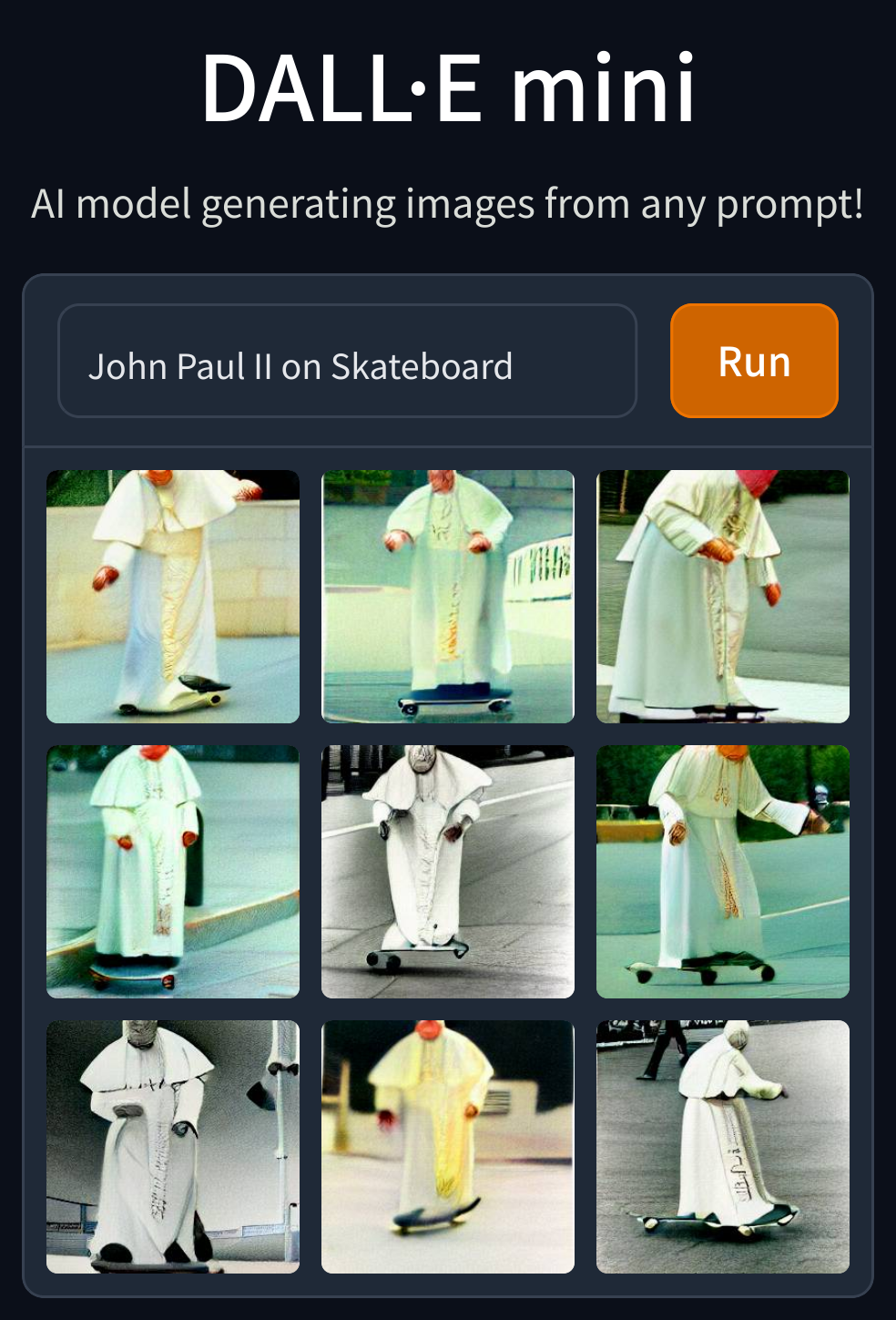
Fajna ta sztuczna inteligencja


dallemini_2022-6-15_23-42-8.png

Czoperrr

Valheim to jakiś hit z kafejki internetowej co ogrywało się w 2002 roku?

Czoperrr

nowym Head of Xbox jest Jacek Sasin :sapek:


ja jebię co za szajs

Account

Navigation

Szukaj

Szukaj

Configure browser push notifications

Chrome (Android)
  1. Tap the lock icon next to the address bar.
  2. Tap Permissions → Notifications.
  3. Adjust your preference.
Chrome (Desktop)
  1. Click the padlock icon in the address bar.
  2. Select Site settings.
  3. Find Notifications and adjust your preference.