Skocz do zawartości
View in the app

A better way to browse. Learn more.

Forum PSX Extreme

A full-screen app on your home screen with push notifications, badges and more.

To install this app on iOS and iPadOS
  1. Tap the Share icon in Safari
  2. Scroll the menu and tap Add to Home Screen.
  3. Tap Add in the top-right corner.
To install this app on Android
  1. Tap the 3-dot menu (⋮) in the top-right corner of the browser.
  2. Tap Add to Home screen or Install app.
  3. Confirm by tapping Install.

Czoperrr

Senior Member
  • Dołączył

  • Ostatnia wizyta

Czoperrr

Fajne to Get Even? Wziąłem za 14,99zł w promocji ale nie wiem czy przeznaczać na ten tytuł cenny czas :)

Czoperrr

Glapinski ty chooju

Czoperrr

eh powrót do pracy po półtorej tygodnia wolnego, weselu i szalonych przygodach doznanych w życiu nocnym Berlina... czas wywalić te 190 maili z firmowej skrzynki, w końcu za 3 miesiące i tak odchodzę z pracy ;)

Czoperrr

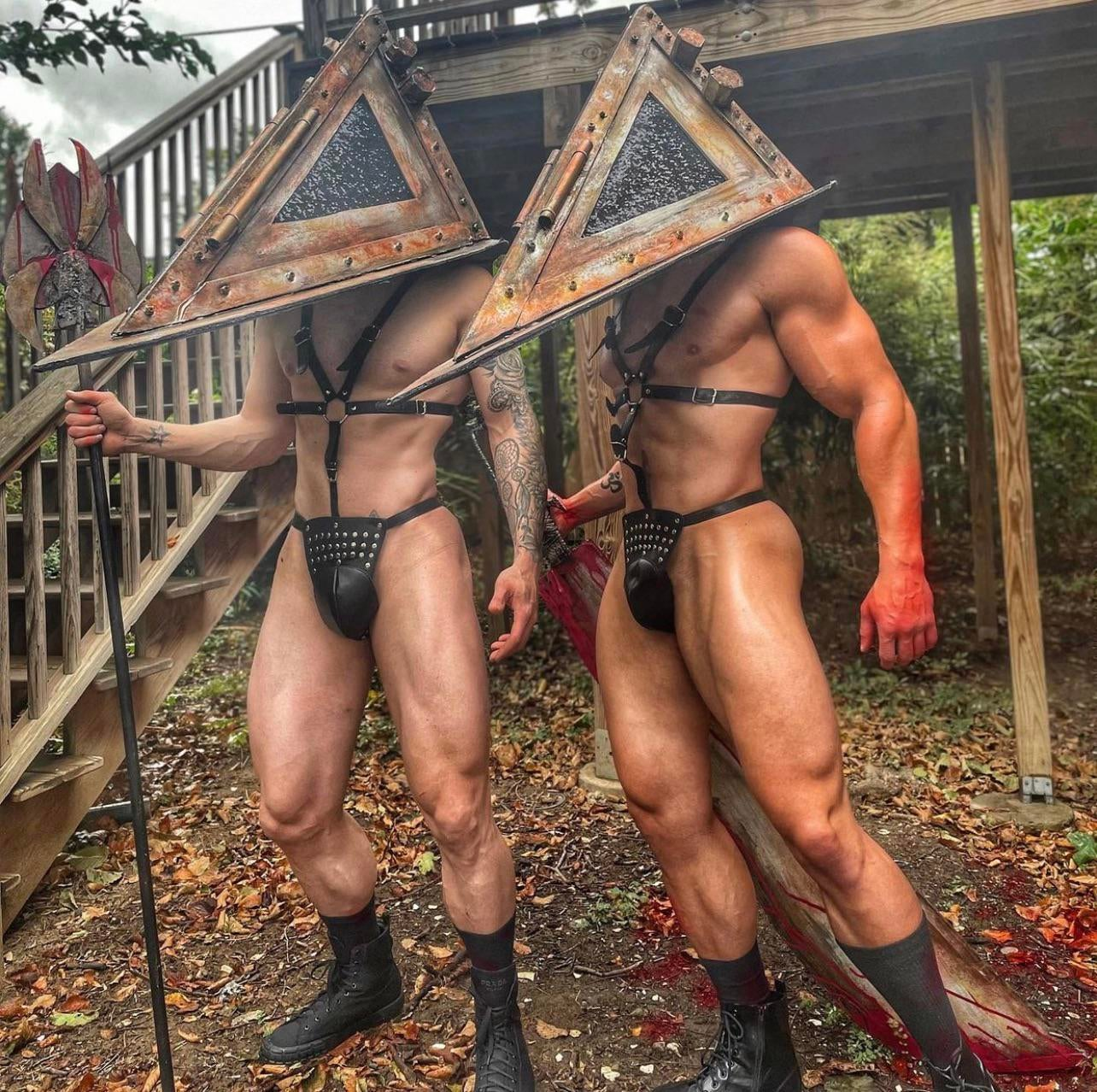
Wesołego halloween chłopaki :wub:

RDT_20211031_180556868480192996153850.jpg

Czoperrr

Duckstation + 4k + AA + widescreen hack + achiementy :fsg: Cudownie w taki sposób ogrywać Silent Hill po raz kolejny

Czoperrr

Ten twist fabularny w 12 Minutes :sapek::pawel:

Czoperrr

Najlepszy handheld dla Undertale? Android ze sporym OLEDem i xCloud

Czoperrr

Undertale to...

Czoperrr

Kiedy Nintendo doda prawdziwie CIEMNY motyw do Switcha OLED?

Account

Navigation

Szukaj

Szukaj

Configure browser push notifications

Chrome (Android)
  1. Tap the lock icon next to the address bar.
  2. Tap Permissions → Notifications.
  3. Adjust your preference.
Chrome (Desktop)
  1. Click the padlock icon in the address bar.
  2. Select Site settings.
  3. Find Notifications and adjust your preference.