A better way to browse. Learn more.
A full-screen app on your home screen with push notifications, badges and more.
Nie pamiętasz hasła?
wtorek o 08:551 dzień
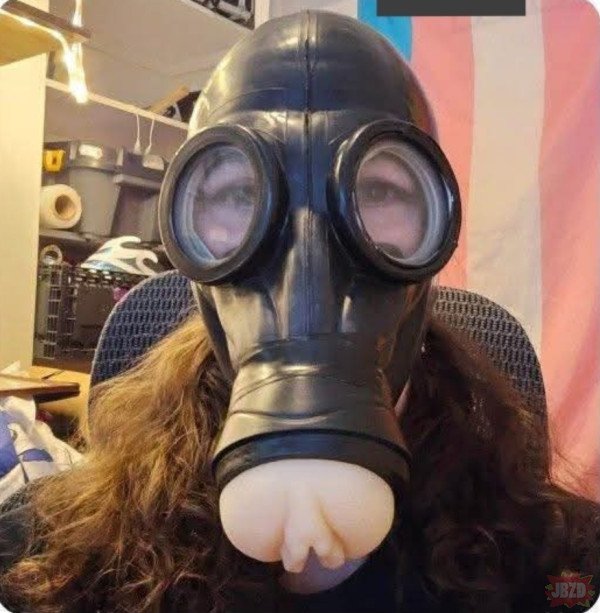
Nowy STALKER zapowiada się zajebiście
Odpowiedziano wtorek o 09:361 dzień
Przynajmniej nikt nie powie "Masz chujowy filtr"
Odpowiedziano wtorek o 09:491 dzień
DOWCIPNA ta maska
Odpowiedziano wtorek o 12:481 dzień
chuja warta w obecnych czasach
Odpowiedziano wtorek o 13:411 dzień
Now let me read your mind.
Odpowiedziano wtorek o 14:341 dzień










Agent_Man
Odpowiedziano
Przynajmniej nikt nie powie "Masz chujowy filtr"
Bzduras
Odpowiedziano
DOWCIPNA ta maska
krzysiek923
Odpowiedziano
chuja warta w obecnych czasach
Kmiot
Odpowiedziano
Now let me read your mind.
krzysiek923
Odpowiedziano