

Sylvan Wielki
Użytkownicy
-
Dołączył
-
Ostatnia wizyta
Treść opublikowana przez Sylvan Wielki
-
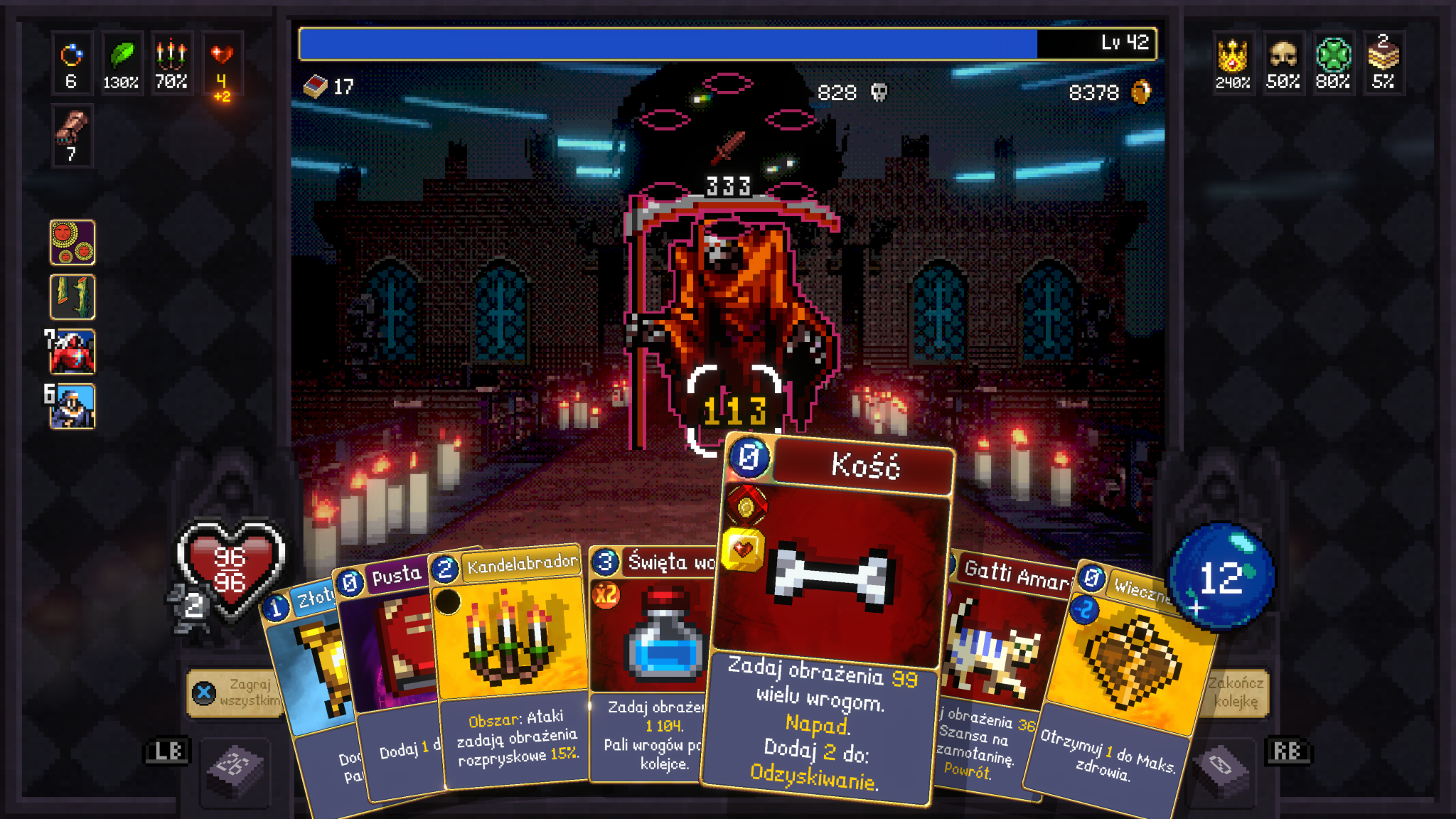
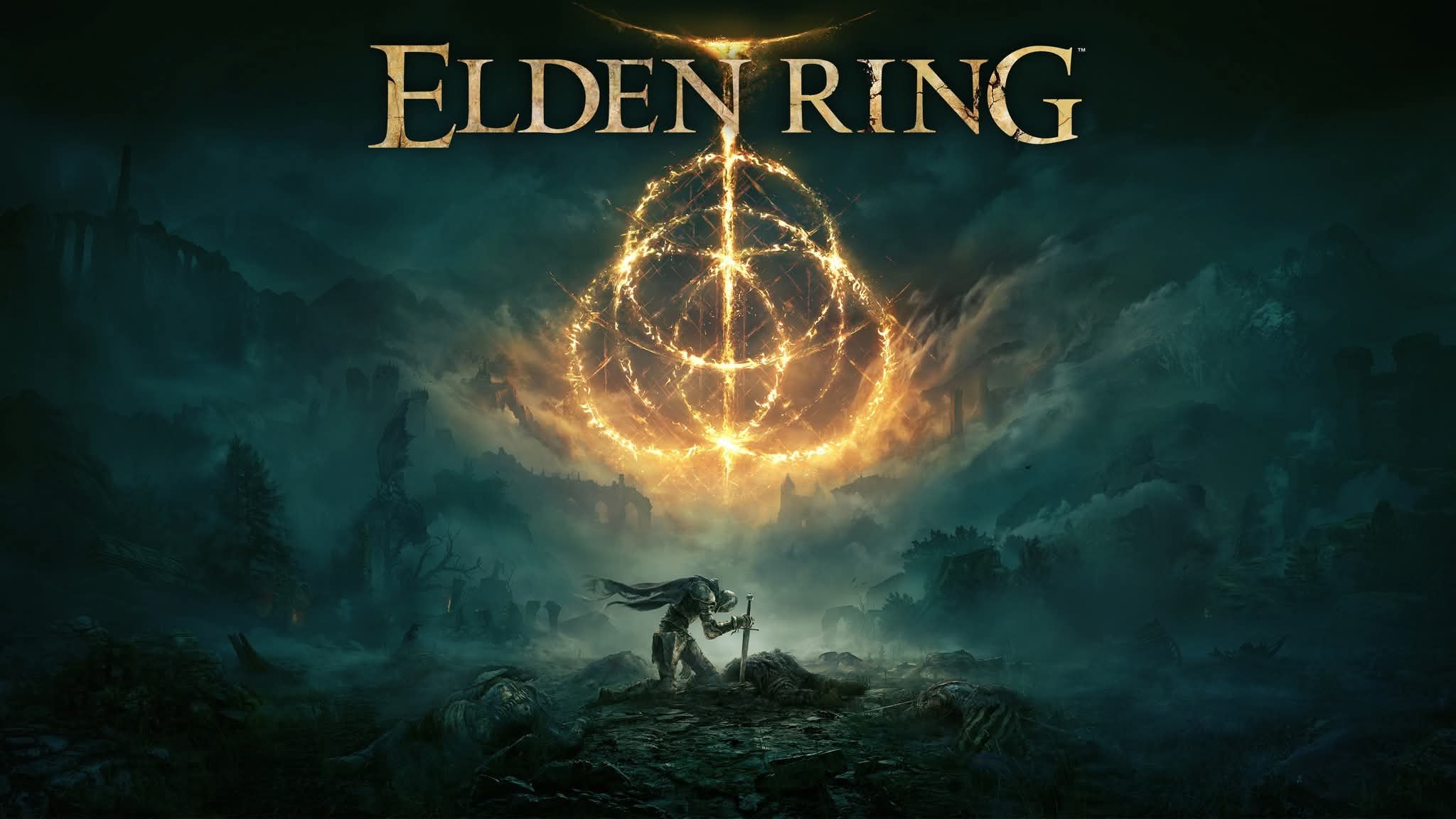
Gra wciąga jak przysłowiowe bagno. W kilka dni nabiłem tyle godzin, że głowa mała. Mam już ponad 80% osiągnięć, ale na razie robię przerwę. Zdecydowanie polecam.
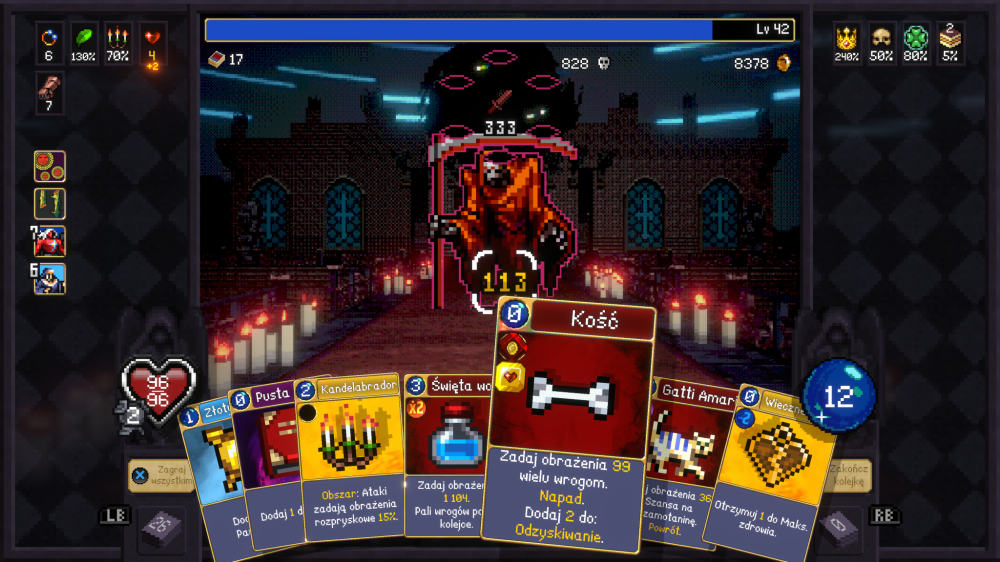 Zwiastun premierowy.Ależ świetnie się w to gra.
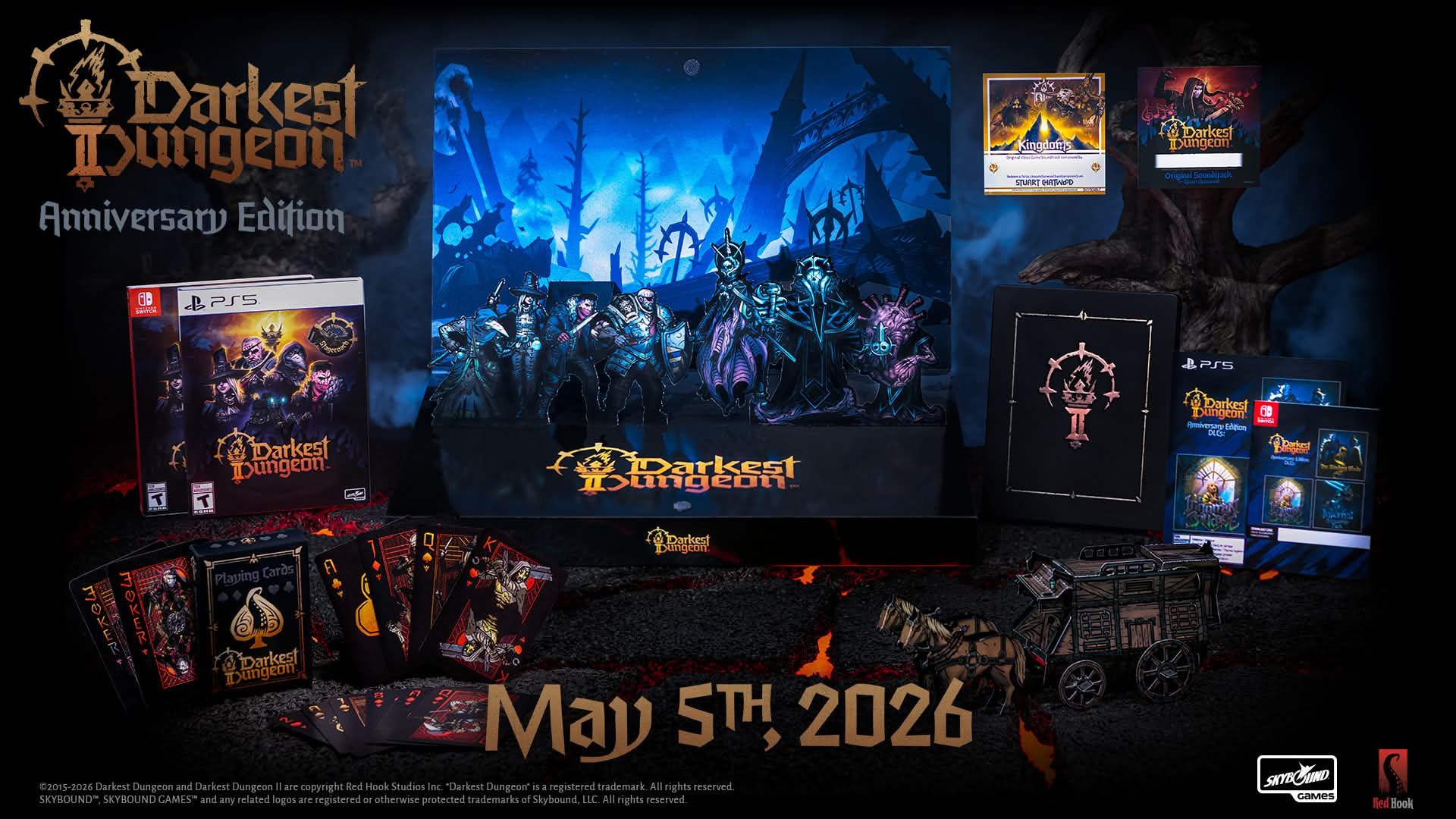
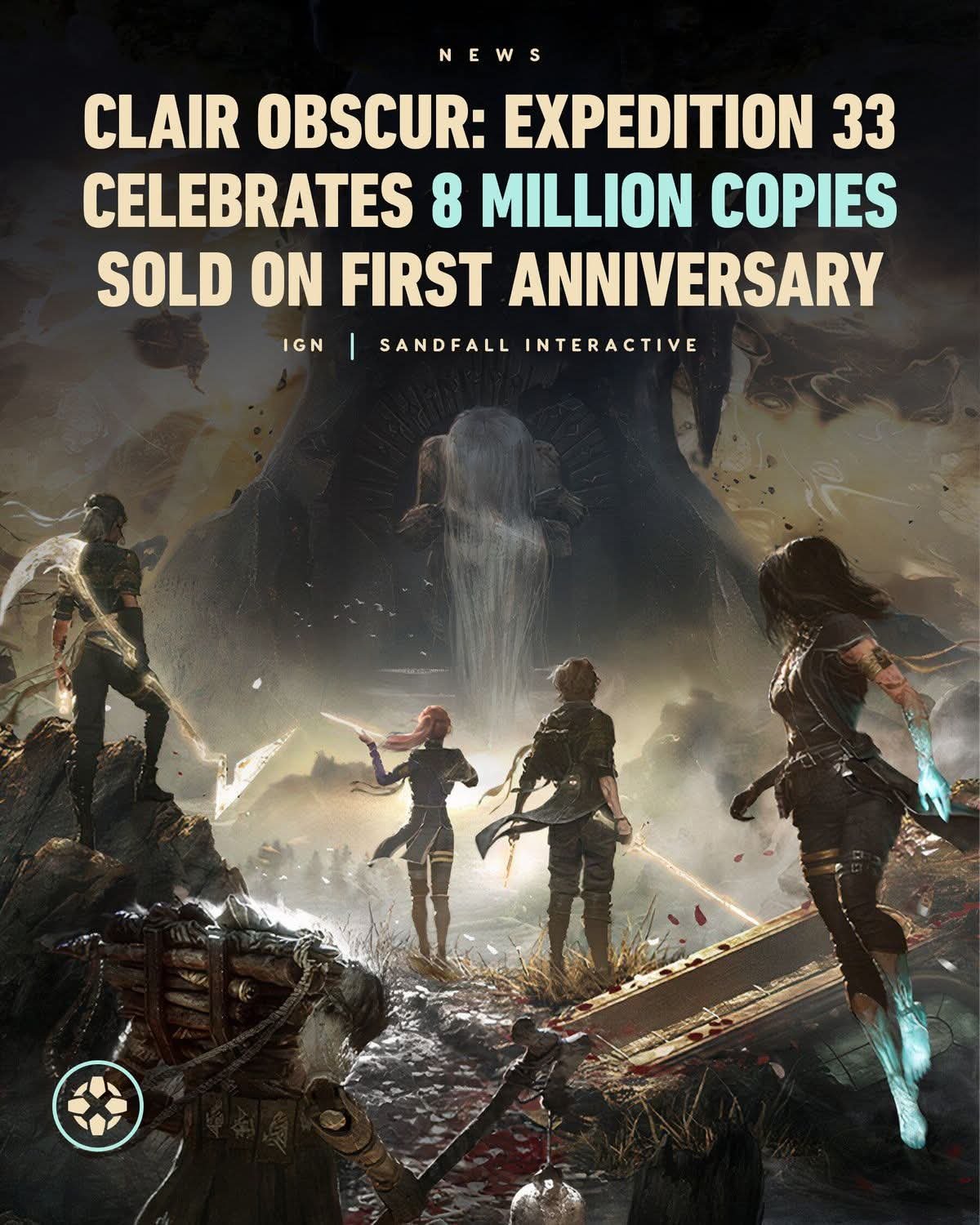
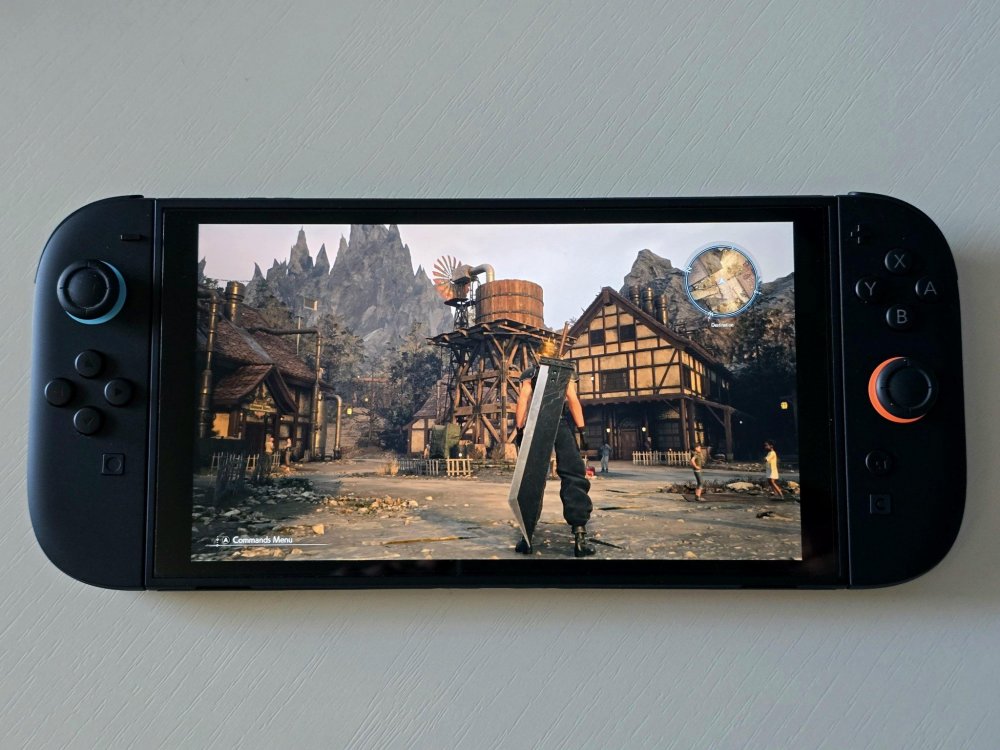 Pudełkowe wydanie Gears of War: Reloaded na PS5 dostępne jest w Media Expert za niespełna sześćdziesiąt złotych.Jak widać, po czterech latach nic a nic się nie zmieniło.Nadciąga kolejne rozszerzenie.The live-action movie adaptation of Elden Ring, produced by the studio A24 in partnership with Bandai Namco and filmed for IMAX, is slated for release on March 3, 2028. Production will begin in Spring 2026, and the full cast has been announced. Learn more: https://bnent.eu/EldenRingMovie
Account
Navigation
Szukaj
Configure browser push notifications
Chrome (Android)
- Tap the lock icon next to the address bar.
- Tap Permissions → Notifications.
- Adjust your preference.
Chrome (Desktop)
- Click the padlock icon in the address bar.
- Select Site settings.
- Find Notifications and adjust your preference.
Safari (iOS 16.4+)
- Ensure the site is installed via Add to Home Screen.
- Open Settings App → Notifications.
- Find your app name and adjust your preference.
Safari (macOS)
- Go to Safari → Preferences.
- Click the Websites tab.
- Select Notifications in the sidebar.
- Find this website and adjust your preference.
Edge (Android)
- Tap the lock icon next to the address bar.
- Tap Permissions.
- Find Notifications and adjust your preference.
Edge (Desktop)
- Click the padlock icon in the address bar.
- Click Permissions for this site.
- Find Notifications and adjust your preference.
Firefox (Android)
- Go to Settings → Site permissions.
- Tap Notifications.
- Find this site in the list and adjust your preference.
Firefox (Desktop)
- Open Firefox Settings.
- Search for Notifications.
- Find this site in the list and adjust your preference.