Skocz do zawartości
View in the app

A better way to browse. Learn more.

Forum PSX Extreme

A full-screen app on your home screen with push notifications, badges and more.

To install this app on iOS and iPadOS
  1. Tap the Share icon in Safari
  2. Scroll the menu and tap Add to Home Screen.
  3. Tap Add in the top-right corner.
To install this app on Android
  1. Tap the 3-dot menu (⋮) in the top-right corner of the browser.
  2. Tap Add to Home screen or Install app.
  3. Confirm by tapping Install.

Czoperrr

Senior Member
  • Dołączył

  • Ostatnia wizyta

Czoperrr

No niezła developerka, pewnie inwestor z Niemiec

received_1920793698120065.jpeg

Czoperrr

Najlepsza wytwórnia? A24. Mogliby zrobić jakieś gierki

Czoperrr

Prawdziwa kobieta to moja żona :sir:

Czoperrr

Uwielbiam symulatory chodzenia szczególnie Heavy Rain, Beyond, Detroit i Until Dawn :fsg:

Czoperrr

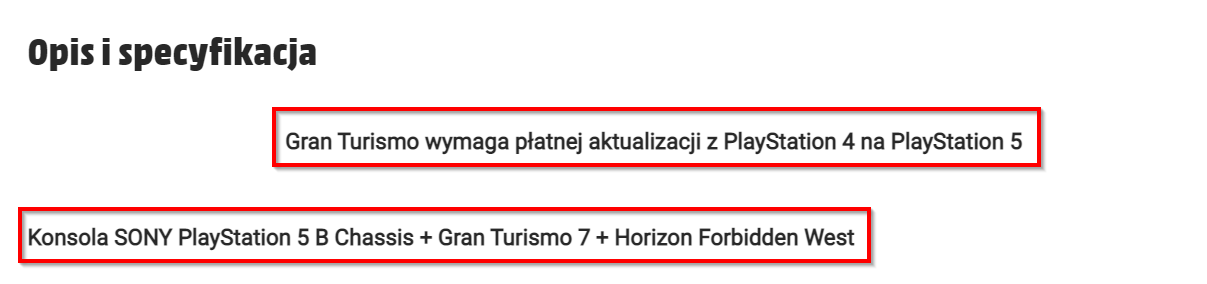
Coraz lepsze te bundle


image.thumb.png.8b2a13ff8b3e8f6e6a68f33ee7a6e542.png

Czoperrr

Ostatni Boss w Trek to Yomi :daddy:


No nic, może jutro się uda :sapek:

Czoperrr

Death's Door fałszywy Mesjasz niestety, nie będę się już dłużej zmuszał.

Czoperrr

Takie coś znalazłem u babci

IMG_20220513_214549.jpg

Czoperrr

SPENCER MUSI ODEJŚĆ :daddy:

Account

Navigation

Szukaj

Szukaj

Configure browser push notifications

Chrome (Android)
  1. Tap the lock icon next to the address bar.
  2. Tap Permissions → Notifications.
  3. Adjust your preference.
Chrome (Desktop)
  1. Click the padlock icon in the address bar.
  2. Select Site settings.
  3. Find Notifications and adjust your preference.