Jump to content
View in the app

A better way to browse. Learn more.

Forum PSX Extreme

A full-screen app on your home screen with push notifications, badges and more.

To install this app on iOS and iPadOS
  1. Tap the Share icon in Safari
  2. Scroll the menu and tap Add to Home Screen.
  3. Tap Add in the top-right corner.
To install this app on Android
  1. Tap the 3-dot menu (⋮) in the top-right corner of the browser.
  2. Tap Add to Home screen or Install app.
  3. Confirm by tapping Install.

gtfan

Użytkownicy
  • Joined

  • Last visited

gtfan

Chyba muszę częściej zaglądać do skrzynki na listy...
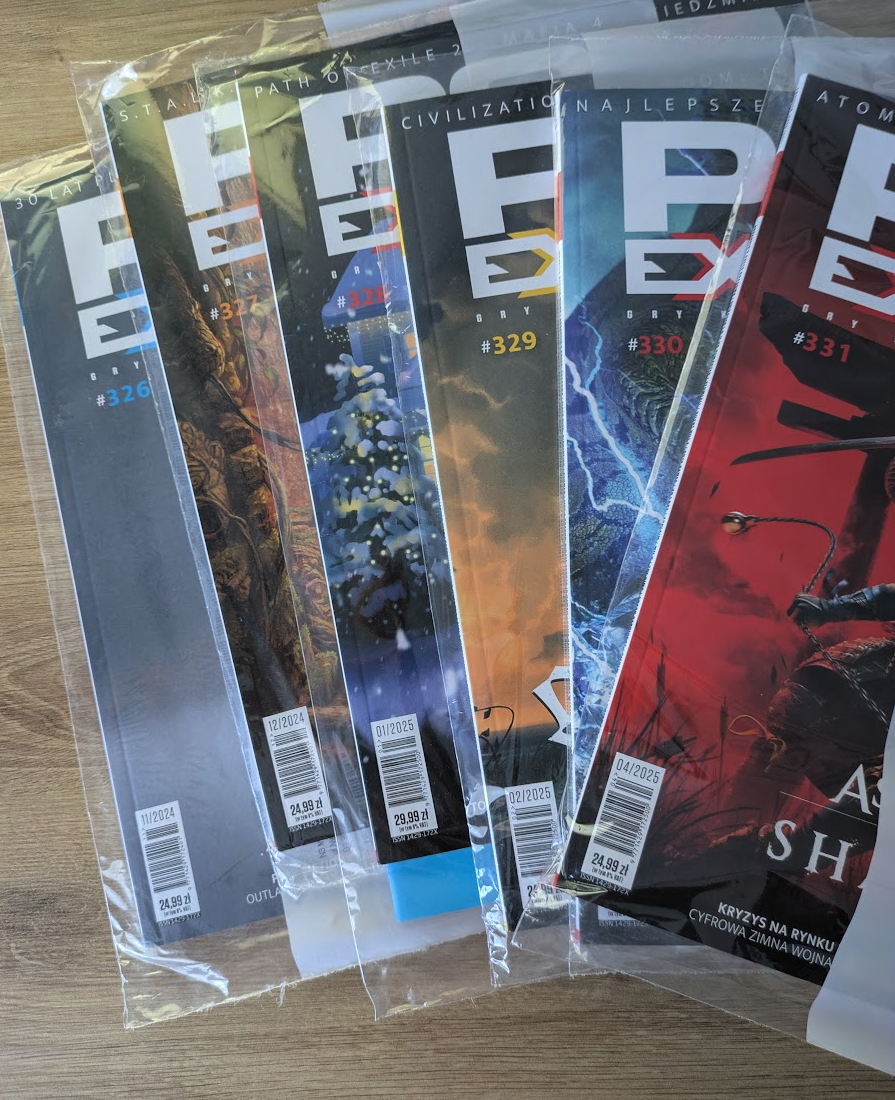
Zrzut ekranu 2025-04-16 o 09.46.50.png

Replied

Nie czyta szmatławca. Na stos z nim.

Replied

Będzie potrzebne niezłe zatwardzenie żeby to wszystko przeczytać

gtfan

klasyk :)


Replied

Glupia cipa nic nie rozumie. Zaloze sie ze bulgarom i estonczykom baby tak dupy nie zawracają, czy one wszystkie mysla ze swinie same sie wykarmia? 

Replied

7min później xD trochę zawyzyli

gtfan

przez przypadek na kibelku zauważyłem że PE już 20 plnów kosztuje, od dawna tak jest?
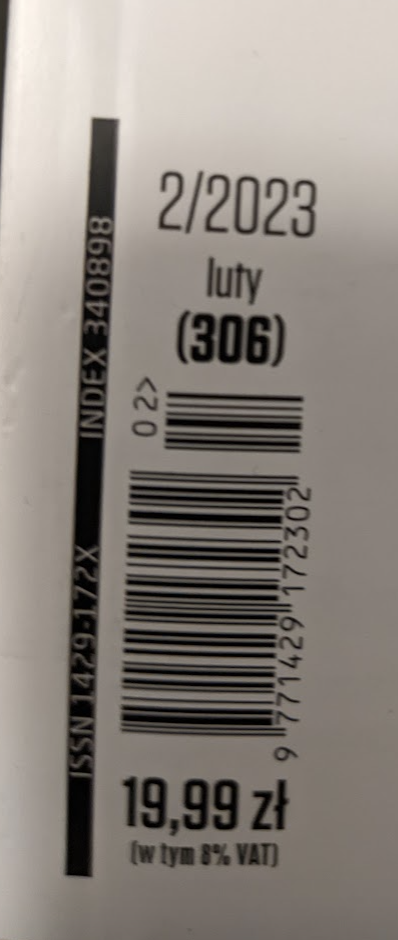
image.thumb.png.74d82ac9a5f795bf990efca9aaf183dc.png

dee

Replied

19,99 pln i już się mijamy z prawdą :shotgun:

Replied

Na kibelku zauważa się wiele rzeczy, które normalnie nam umykają :drakenope:

Configure browser push notifications

Chrome (Android)
  1. Tap the lock icon next to the address bar.
  2. Tap Permissions → Notifications.
  3. Adjust your preference.
Chrome (Desktop)
  1. Click the padlock icon in the address bar.
  2. Select Site settings.
  3. Find Notifications and adjust your preference.