smallv86
Patroni
-
Dołączył
-
Ostatnia wizyta
-
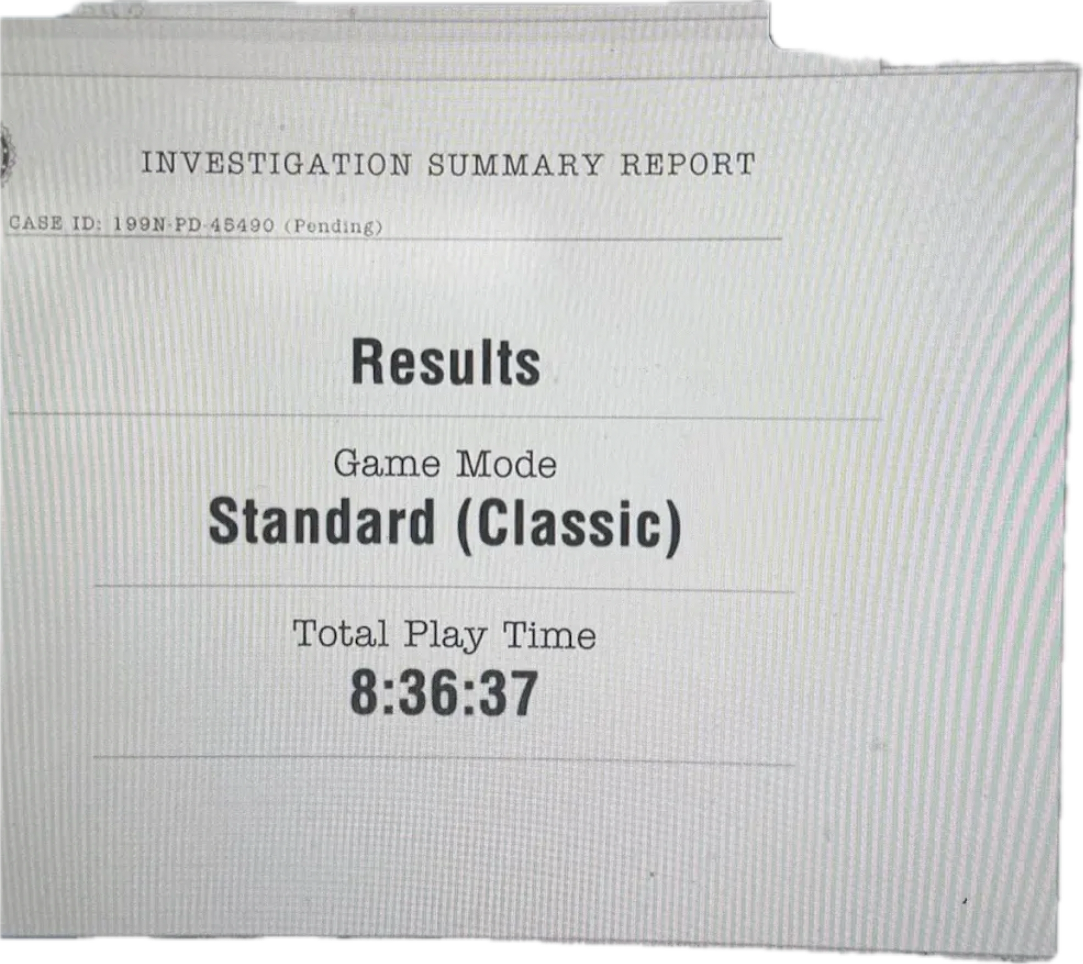
Znajomy (37 lat) dowiedzial sie ze ma raka i zostalo mu juz kilka miechow zycia max (nie przyjmuje juz chemii bo na niego zle dziala) no i raczej nie dozyje juz nawet gta6.Jedynka nie wyszla od razu na vod? Nie pamietam zeby byla premiera w wypozyczalni przed oficjalna.Ja tez bym nie mogl sie zdecydowac jak grac dlatego gram w 120 k/s z path tracingiem. Pozdro konsolowcyKtos chetny porobic trialsy jakies dzisiaj? bo solo to mozna sobie co najwyzej konia zwalic (nie liczac podwojnego holenderskiego sternika)Jeden dzien urlopu w piatek? Mam nadzieje, ze nie po to by przejsc i na pchli w niedziele bo jak tak to mam zle wiesci.Tylko dla tych co przystąpili do ekspedycji ale zabrakło im kasy na te 5 punktów.Jak grasz bez pierwszego wipe to nie dostaniesz 10 punktów ani 24 miejsc w ekwipunku tylko 5 i 12.N myślę że jednak to jest czas w jaki większość fanów/wyjadaczy ukończy grę. Tutaj wynik youtubera którego śledzę Trochę jestem zmartwiony.
 Kurde walkiewicz napisal ze lizac sciany przeszedl gre w 9 godzin a nie 16 jak sugeruje capcom. Bardzo krotko i dal bym sobie rece uciac jesli dobrze pamietam ze 7ke, 8ke i 4ke remake za pierwszym razem przechodzilem w te wlasnie 15+ godzin kazda.Ale mnie kusi mimo ze mam 83" G5.......ale kur@a 130 (mozna do 200) cali do chuia pana i jeszcze aktywne 3D (jestem fanem 3d)