
Shen
Patroni
-
Dołączył
-
Doba nie jest z gumy, pieniadze to nie wszystko, po co grać w słabe gry, jak można w dobre
-
W praktyce niemożliwe, żeby wieloryb połknął człowieka, ale pomysł ciekawy
-
Oceny słabe, do tego obfity okres jeśli chodzi o premiery gier, mogli tego szrota zostawić na jakiś sezon ogórkowy.
-
Chwalili się nakładem? Jestem ciekawy jak czytelnictwo we Włoszech wypada na tle PolskiGratuluje kolejnego wydania za granicą


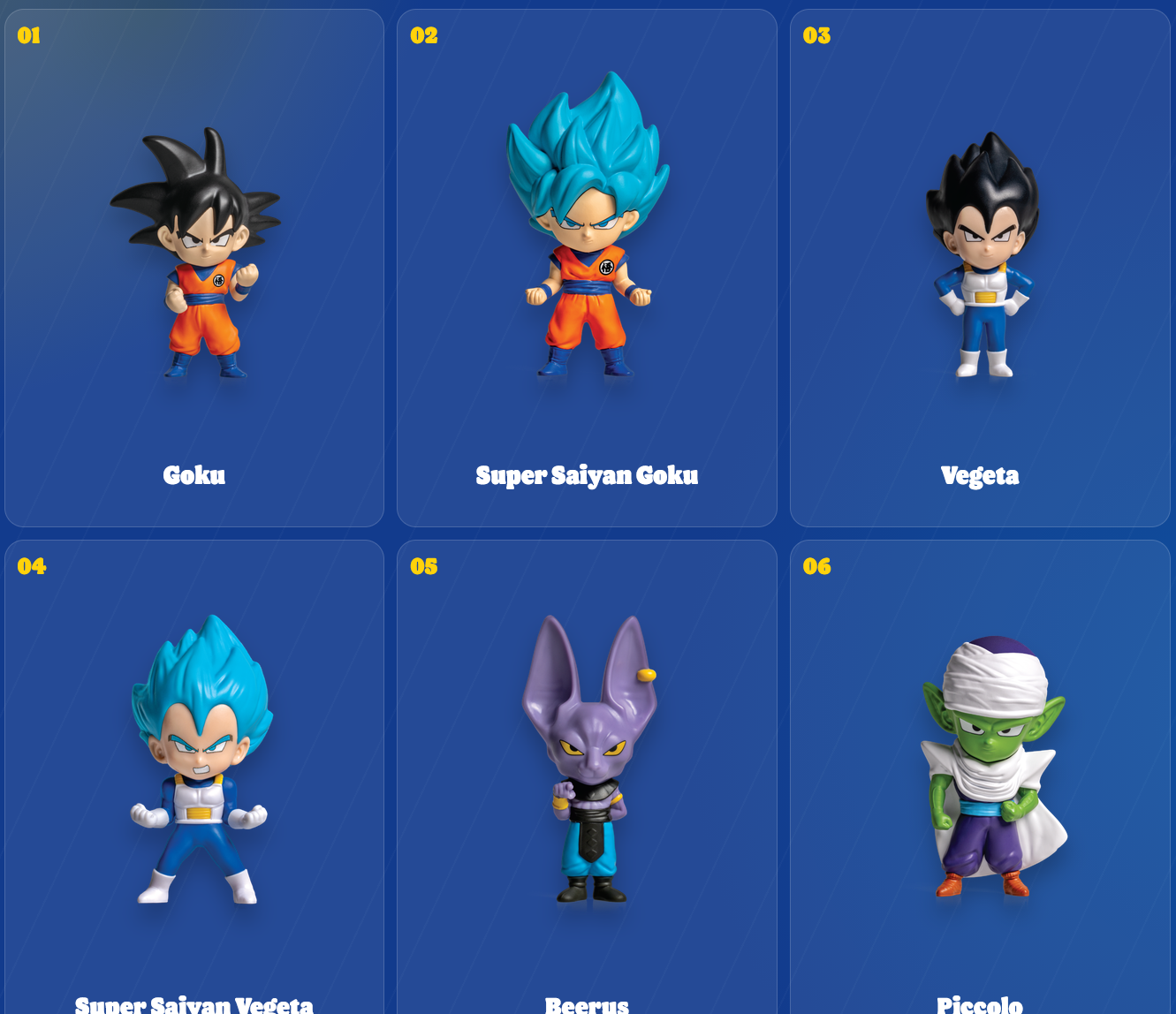
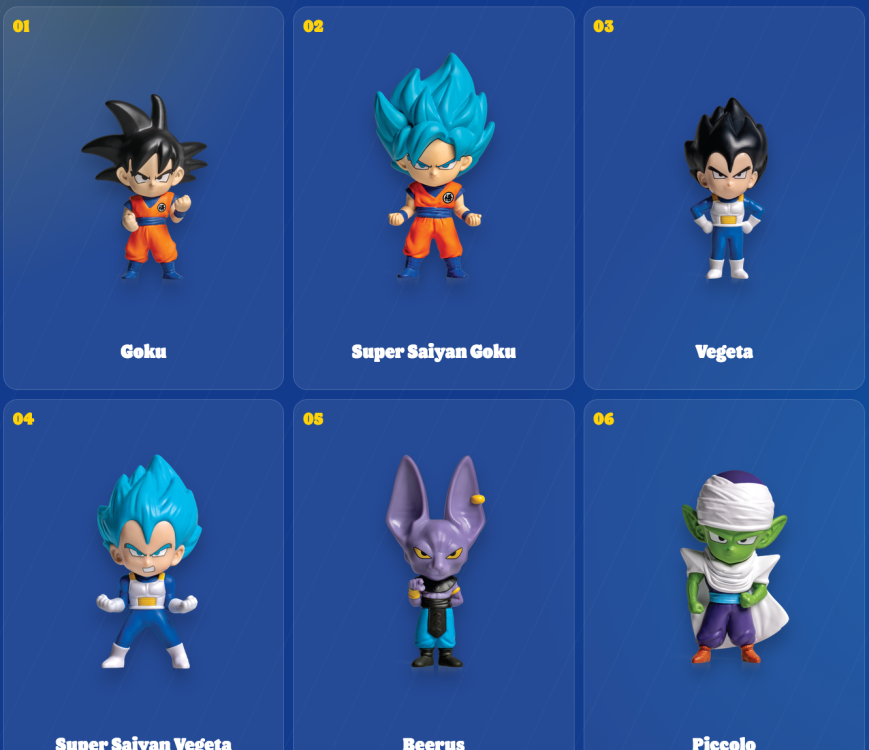
 Sprawdzi się kiedyś w plusie.Już się pojawiają preordery na konsole z motywem z zeldy, amazon 2362.65, empik 2489,89 złDobrze, że jest xbox i uratowali projekt. Najwiekszy fan sonki jakiego znam, napisał mi dziś, że sie mocno zastanowi nad xboxem w kolejnej generacjiJestem ciekaw tych smaczków i nawiązań, mam nadzieje, że się nie skończy na kilku przedmiotach.Zastanawiałem się, kiedy w końcu powstanie temat. Niby miałbym ekipę do grania, ale jakoś mnie te gameplaye nie porwały. Wolę jednak bardziej dynamiczne strzelanki z krótkimi rundami. Wardogs się teraz kreuje na mesjasza fpsów, zobaczymy jak będzie po premierze.nuggetsy i tego mccrispy chetnie sprawdze a w BK Dragon Ball teraz

 Pierwsza połowa gites, a potem szkoda strzępić ryja.Lekko dygnął, jak już wyjdzie switch oled to będzie pierwszy zakup. Mam nadzieje, ze juz klepią Majore.