Shago
Senior Member
-
Dołączył
-
Ostatnia wizyta
-
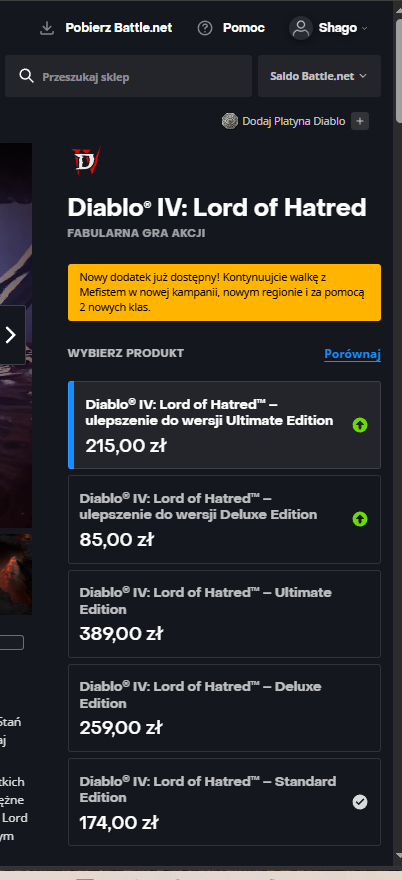
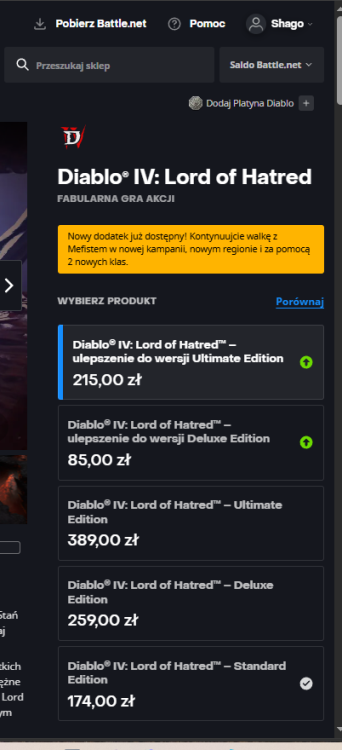
Ależ będzie nawijane do samochodu w trakcie jazdy xDU mnie chyba "Czas Ultrona" będzie na pierwszym.Powiem więcej: wygląda jak goowno . Pewnie tego nie zrobią i nie zmienią daty premiery, ale stawać z czymś takim do walki z mocarną na zwiastunach Diuną toMiałem te druciki w Fieście, szybko się człowiek przyzwyczaił. Problem był inny: przez 5 lat jak miałem samochód użyłem tego może... ze 3-4 razy?Drugi sezon zakończył się mocnym cliffhangerem w tej kwestii.Resident Evil 9, Crimson Desert, Subnautica 2, Forza Horizon 6, Gears of War: E-Day, GTA VI, Onimusha, Hades 2, Pragmata, 007, Ace Combat 8... Czy 2026 to nie jeden z najlepszych roków w historii pod względem gamingu?Wracam do Diablo 4, wczoraj wjechał Lord of Hatred:
 Mieszkam w bloku, bardzo sobie chwalę lokalizację i w ogóle. Do tego za chwilę mi się urodzi pierwsze dziecko i jestem szczęśliwy, bo dziecko będzie miało się z kim tutaj bawić: osiedle jest "młode" i dzieci dużo biega między blokami, dom by mi tego nie dał. Nie mniej wyobrażam sobie dom szkieletowy, parterowy taki maksymalnie 100m2 zbudowany wg nowych rozwiązań.