
Shen
Patroni
-
Dołączył
-
Ciekawe kiedy u nas będzie można zapisać w spadku konto steam albo playstation https://www.reddit.com/r/pcmasterrace/s/YzpMSonh70
-
Gdybyś nie napisał, że to oficjalne, to bym pomyślał, że ai gówno slop To ta fotka co wrzucałem kilka postów wyżej, też musi być prawdziwa.

-
Najgorsze to limit gier na liście w ps store, pododawałem sobie dużo drobnych dlc do jednej gierki i dobiłem do limitu, nic więcej nie mogę dodać. Gówno obesrane.
-
Ja sobie odpuszczam kino, skoro już planują directors cut.
-
Niezła ekipa, 5 minut bym nie wytrzymał z ich udziałem.
-
Korzystajcie z promocji, korzystajcie, walenie to się zacznie, ale nie Sony w cyce, tylko graczy w dupę, jak już nie będzie alternatywy dla cyfry w 2028.
-
Exy Sony są w plusie i albo ograsz tam albo płać. Jakby przecenili na 20zł to słaby motywator do zakupu subskrypcji
-
Sraka straszna ta wyprzedaż, tak samo jak poprzednia.
-
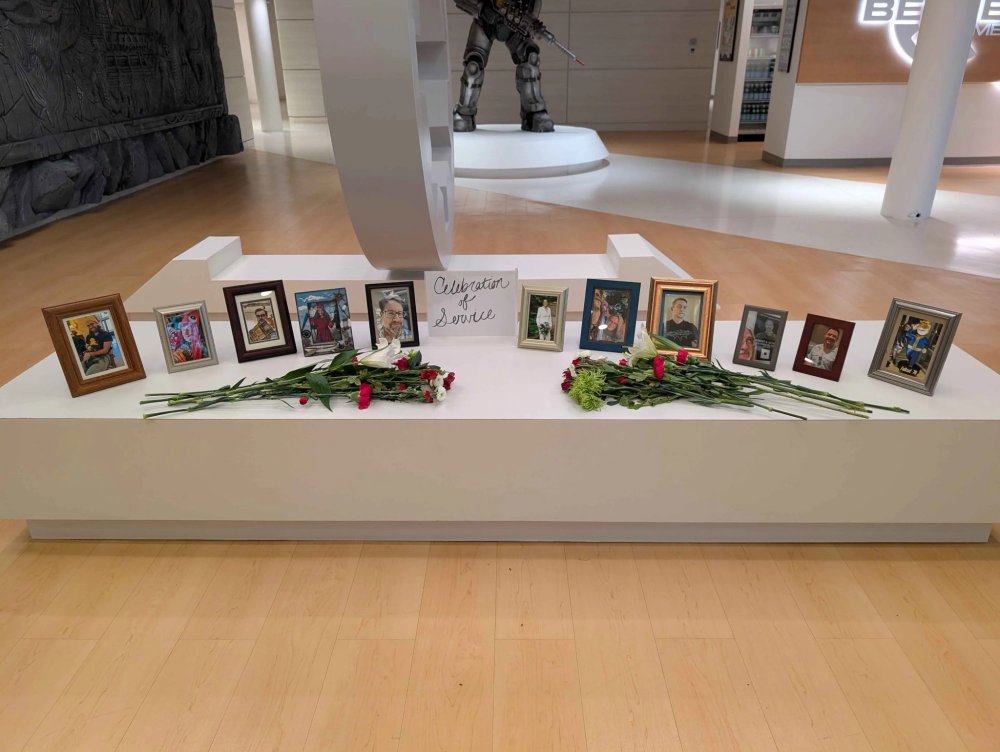
Najbardziej mnie rozbawiło, jak zrobili pogrzeb dla zwolnionych i babki z HR kazały to posprzątać
-
codziarze to zawsze był najgorszy sort graczy, zero zdziwienia
-
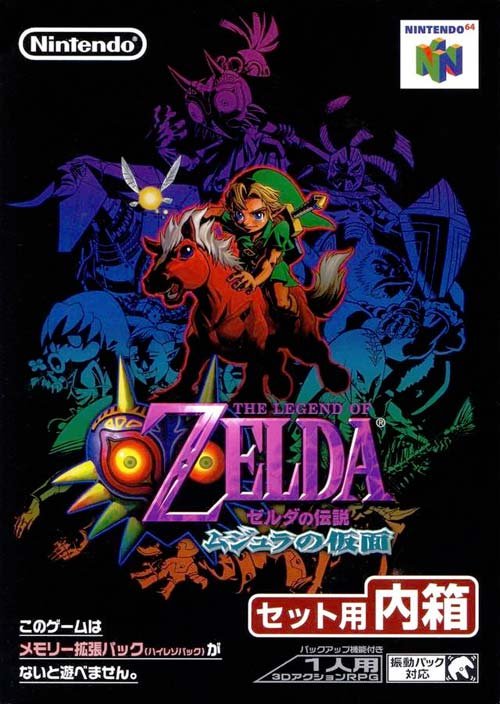
To te Majore chociaz dodaj
-
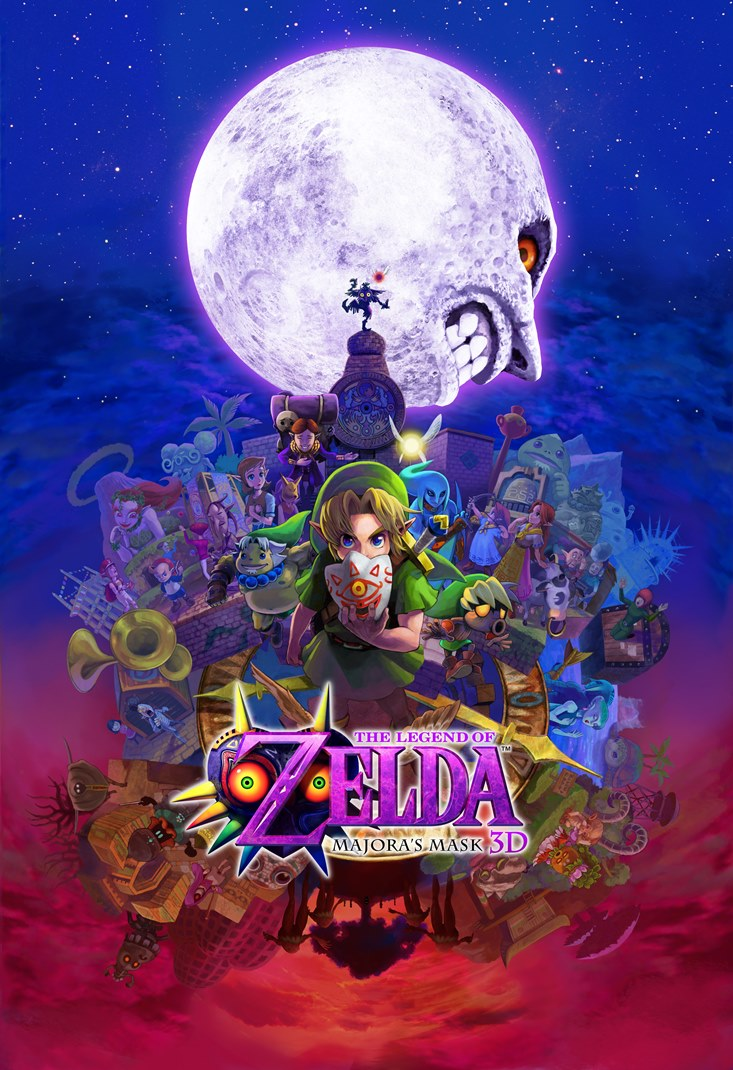
Tak samo. uwielbiam okladke z remastera na 3ds

-
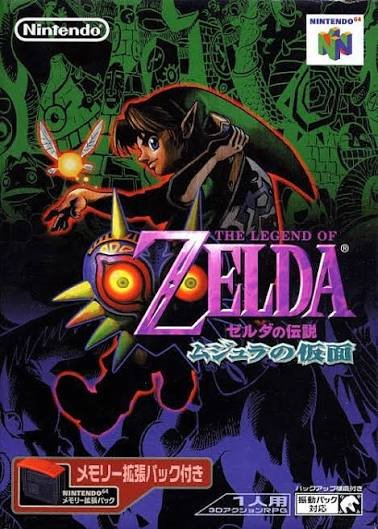
Raz w życiu grałem u kumpla z klasy, który miał i tak tylko mario 64, bo gry były drogie. Sentyment zerowy, ale jedną sztukę do kolekcji trzeba wziąć.
-
Dopiero co posprzątali po finale ligi mistrzów, nie ma lekko na zachodzie
-
Zajebistą jagodzianke wypchana jagodami po brzegi, mało ciasta, za 13zł, a w centrum w hipsterskich cukierniach zaczynają się od 30zł