triboy
Użytkownicy
-
Dołączył
-
Ostatnia wizyta
-
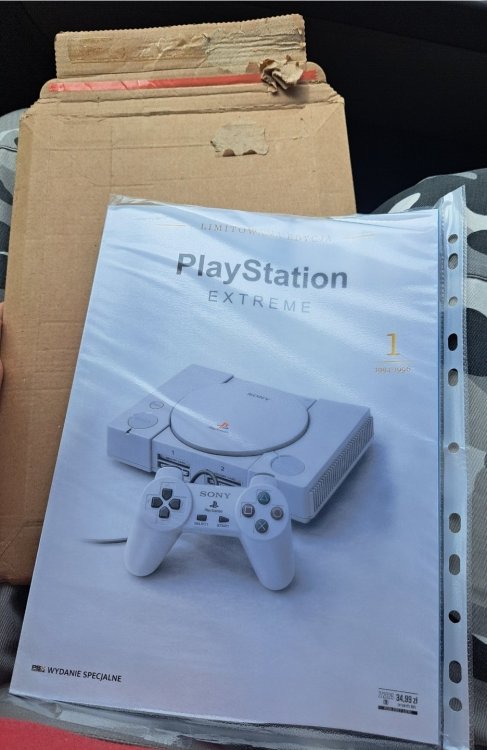
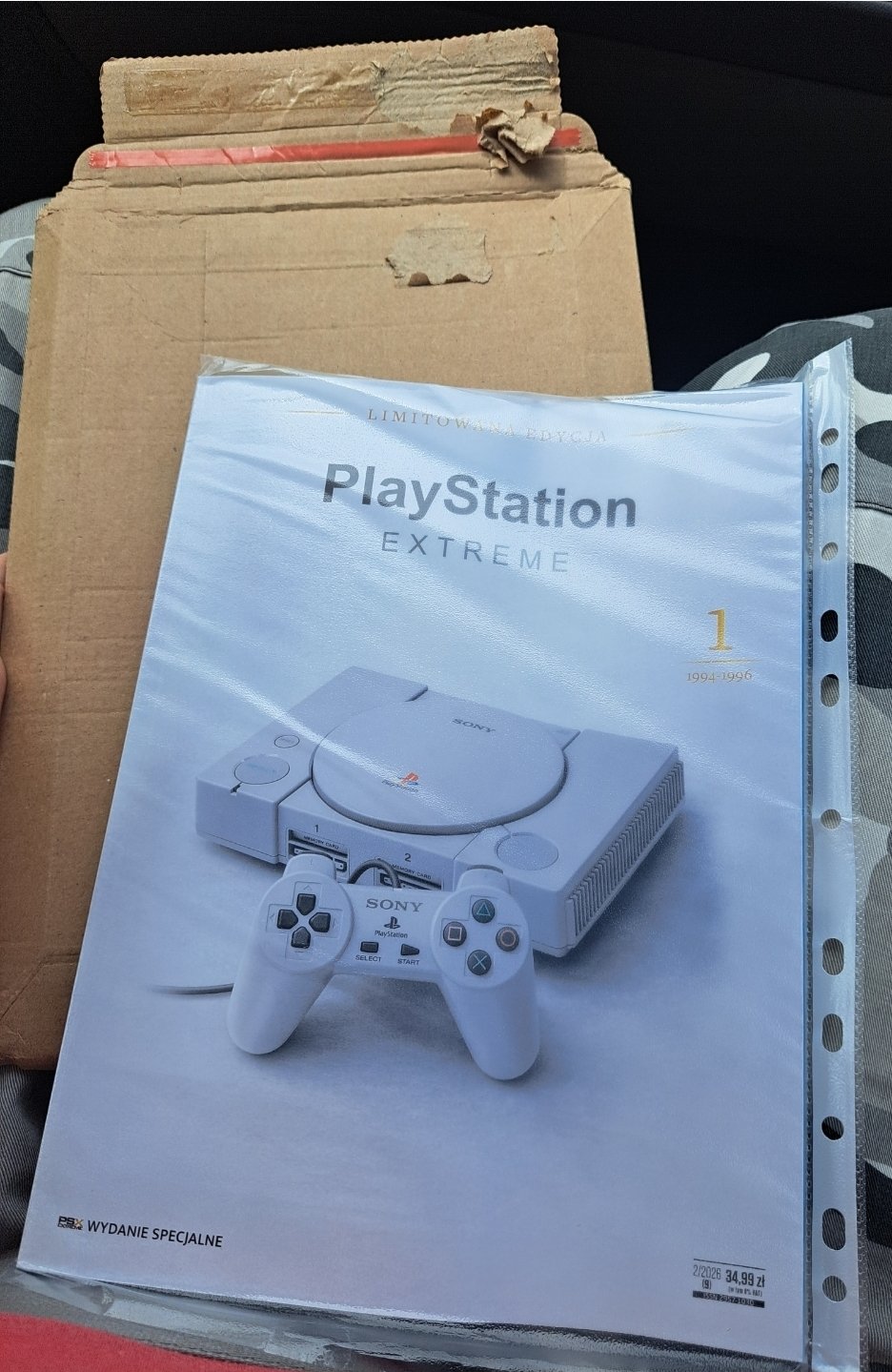
Tylko czy to ma sens z biznesowego punktu widzenia. Ile takich egzemplarzy zejdzie? Jaki koszt druku i jaka cena? Sam lubię wrócić do starych numerów i przeczytać jeszcze raz jakąś wybraną reckę, ale to tych największych hitów.
-
Ja bym widział takie the best of PE. Najlepsze recki, felietony, artykuły itp. Bo drukowanie całych magazynów chyba mija się z celem, ktoś by to wszystko czytał? Recki crapów z przełomu wieków? No nie wiem...
-
-
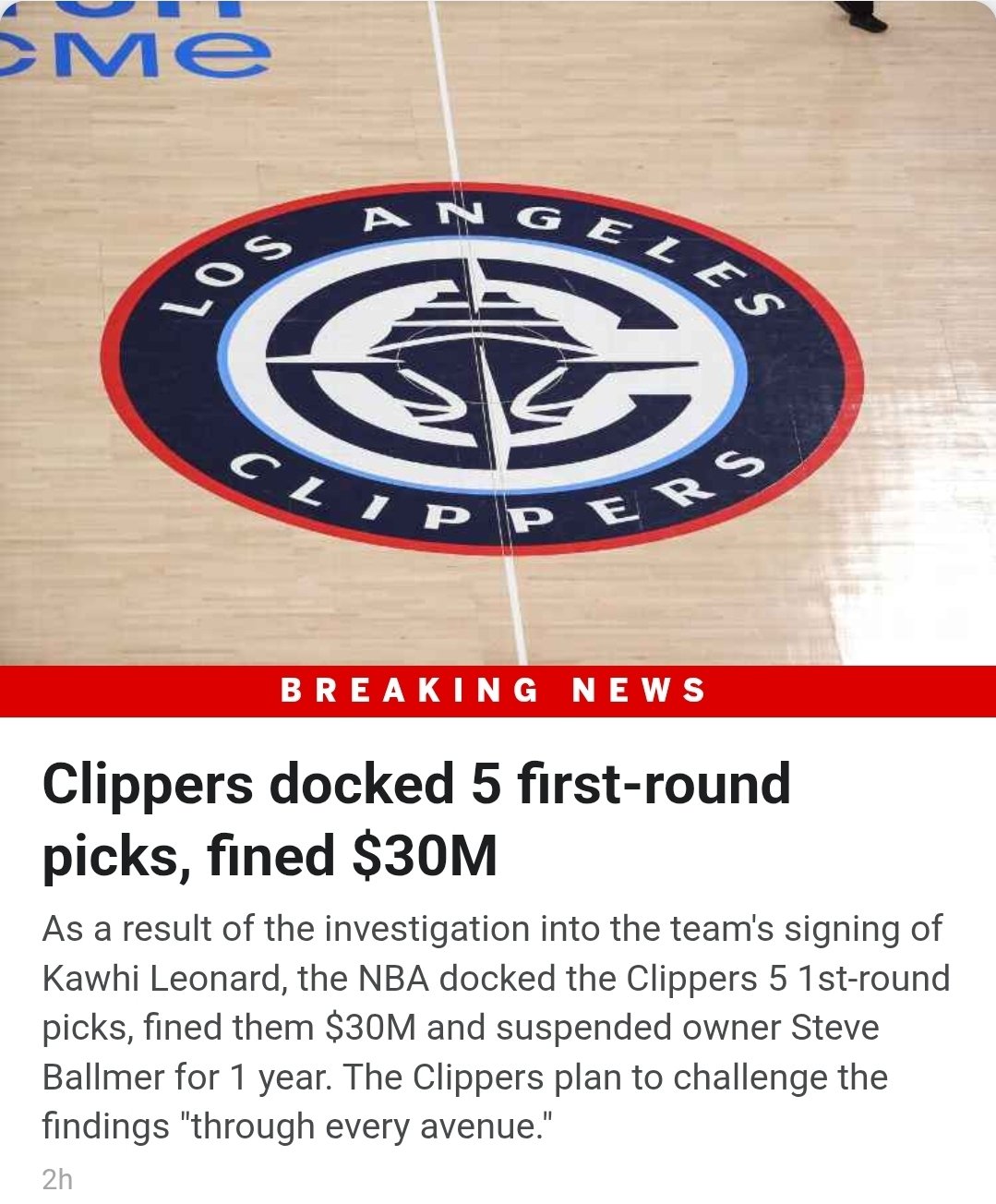
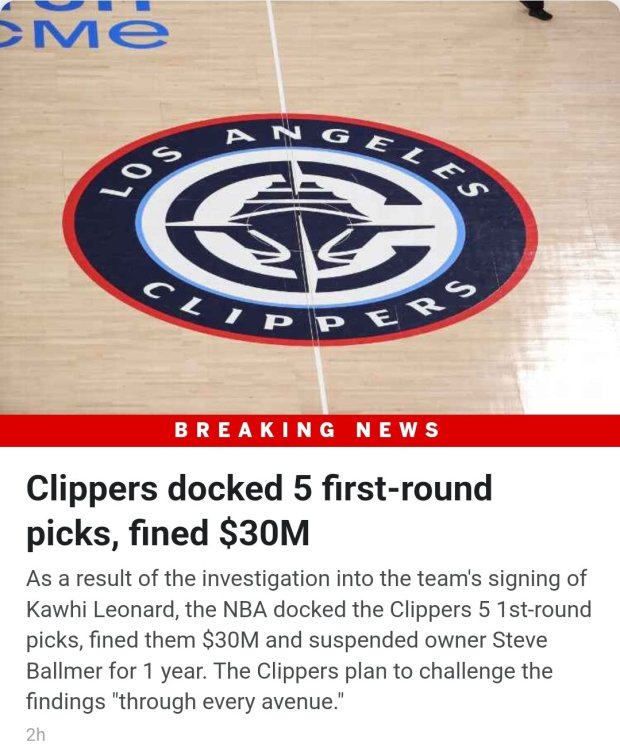
https://www.espn.com/nba/story/_/id/49806356/nba-announces-punishments-clippers-kawhi-probe
-
Jakbyś Perez robił jakąś ankietę, to masz mój głos. Tylko ewentualnie podnoś szybko, bo właśnie przyszedł mi ostatni numer i muszę odnowić prenumeratę
-
Ciekawe czy Ania się odnajdzie w Chicago...
-
Tak, ale było w plus extra/premium.
-
Słyszałem, że to najrozsądniejsza decyzja, choć sam wolałbym zobaczyć go w GSW. Edgecombe, Maxey, Brown, James, Embiid. Jak bedą zdrowi, to zmiotą wschód
-
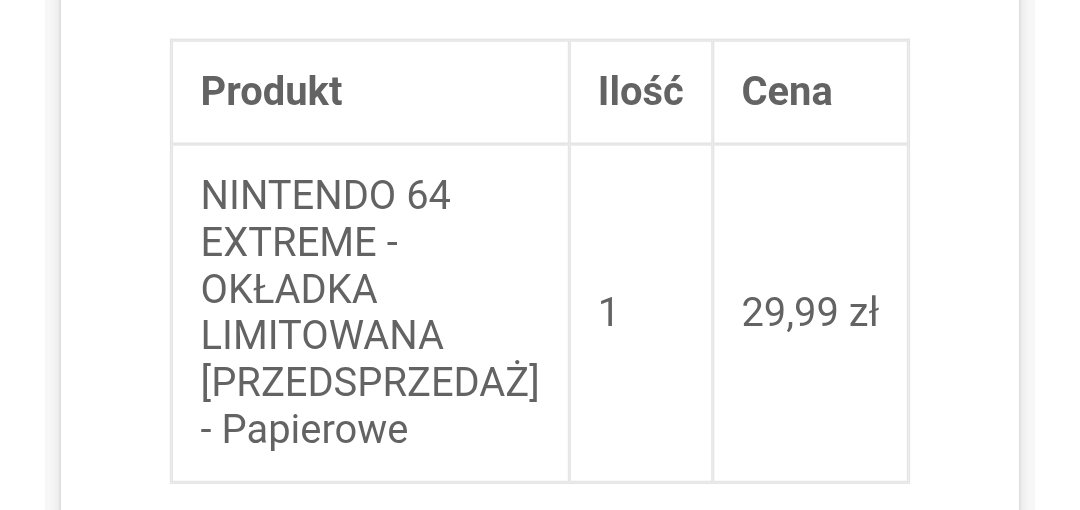
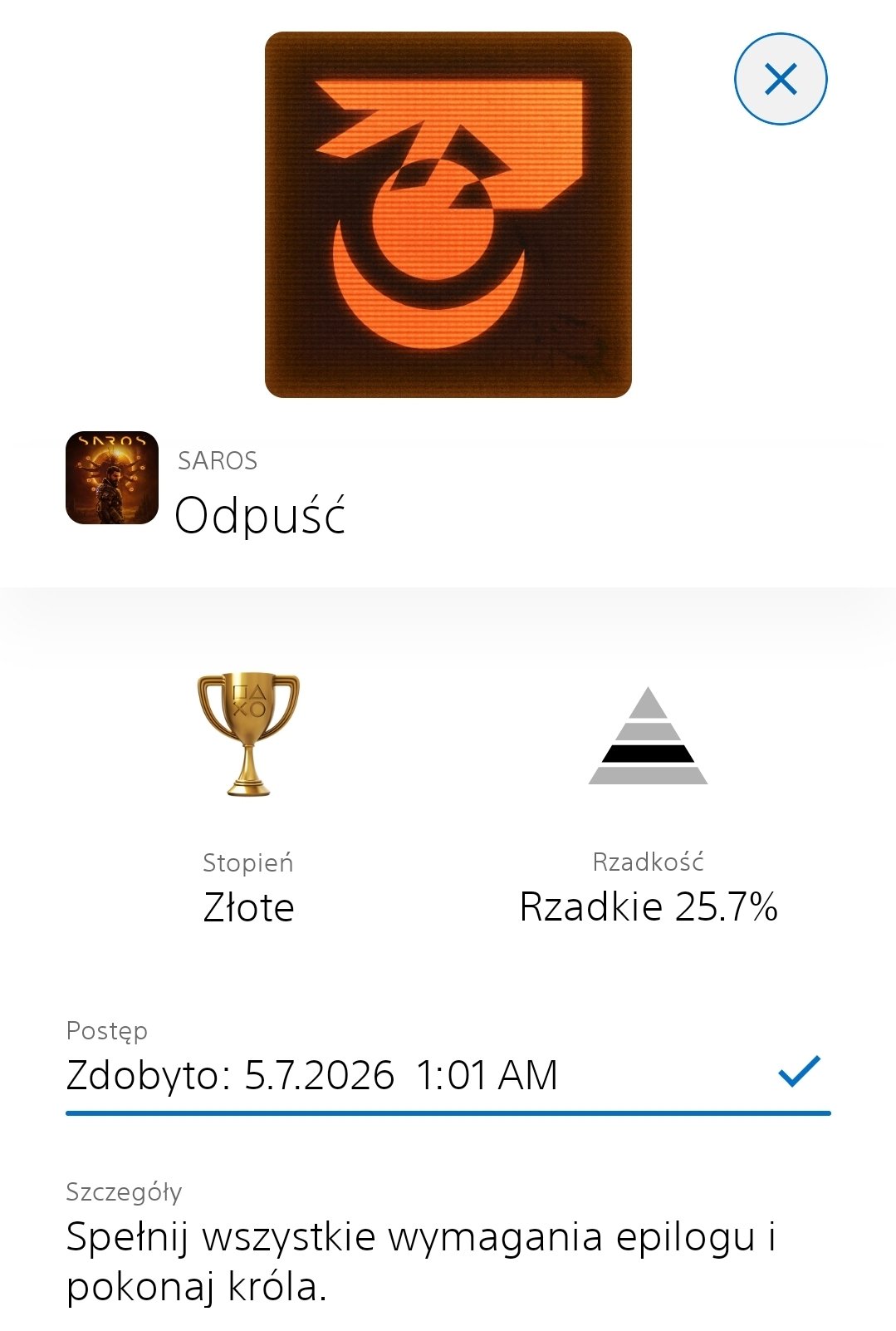
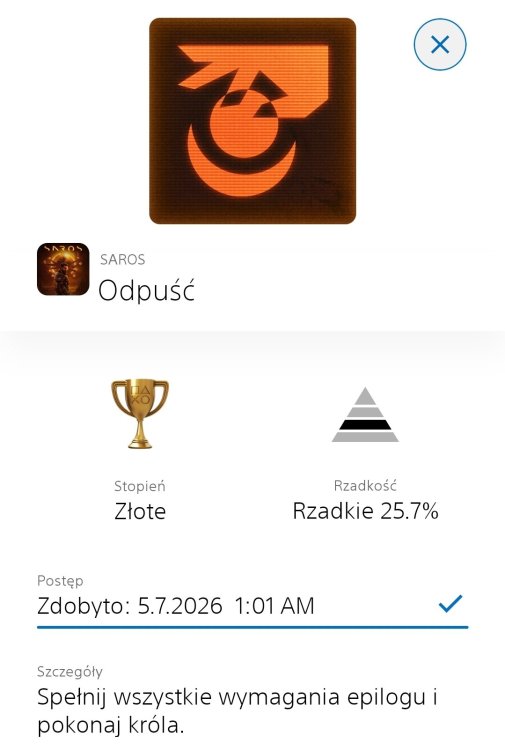
N64 kojarzy mi się z recenzją Mario 64 w Escape i głosem Tomasza KnapikaKupiony na premierę. Niestety z braku czasu skończony dopiero teraz. Jeśli komuś podobał się Returnal, to Saros również go nie zawiedzie. Gameplay jest soczysty. Jedyne czego mi osobiście brakuje, to jakiś score attack mode. Oj takie nabijanie mnożnika jak w Dead Nation by się przydało
 Pewnie jak Tom...
 A to nie jest już tak, że demówki są dla posiadaczy premium?Dziękuję ekipo zgredów. Będzie czytane