
Shen
Patroni
-
Dołączył
-
Tu sie zgadzam, ale chłopacy pewnie zajęci byli extreme party.
-
Na PC gram praktycznie tylko w fpsy i strategie, czyli combo myszka klawiatura, więc przy biurku. Jakby to był mój jedyny sprzęt, to pewnie z tv bym coś kombinował.
-
Nie oczekuj za wiele, bo to jednak lekko podrasowana mobilka, gdzie wiekszosc walk się robiło na auto.
-
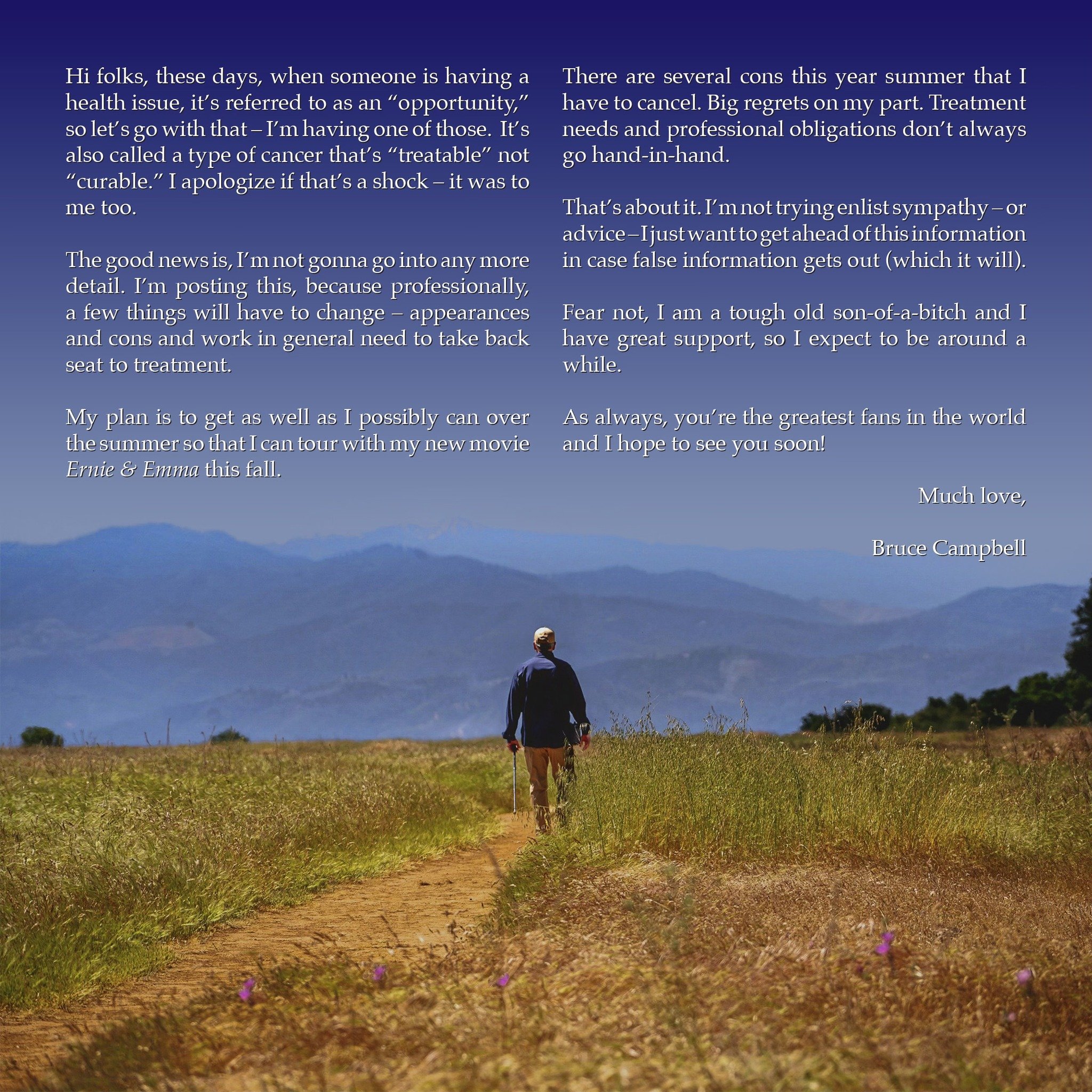
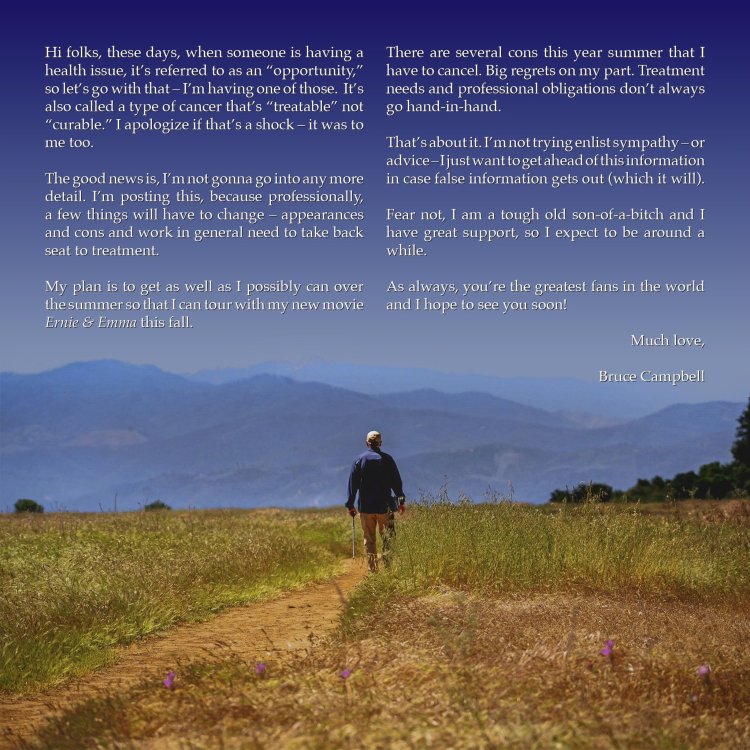
Szkoda, z drugiej strony ma jeszcze sporo czasu https://www.filmweb.pl/news/Bruce+Campbell+o+swojej+walce+z+nowotworem%3A+%22Zosta%C5%82o+mi+5+lat+%C5%BCycia%22-168442
-
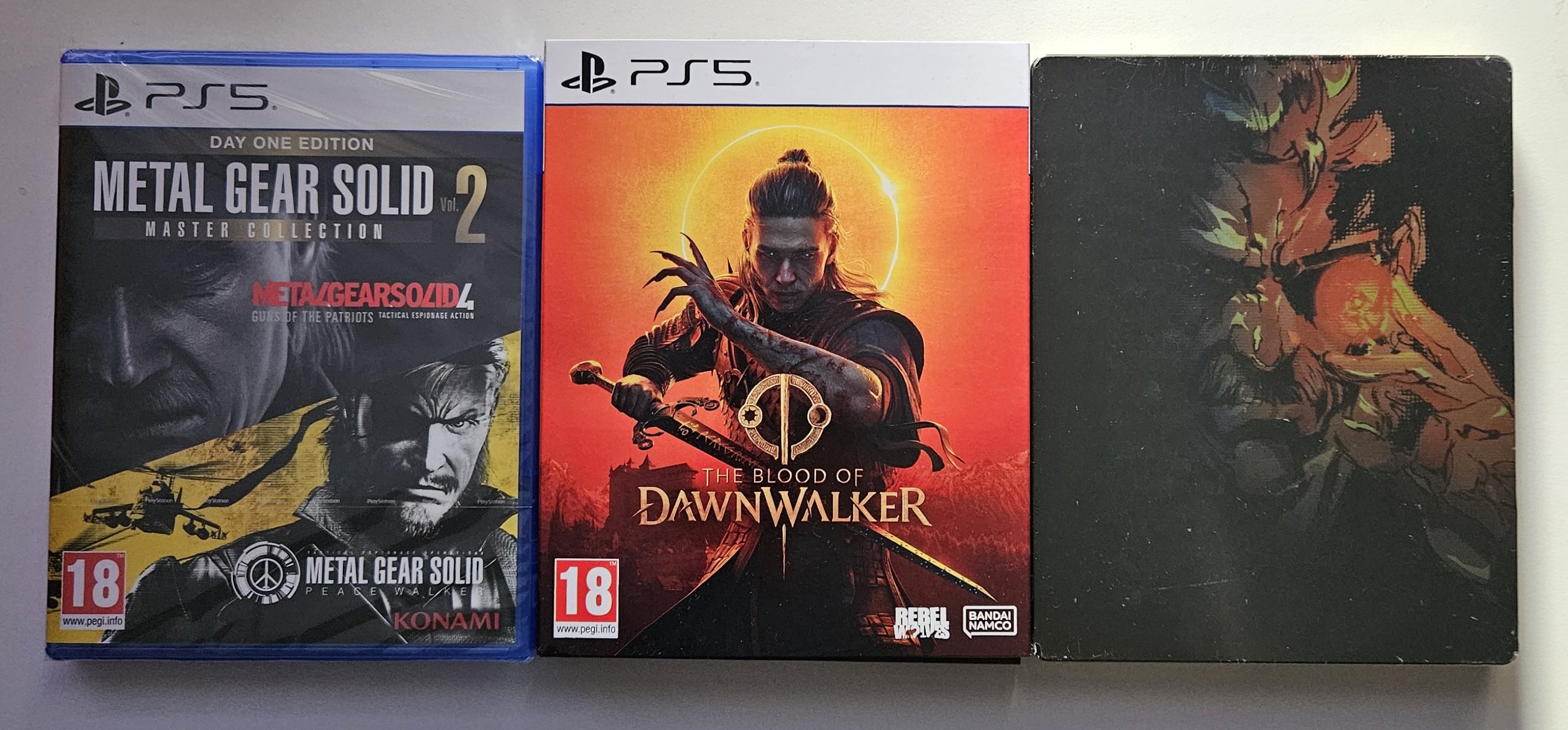
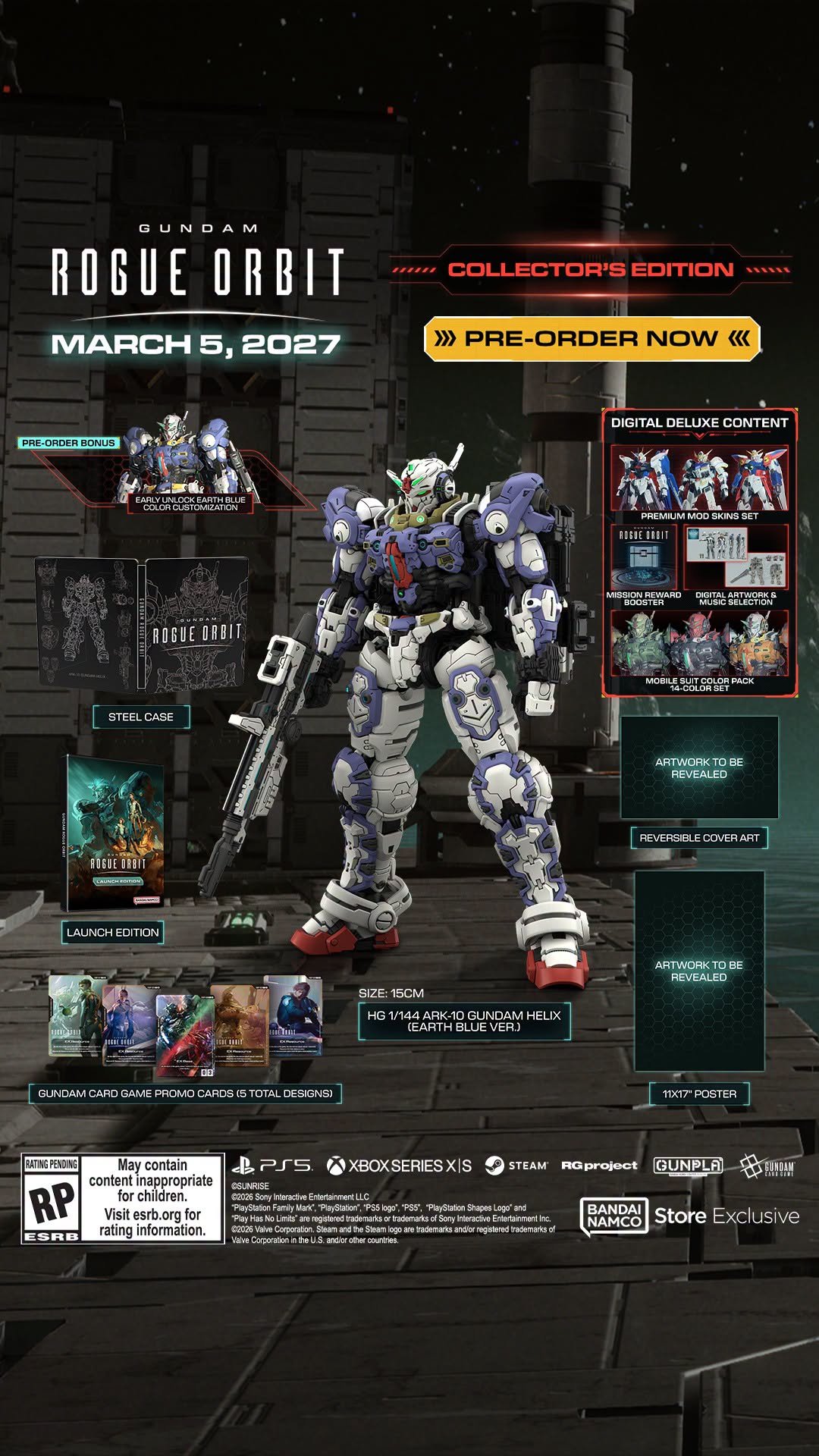
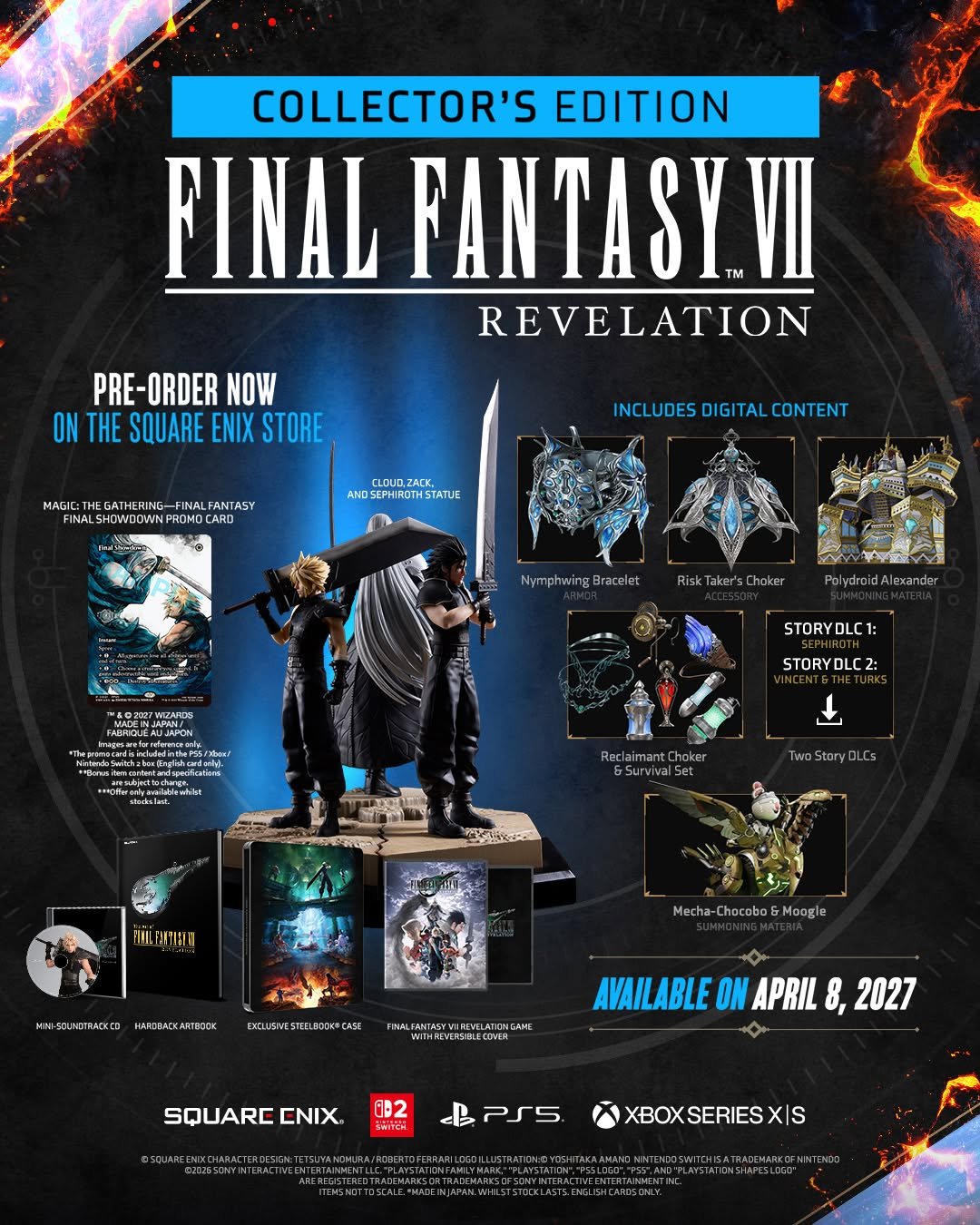
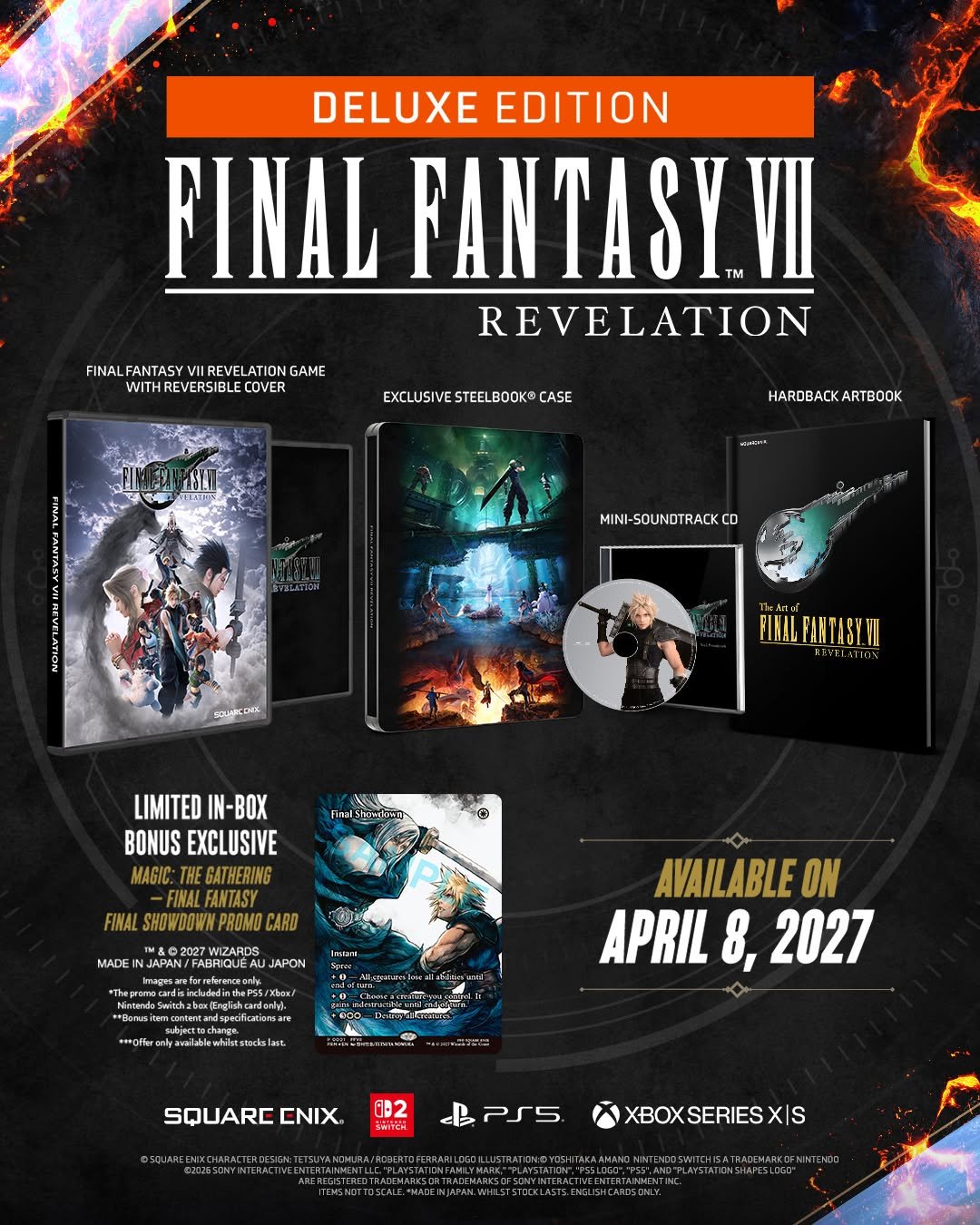
Ktoś na prosiaku gra? Które ustawienie najlepsze? Balans?PB lipa, sprzedają z jedną płytą.Sprawdziłem co tam pokazali i niezły kapiszon, gry które juz widzielismy i dlc.JPF wydawał mangi przez odpal projekt, ale nie wiem czy to jeszcze działa. Minimalny próg opłacalności ustawili, dali tam też bonusy w stylu podziękowanie w mandze. Były też jakieś pakiety dla księgarni, 10 pakietów z rabatem, ale tutaj pewnie by było ciężko ze wzgledu na tematykę. Odpalić coś takiego z pierwszym tomem, jak wypali super, jak nie to trudno. Najwyżej sama cyfra zostanie dla potomnych.
 Nie wygląda to źle, jak się kiedyś wykopie z jesiennego wysypu gier, to może się sprawdzi.
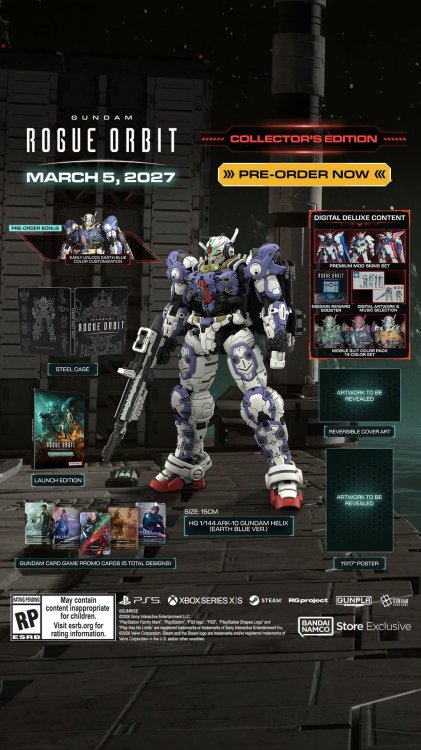 Pytasz serio?Po samochodach i budynkach widać, że kręcone w Europie, no nie wiem co tak słabo. Myślałem, że Raccoon City jest w USA.Wincyj edycji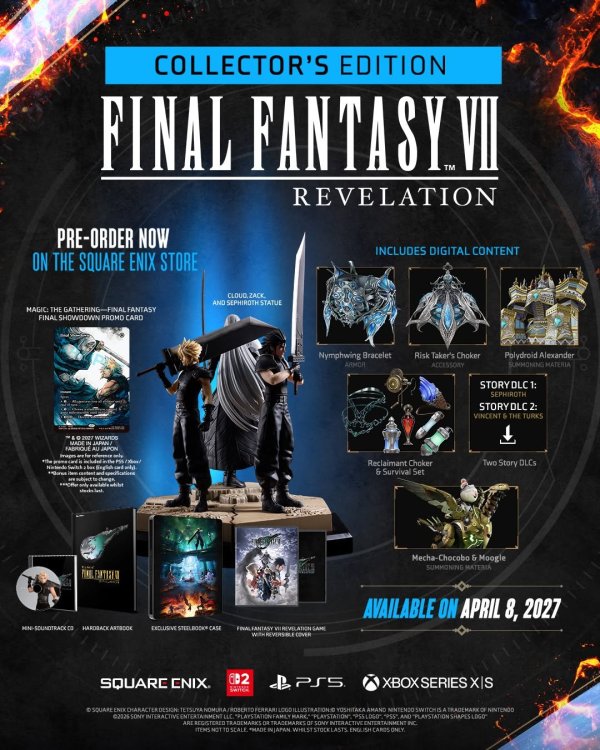
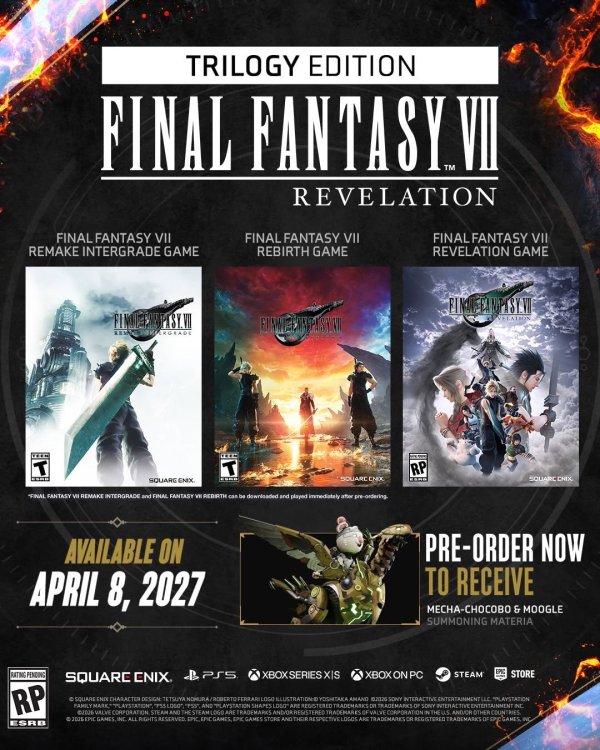
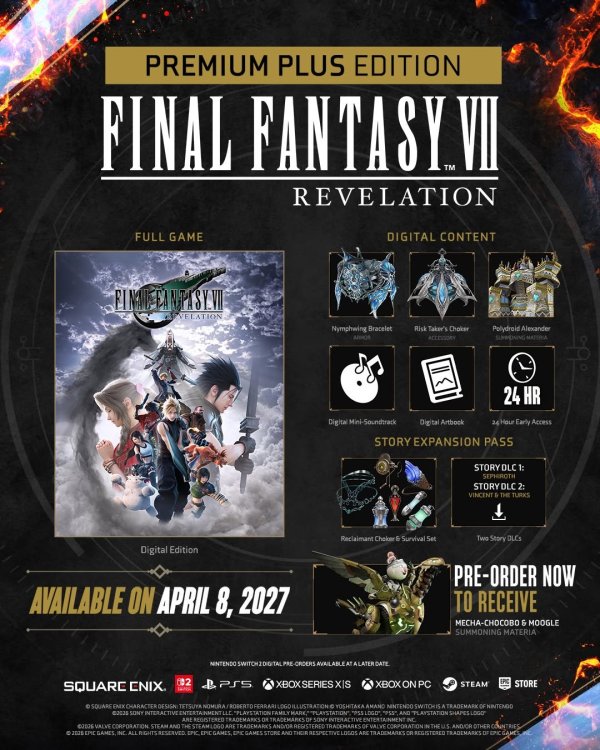
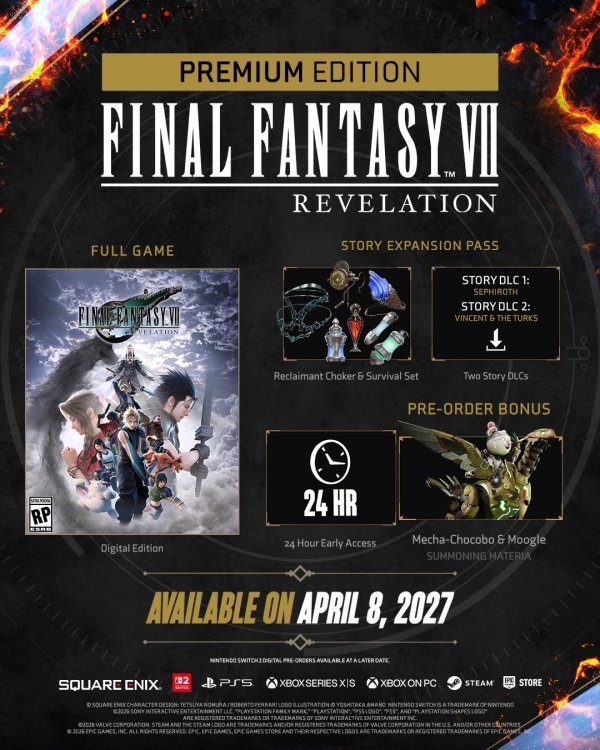
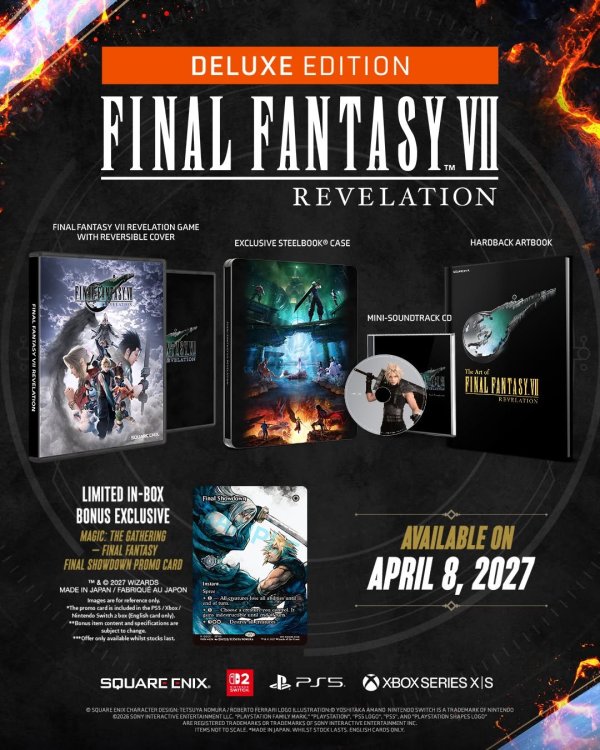
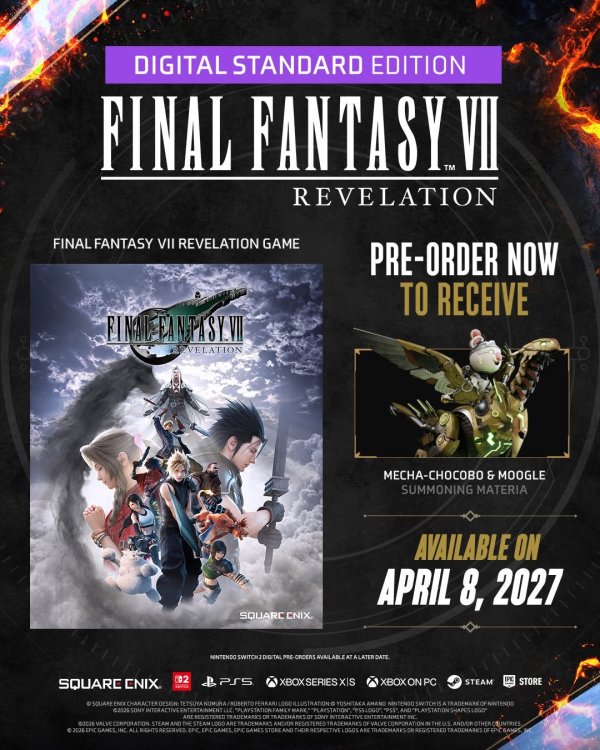
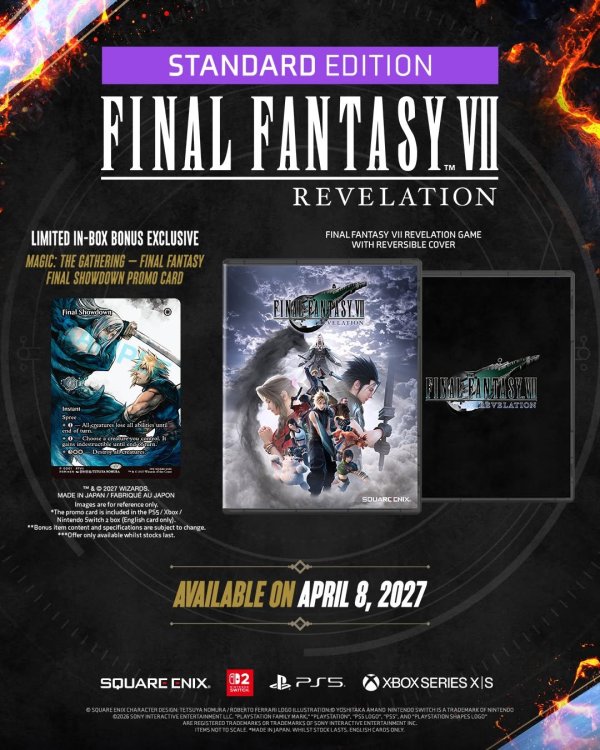 a te legendarne płyty z numerami są? Czy zatrudniacie @grzybiarz do odnawiania skanów? Ja mam numery jakoś od 26 chyba, pojedyncze wcześniejsze, ale stan mocno słaby. Tak chociaż jakby do 30 te zbiorcze wypaliły, to by było dobrze.