Sylvan Wielki
Użytkownicy
-
Dołączył
-
Ostatnia wizyta
Treść opublikowana przez Sylvan Wielki
-
Jotunnslayer na promocji. Dodatkowo Nurek Dave ma 45% ścięcia, wiec wersja na NS2 wychodzi za 44 zł. W podobnej cenie można wyrwać, cyfrowo, Darvin's Paradox oraz Skate Story.
-
Tak było. Ale tak jak Bzduras napisał, zapewne wyduszą z tego (oby) wiecej. Byłoby super. Przyjąłbym takie Vol 3 bez wahania.
-
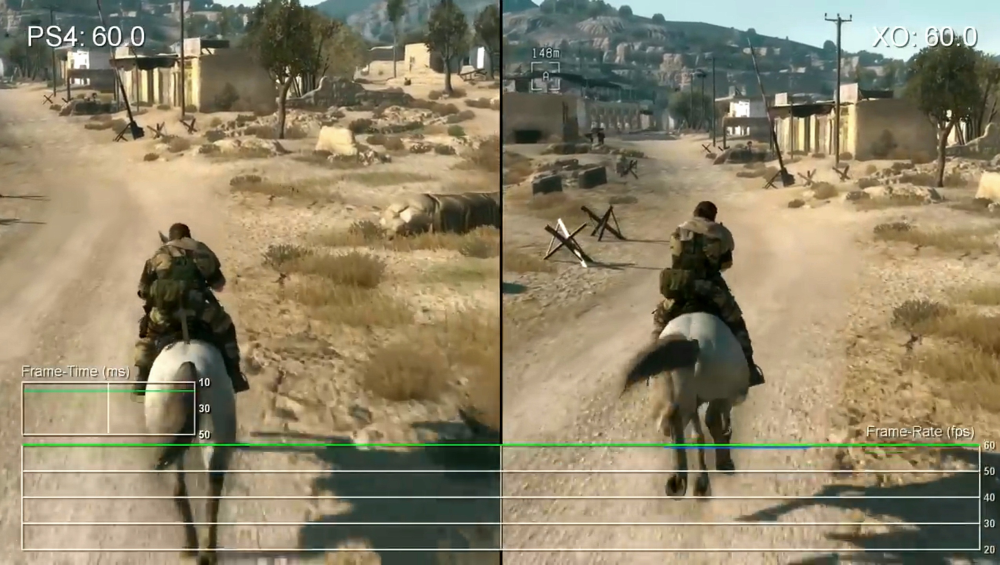
Przeszedłem wszystkie asasyny. Serię uważam, w ogólnym rozrachunku, za bardzo dobrą. Jej problemem było to, że wałkowali ją rokrocznie, a czasami pojawiały się nawet dwie części w ciągu roku. Seria zaczęła zjadać własny ogon. Choć nawet w Syndicate grało mi się w porządku, to dobrze się stało, że Origins przyniósł reset serii. Przygody Bayeka uwielbiam. Piękna to była gra. Ogrywałem ją na One X. Coś wspaniałego. Sama rozgrywka – rewelacja, choć zaznaczam, że trzeba lubić asasyny. Odyseja, jak dla mnie, okazała się jeszcze lepsza. Ogromny, piękny świat. Wspaniały klimat. Grało mi się w to tak dobrze, że kilka miesięcy po ograniu imponującej wersji na One X kupiłem ją na PS4 Pro i machnąłem . Przy Valhalli liczyłem na powtórkę z rozgrywki, ale w mroźnych klimatach. Nadmienię, że to moja pierwsza gra na Series X. Niestety, strasznie ją rozwlekli. Wątek fabularny u mnie pękł w okolicach 80 godzin – tyle zajęło mi 100% w takim molochu jak Odyseja. Zasadniczo przygody Eivor to dobra gra, ale gdyby zamknęła się w 30–40 godzinach, to byłoby aż nadto. Shadows podobało mi się bardziej, ale i tak Alexios rządzi. Trzeba jednak oddać, że gra prezentuje się obłędnie na PS5 Pro. Reasumując: Odyseja > Origins > Shadows > Valhalla. Ale to tylko moje zdanie.
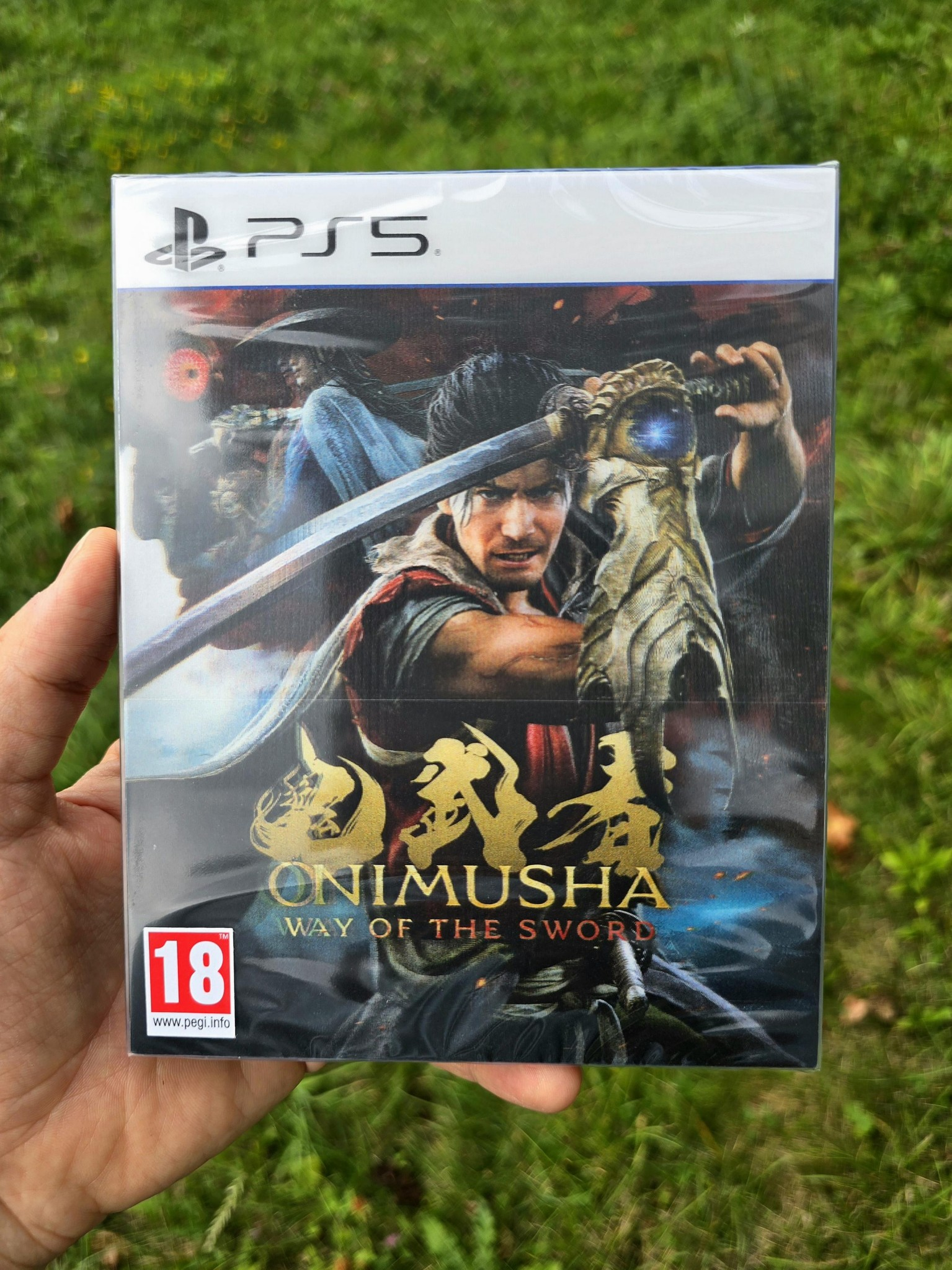
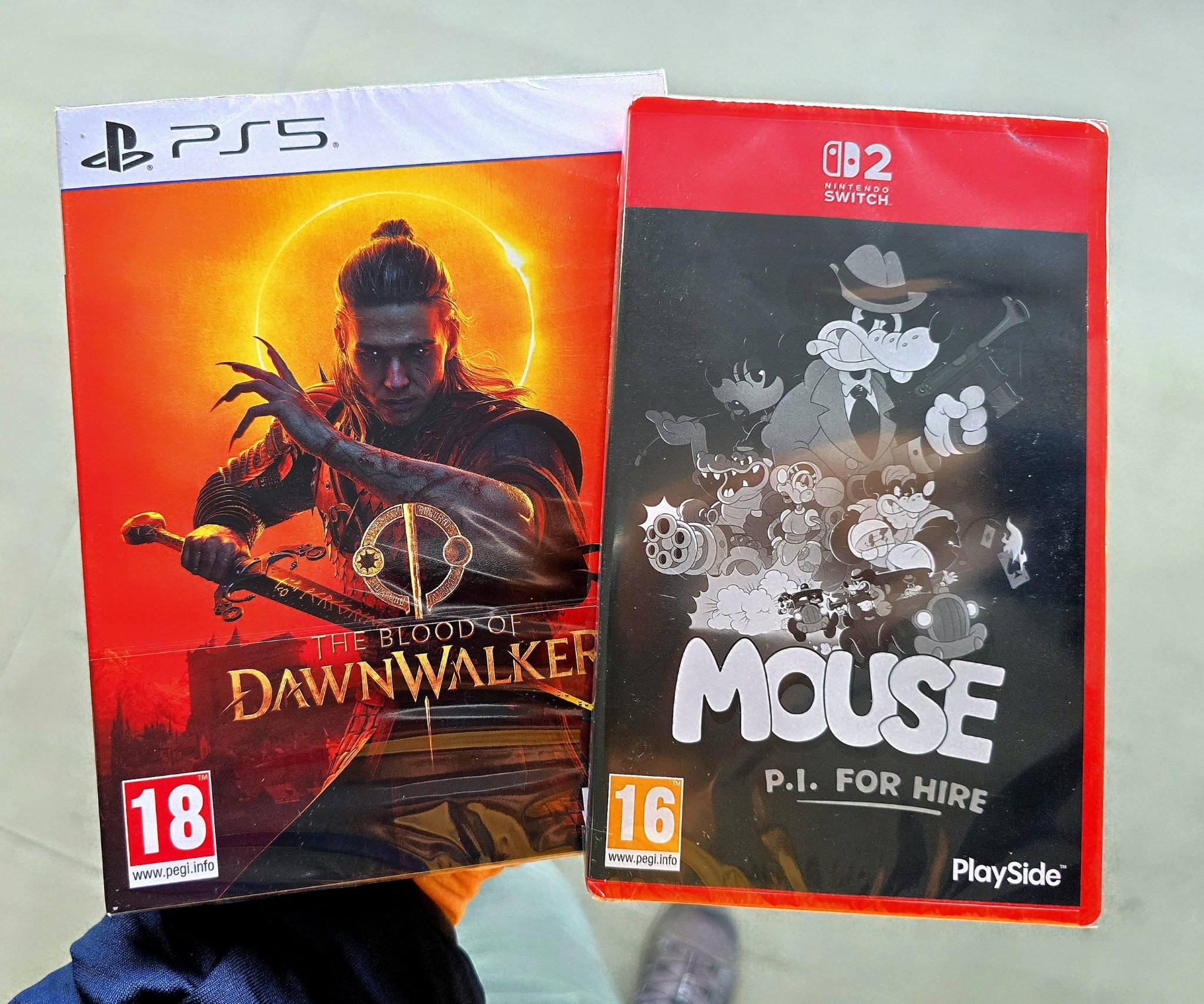
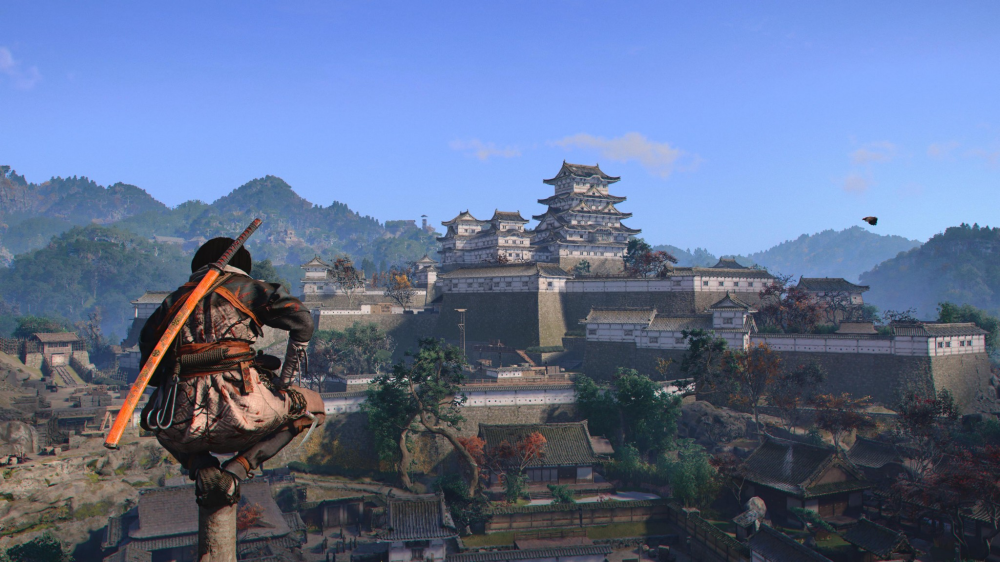 @DarkStar przedpremierowo dostępna była tylko wersja na PS5. Ta na Słiczersona Drugiego również dołączy, kiedyś, do kolekcji. Ograłem demo i grało się świetnie. Szkoda, że GKC, ale cóż począć. Zresztą, na NS2 kończę Oblivion, mam Eldenika Bożego, Myszę... Jest w co grać przenośnie.Akurat z tym wiąże się grubsza sprawa, ale tego już zdradzać nie będę, bo motyw jest naprawdę interesujący i trochę kripi (a takich rzeczy jest tu kilka). Momentami czuć nawet vibe Silent Hill – chore rzeczy się dzieją, ale to już każdy sam sobie poczyta i ogarnie podczas gry.Nie ma najmniejszego sensu brnąć w to, że to japońskie dobro narodowe, ale oparte na mitologii chińskiej, bo to kolejny nietrafiony przykład. Kończąc ten blamaż, dodam, że czasami tryska żywszymi barwami w Oni, ale faktycznie kolorystyka jest dość stonowana i całość jest raczej ponura. Dzisiaj machnę jeszcze 3–4 godziny i zobaczę, czy w kolejnych etapach również jest tak szaroburo.
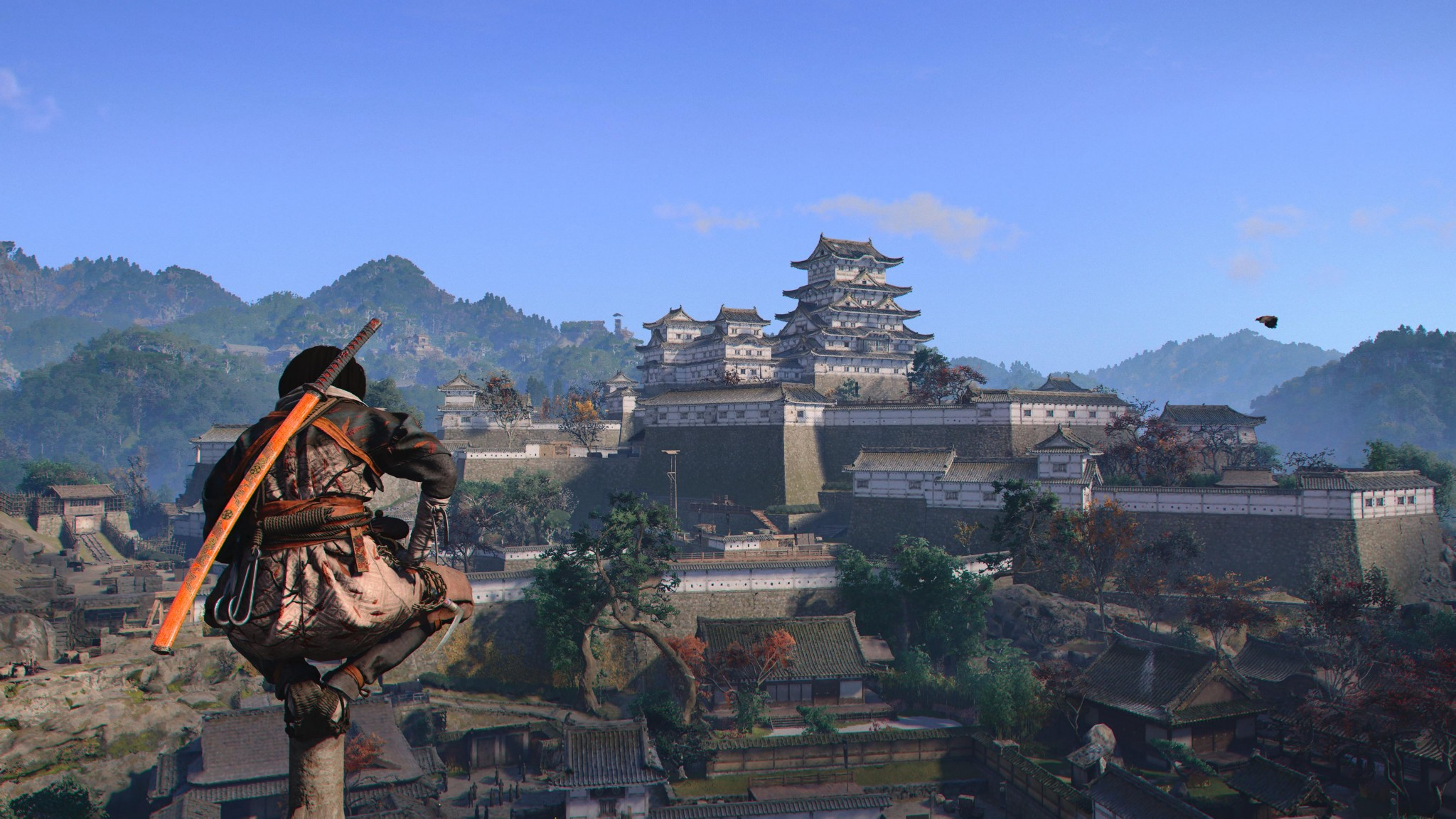
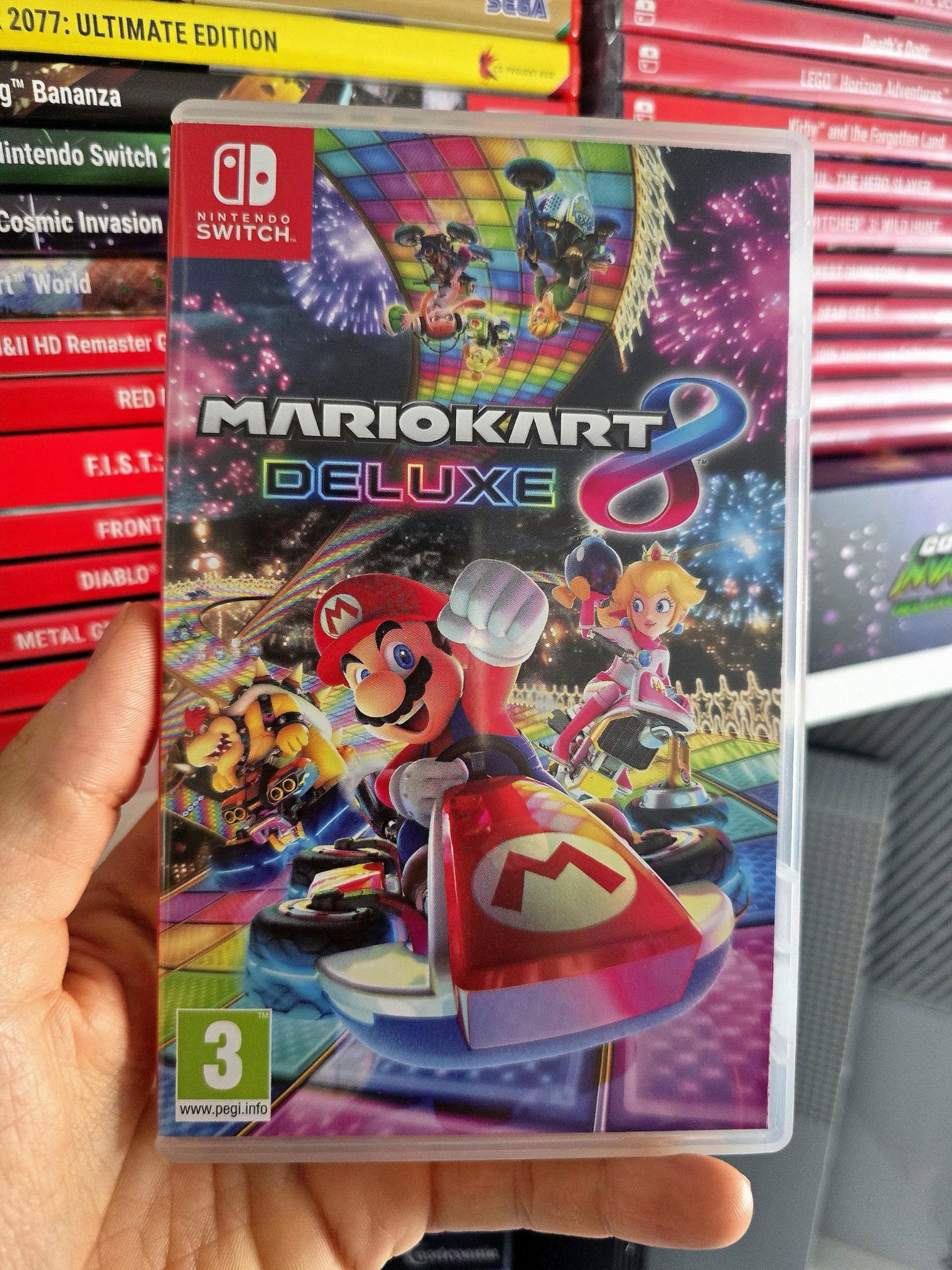
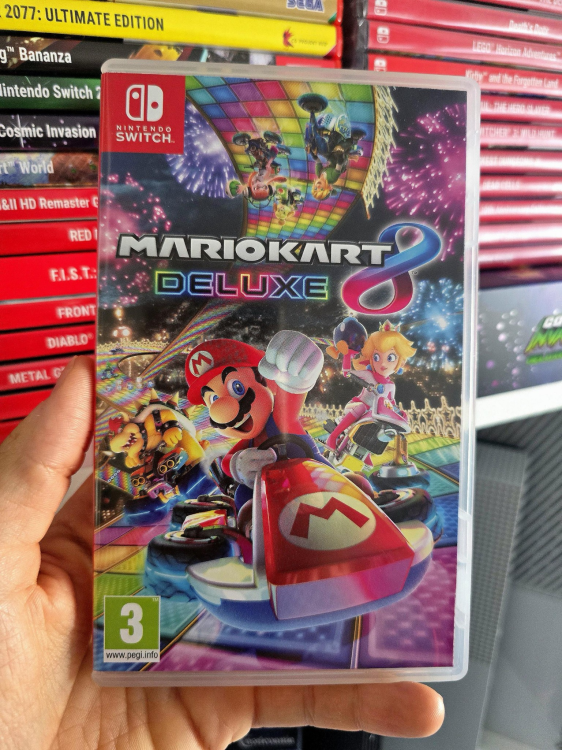
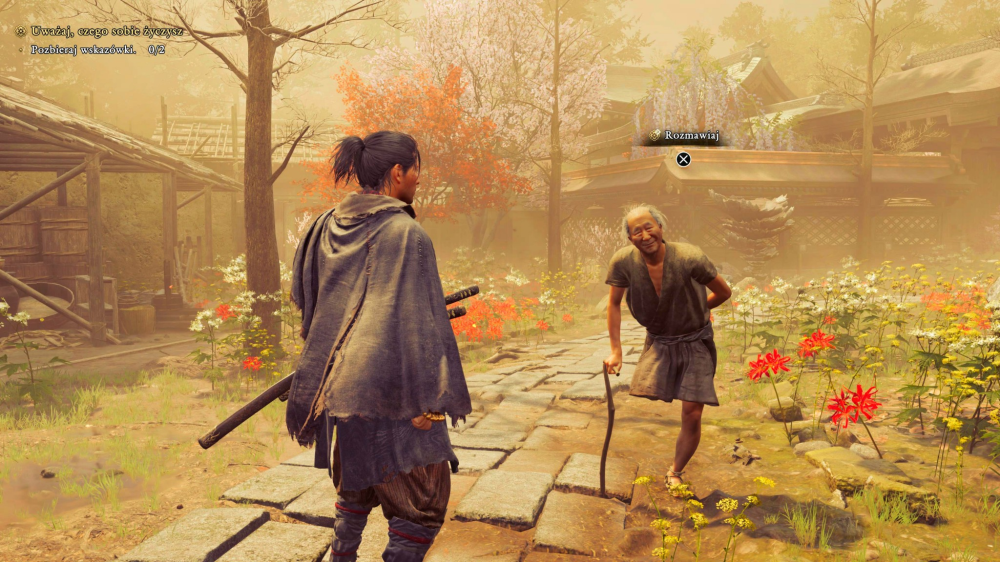 Ach, co racja, to racja. Zasadniczo dołożyłem wcześniej jeszcze „Szoguna” i „Siedmiu samurajów”, ale ostatecznie skróciłem tekst, bo nie chciałem robić z tego takiej wyliczanki, a skróciłem – jak widać – błędnie. Tylko że, wiesz, za łebka, jak widziałeś jakiś film akcji ze "skośnookimi", to człowiek nie zagłębiał się przecież, czy to produkcja chińska, japońska czy koreańska i wszytko wrzucał do jednego wora, bo: ninja, samuraje, demony, biją się i jest mnich z siwą brodą. Niemniej masz słuszność. Pisząc o tym teraz, nie powinienem powtarzać takiego babola z lat dziecięcych. A było wymienić przygody Son Goku. Mea culpa. Jak będę ciął kolejnego bossa w Oni, pomyśle o tobie.Haha, a miałem cię w tekście odznaczyć, bo – tak patrząc na twój growy gust na forumku – będzie ci się podobało. Na prawdę to jest smaczne danie zaserwowane tuż przed Townfall. Josh też będzie zadowolony, szczególnie że jak pojawiają się dwie pierwsze OP postacie, to typowe męskie sigmy. No i to też jego klimaty. Polecam, chłopaki. Czekam na wasze opinie. A ja teraz muszę się głowić: sesja po Karpatach w Dawnwalker, czy szlachtowanie demonów w Kioto. Ale każdemu życzę takich rozkmin. Miłej gry.Takiej gry mi brakowało. Od dziecka uwielbiam kulturę japońską. Wychowałem się na takich filmach jak „Wejście smoka” czy seria „Pijany mistrz”. Jedną z pierwszych gier, w jakie grałem w życiu, był Bruce Lee na Atari. Do dziś pamiętam klimat „Ninja Scroll”, które widziałem jako nastolatek na kasecie VHS. Zwiedziłem kawał świata, a nadal uważam, że urlop w Japonii był tym najlepszym (zobaczyć na żywo te wszystkie pagody, Zamek Osaki – coś niebywałego). A nowa Onimusha to wręcz esencja japońskości. Jak już wspomniałem ostatnio, miło wspominam tę serię jeszcze z czasów PS2. Aż dziw, że tyle lat przyszło nam czekać na kolejną jej część. Liczę na to, że sprzeda się w wielu milionach egzemplarzy i Capcom klepnie kolejną odsłonę za jakiś czas, bo jest bardzo dobrze. Nie ma specjalnie co się rozpisywać. Większość z was grała w demo. System walki jest przyjemny w odbiorze. Animacje są szalenie efektowne i soczyste zarazem. W potyczkach jest jednak pewien problem – trzeci poziom trudności (Rzeź) odblokowuje się dopiero po ukończeniu gry, a te dwa bazowe są dyskusyjne. Tryb fabuły daje nam podpowiedzi, którego przycisku użyć podczas ataku oponenta, dodatkowo nasz pasek zdrowia niemalże nie topnieje (standard). Natomiast ten nastawiony na akcję, cóż... Podstawowe walki są stanowczo za łatwe, a bossowie potrafią dać w kość. W efekcie doświadczony gracz będzie miał jakieś tam wyzwanie tylko pod koniec rozdziału, natomiast dla mniej wprawnych manualnie będzie podczas eksploracji łatwo, a przy bossie za ciężko. Graficznie „Ścieżka miecza” nie ma się czego wstydzić. Jak zawsze z miejsca polecam włączyć tryb wydajności. Świetnie to hula. A szkielet gry prezentuje się następująco: mamy swoją bazę wypadową, z której kierujemy się do danego regionu. Jest on nieduży, mamy mapę, a jakby tego było mało, są znaczniki i duszek wskazujący drogę (jak w Oblivion). Nie ma opcji się zgubić. Pokonujemy przeciwników, a na końcu czeka nas satysfakcjonujący pojedynek z szefem regionu. Wracamy do bazy, ulepszamy postać, możemy wziąć udział w misjach specjalnych (powtórzyć walki z bossami, za co dostaniemy dodatkowe skórki), a w tak zwanym międzyczasie zamykamy szczeliny, z których wylatuje tałatajstwo. I tyle. Całkiem intrygująco zapowiada się warstwa fabularna. Oczywiście to zapewne nie będzie poziom Spec Ops: The Line czy Ekspedycji 33, ale dzieje się i jest całkiem ciekawie. Ogólnie, po kilku godzinach gry, jestem na tak i rekomenduję nową Onimuszę. W CapGods mają niesamowity rok. Kolejny z rzędu zresztą. Teraz pozostaje czekać na nowego Residenta i, być może, kolejnego Devila. PS Musashi da się lubić, a mimika jego twarzy jest obłędna.Co prawda jesteś moim forumowym kolegą nintendowcem-kolekcjonerem (choć zignorowałeś moje pytanie w temacie Ball x Pitt), ale nie zgodzę się. To znaczy wiadomo, jak to jest. Jeden napisze, że RDR 2 to 10/10 i będzie miał rację, inny powie, że TLoU Part II to najlepszy tytuł w historii (i racji mieć nie będzie), więc jak na moje, każdy niech tam ocenia, jak mu pasuje. Niemniej nuta obiektywizmu wskazana. MK8 mam od lat. Świetna, śliczna gra. Istna rewelacja. MKW mam od premiery. Piękny tytuł, przy którym bardzo dobrze się bawiłem. Ósemka to top najlepiej sprzedających się gier w historii. Około osiemdziesięciu milionów sprzedanych egzemplarzy. Szaleństwo. Gra przebiła portowaną od ponad dekady na wszystko, legendę jaką jest Skyrim. Pokonała Wiedźmina. Nawet CoD nie może się równać z potęgą MK8. MKW natomiast to jedna z najszybciej sprzedających się gier. Problem jest taki, że trochę nieuczciwe jest przyrównywanie gry rozwijanej latami do pozycji, która ma rok z hakiem na rynku. Furukawa-san ma łeb na karku. Nie bój się. Bananza wydana później, by nie robić sobie konkurencji, dev kity wysyłane po wielu miesiącach, by nie robić sobie konkurencji. Jak sprzedaż World wyhamuje, coś tam dorzucą. A że ta gra już sprzedała się w ponad 20 mln egzemplarzy, to bankowo będą ją rozwijać. Inna sprawa, że brak trybu fabularnego w takiej produkcji to kpina. Ech, za czasów Szaraka zagrywałem się w wybitne Crash Team Racing. To była gra. Mogliby przypudrować grafę, dodać klatkaż rzędu betonowych 60 i grałoby się.PowerPyxOnimusha Way of the Sword Trophy Guide & RoadmapOnimusha Way of the Sword Trophy Guide & Roadmap (Achievement Guide). A guide on how to get all trophies and achievements in Onimusha: Way of the Sword.Całkiem wymagająca (7/10), okolice siedemdziesięciu godzin potrzebne do zdobycia. Wymagane dwa przejścia i – całe szczęście – nie można nic pominąć. Może się skuszę. Właśnie instaluje.No to ja przeprosiłem się z wąsatym kolegą. Teraz czekam na Darkest Dungeon II, które już się smaży pod NS2.
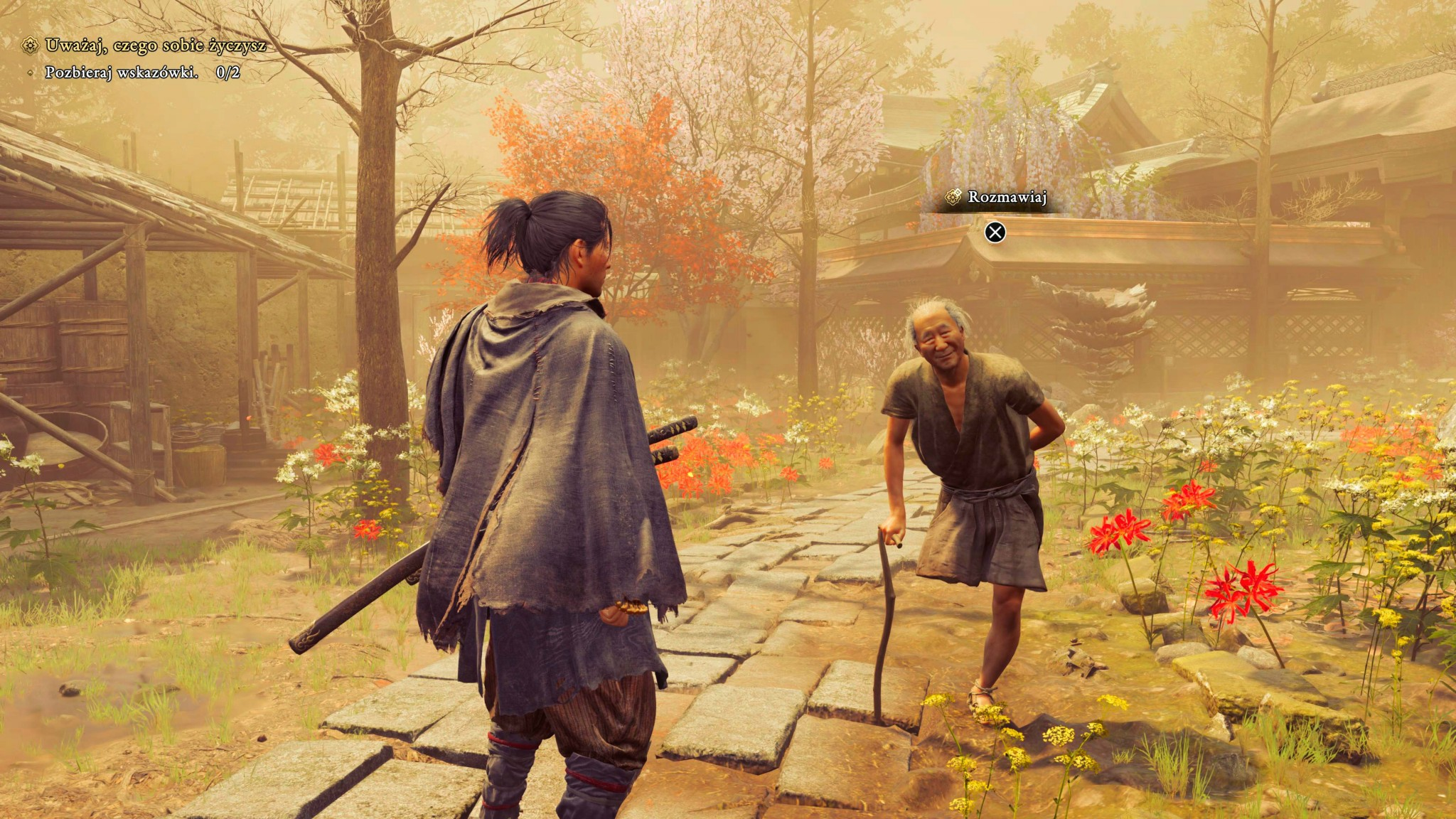
 No dobrze. Pograłem kilka godzin i – na chwilę obecną – jest (bardzo) dobrze. Przede wszystkim czuć klimat. Jasne, od gry bije trochę drewnem, widać, że tytuł nie miał budżetu topowych gier, ale bawię się świetnie. Sprawdziłem dwukrotnie wszystkie tryby i nie ma najmniejszego sensu wybierać innego niż wydajność. Gra działa płynnie i prezentuje się dobrze. Wiecie, to nie jest wizualnie liga takiego AC Shadows czy Aloyki (Horizon), raczej mam zbliżone odczucia jak podczas grania w Vampyr – poprawnie, bez efektu „łał”. Podoba mi się walka. Może dlatego, że sporo grałem swego czasu w For Honor. Sprawdziłem wszystkie 4 poziomy trudności i ten fabularny daje nam klasyczną nieśmiertelność. Bardzo ciekawie wypada tutejszy hard (wyzwanie), bowiem na bazowym poziomie mamy ikonę tarczy, która sygnalizuje nam kierunek, z którego zaatakuje nas wróg. Przy wyższych poziomach informacja ta znika i musimy zdać się na obserwację przeciwnika. Dodatkowo całość można mieszać – jeżeli ktoś ma słabszego skilla bądź nie chce się wkurzać, że po raz kolejny powtarza dany fragment, ale podoba mu się system z poziomu trudności „pojedynek”(very hard), może ustawić mniejsze obrażenia zadawane przez oponentów, ale większą ich zajadłość. W ustawieniach poziomu trudności nazywa się to - własne. Generalnie dobrze się walczy, a to dopiero początek przygody. Ten upływ czasu też zapowiada się ciekawie. Przykładowo, w prologu zająłem się szukaniem skarbu i do wieczora (i obowiązkowej wizyty w kościele) kompletnie ominąłem znany z recenzji motyw z kobietą, której możemy pomóc w pierwszych godzinach gry. Misja niby ciekawa, mająca kilka rozwiązań, a u mnie nie skończyła się ona dobrze (dla zainteresowanej), bo nawet o niej nie wiedziałem. Raczej warto będzie ograć grę dwukrotnie. Umiejętności, mapa, dialogi – to u mnie dopiero raczkuje. Więcej będzie można napisać po kolejnych godzinach, ale wyborów jest sporo, podobnie jak znaczników w świecie gry. To tylko wstęp, ale podoba mi się to, co zobaczyłem. Moje pierwsze wrażenie jest pozytywne – napisałbym, że to takie sumienne 8/10. Jestem pewny, że z kolejnymi godzinami całość się rozkręci, a już jest dobrze. Raz jeszcze to napiszę, klimat w grze jest pierwsza klasa.
Account
Navigation
Szukaj
Configure browser push notifications
Chrome (Android)
- Tap the lock icon next to the address bar.
- Tap Permissions → Notifications.
- Adjust your preference.
Chrome (Desktop)
- Click the padlock icon in the address bar.
- Select Site settings.
- Find Notifications and adjust your preference.
Safari (iOS 16.4+)
- Ensure the site is installed via Add to Home Screen.
- Open Settings App → Notifications.
- Find your app name and adjust your preference.
Safari (macOS)
- Go to Safari → Preferences.
- Click the Websites tab.
- Select Notifications in the sidebar.
- Find this website and adjust your preference.
Edge (Android)
- Tap the lock icon next to the address bar.
- Tap Permissions.
- Find Notifications and adjust your preference.
Edge (Desktop)
- Click the padlock icon in the address bar.
- Click Permissions for this site.
- Find Notifications and adjust your preference.
Firefox (Android)
- Go to Settings → Site permissions.
- Tap Notifications.
- Find this site in the list and adjust your preference.
Firefox (Desktop)
- Open Firefox Settings.
- Search for Notifications.
- Find this site in the list and adjust your preference.