Sylvan Wielki
Użytkownicy
-
Dołączył
-
Ostatnia wizyta
Treść opublikowana przez Sylvan Wielki
-
Liczyłem na klasykę – Balroga, Vegę albo Guya. Podobnie jak w przypadku przepustki sezonowej w T8, czuję spory zawód. Lockhard jest w miarę w porządku, jako gościnny wystep, ale ta nowa ekipa, nie moja bajka.
-
Tak. Chodzi o ten moment:Cuphead to świetna gra. Zanim jednak Studio MDHR zaprezentuje pełnoprawną kontynuację, twórcy ujawnili swój zupełnie nowy projekt.Premiera 28 sierpnia 2026 r.
 GODrizon 6 zarobił już ponad 340 milionów zielonych brutto.
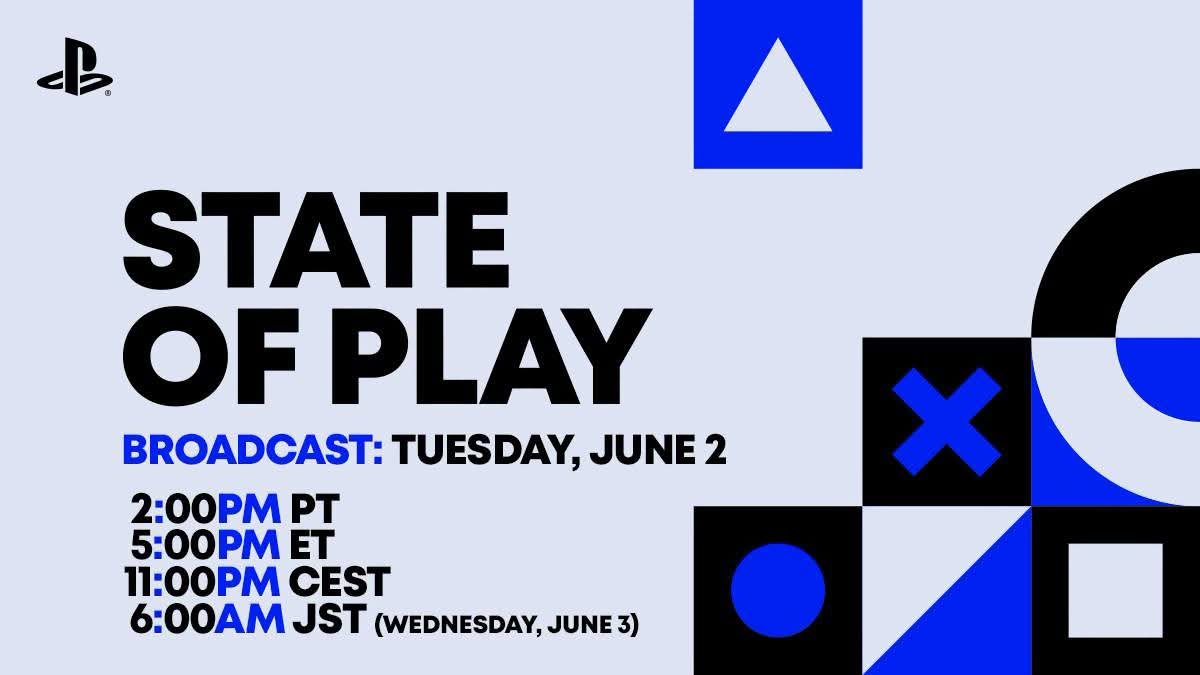
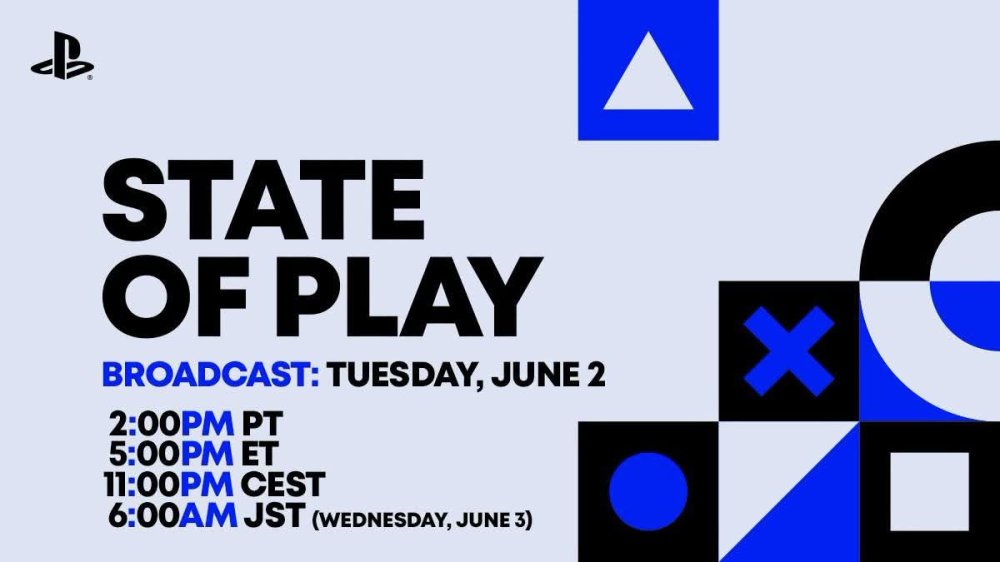
 Pokaz potrwa ponad godzinę. Nie zabraknie w nim informacji i aktualizacji dotyczących nadchodzących gier, a także rozszerzonej prezentacji gry Marvel's Wolverine.
 Pierwsza księga jest bardzo dobra, ale inspiracja „The Last of Us” jest wręcz uderzająca. Jak skończysz, daj znać, jakie masz odczucia. Nadmienię, że druga księga jest jeszcze lepsza — bardziej drapieżna. Zakładam z dużą dozą prawdopodobieństwa, że kupisz, podobnie jak ja, całą trylogię. Czyta się to bardzo dobrze i szybko, a historia jest ciekawa, krwawa i potrafi dowalić mocnymi momentami.Drugi dodatek ukończony — dobra rzecz. Niemniej to dopiero wstęp do prawdziwej zabawy. Dwie nowe klasy, w tym powrót legendarnego Paladyna, zmiany systemowe i Kostka Horadrimów — to jest to. Spędziłem ze Świętym Rycerzem Zakonu Zakarum już kilkadziesiąt godzin, dobijając do Udręki XI i zdobywając wszystkie mityczne unikaty. Kawał kapitalnej zabawy. Bawiłem się jak nigdy, a DualSense nieraz rozładował się podczas sesji. Spójrzcie tylko na ten bonus do Błogosławionego Młota. A tutaj nowy mityczny oręż. Niezwykle potężny, ale też bardzo rzadki — nie da się go stworzyć z iskry i run. Takie Szako wśród broni. Kawał mieczyska. Pograłem też Czarnoksiężnikiem. Świetna, niezwykle widowiskowa i mocna klasa. Sezon XIII oceniam bardzo pozytywnie. Dobra robota, Blizzard.Demo mnie przekonało. Pogram kilka godzin i postaram się coś skrobnąć.Zwieńczenie trylogii trafiło już w moje ręce. Zasadniczo to z mnożnikiem x 3.
Account
Navigation
Szukaj
Configure browser push notifications
Chrome (Android)
- Tap the lock icon next to the address bar.
- Tap Permissions → Notifications.
- Adjust your preference.
Chrome (Desktop)
- Click the padlock icon in the address bar.
- Select Site settings.
- Find Notifications and adjust your preference.
Safari (iOS 16.4+)
- Ensure the site is installed via Add to Home Screen.
- Open Settings App → Notifications.
- Find your app name and adjust your preference.
Safari (macOS)
- Go to Safari → Preferences.
- Click the Websites tab.
- Select Notifications in the sidebar.
- Find this website and adjust your preference.
Edge (Android)
- Tap the lock icon next to the address bar.
- Tap Permissions.
- Find Notifications and adjust your preference.
Edge (Desktop)
- Click the padlock icon in the address bar.
- Click Permissions for this site.
- Find Notifications and adjust your preference.
Firefox (Android)
- Go to Settings → Site permissions.
- Tap Notifications.
- Find this site in the list and adjust your preference.
Firefox (Desktop)
- Open Firefox Settings.
- Search for Notifications.
- Find this site in the list and adjust your preference.